A Scalable Solution For All Project Teams
A configurable app with dedicated support, proven methodology, and advisory for high adoption and success.
Trusted by industry leaders
Brightwork 365
BrightWork 365 is a flexible, complete project portfolio management solution for today’s project teams.
BrightWork 365 brings the best of the Microsoft 365 ecosystem together in a single collaboration hub for project teams while providing immediate visibility and insights to senior executives.

Manage Projects
Streamline project processes and increase collaboration.
Plan and Standardize
-
Initiate projects with ease using built-in BrightWork 365 templates and familiar Microsoft apps that support varying levels of complexities and processes.
-
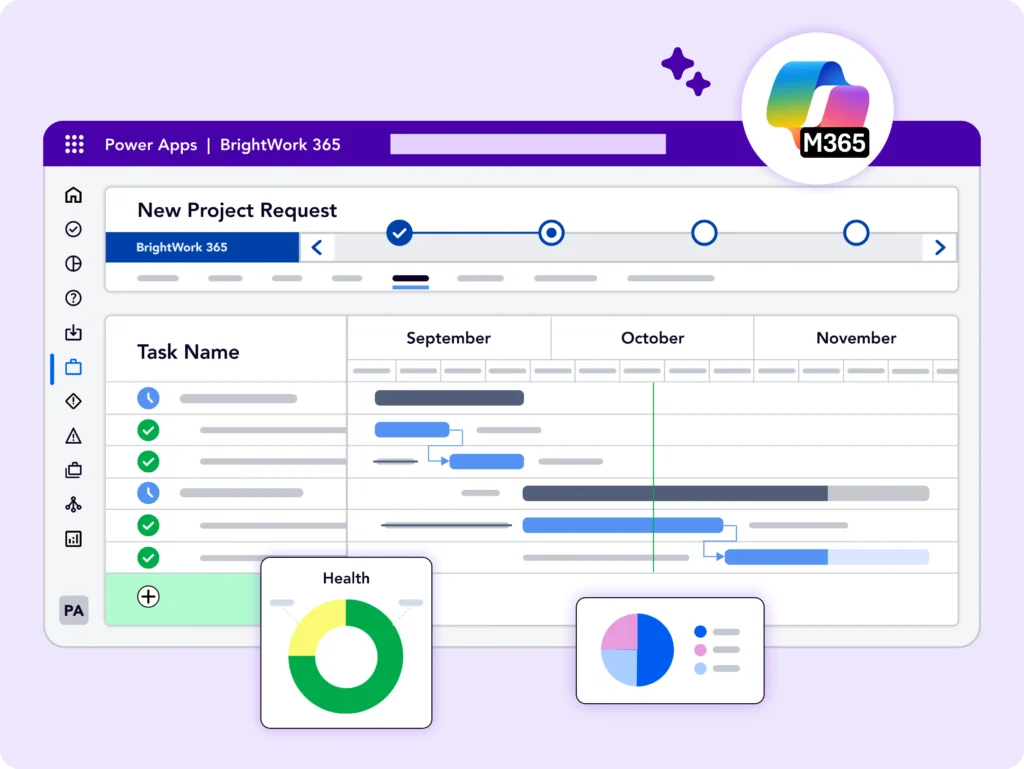
Plan project tasks and schedule the timelines with an adaptive interface and an interactive Gantt chart.
-
Set up Power Automate-driven built-in workflows to automate key tasks. See Microsoft 365 integrations for project management.
Collaborate Seamlessly
-
Connect with your team, wherever and whenever they work.
-
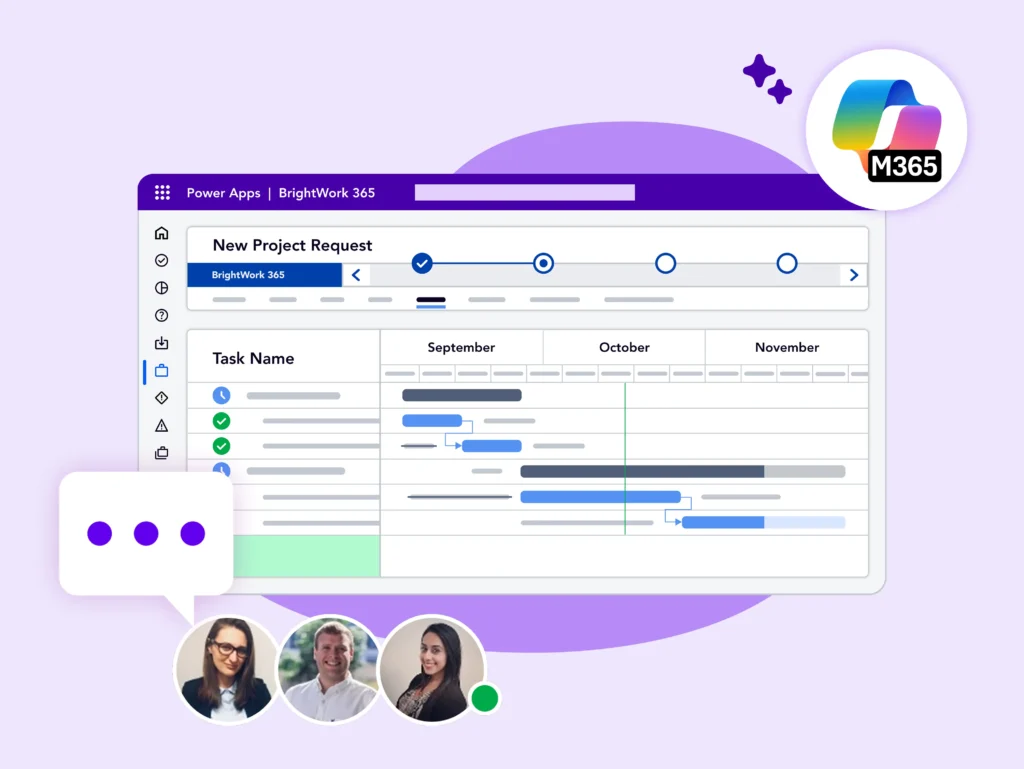
Find, do, and update ‘My Work’ in one place. Leverage collaborative features in Microsoft Teams to move work forward quickly.
-
Set up project specific teams with emails, phone calls, appointments.
-
Work on project documents and deliverables together using SharePoint Online. Leverage your Microsoft 365 Platform for better collaboration.
Track Progress
-
Track progress and update information on your projects using key reports, including Power BI and Power Apps.
-
Adjust or re-plan the project based on progress.
-
Create and share interactive reports and make data-backed recommendations to stakeholders.
-
Track your project’s progress with Microsoft 365.
Get BrightWork 365 Free
Free project tracker for all skill levels – Add unlimited projects and users.
Control Programs & Portfolios
Get immediate visibility and control for timely and predictable outcomes.
Approve Requests
-
Capture, review, and approve new project requests from anyone in your organization, using pre-built configurable templates.
-
Keep the approval process moving with automated notifications.
-
‘Create’ project sites based on approved requests with built-in templates.
-
Streamline your project selection and approval process.
Drill into Details
-
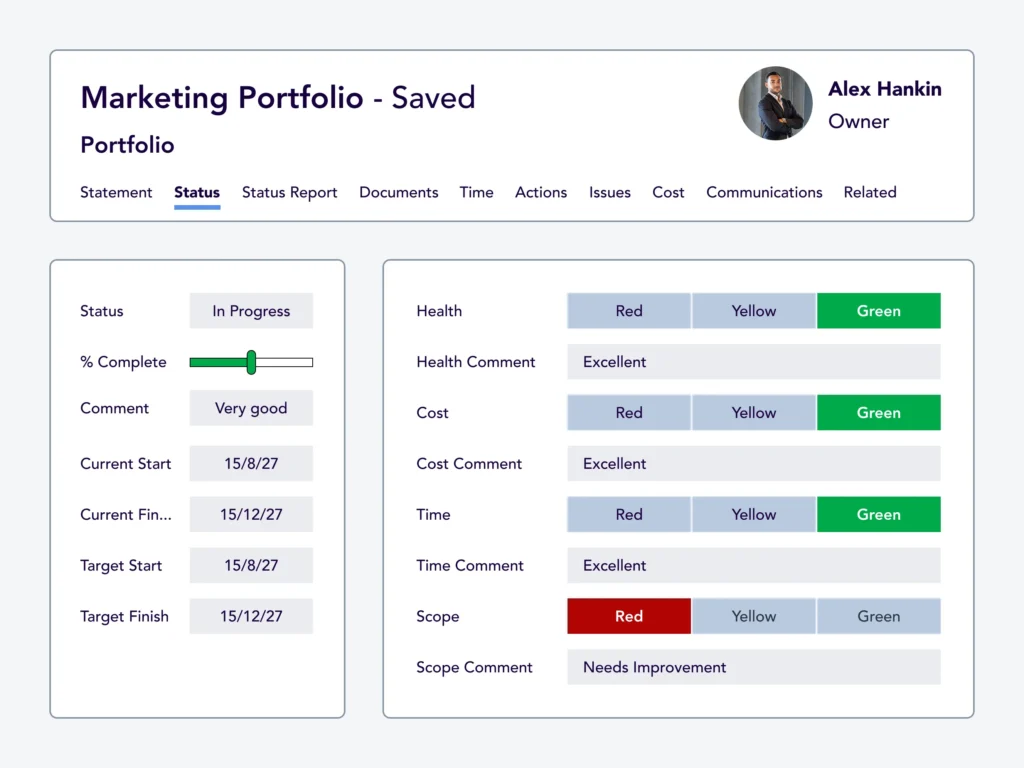
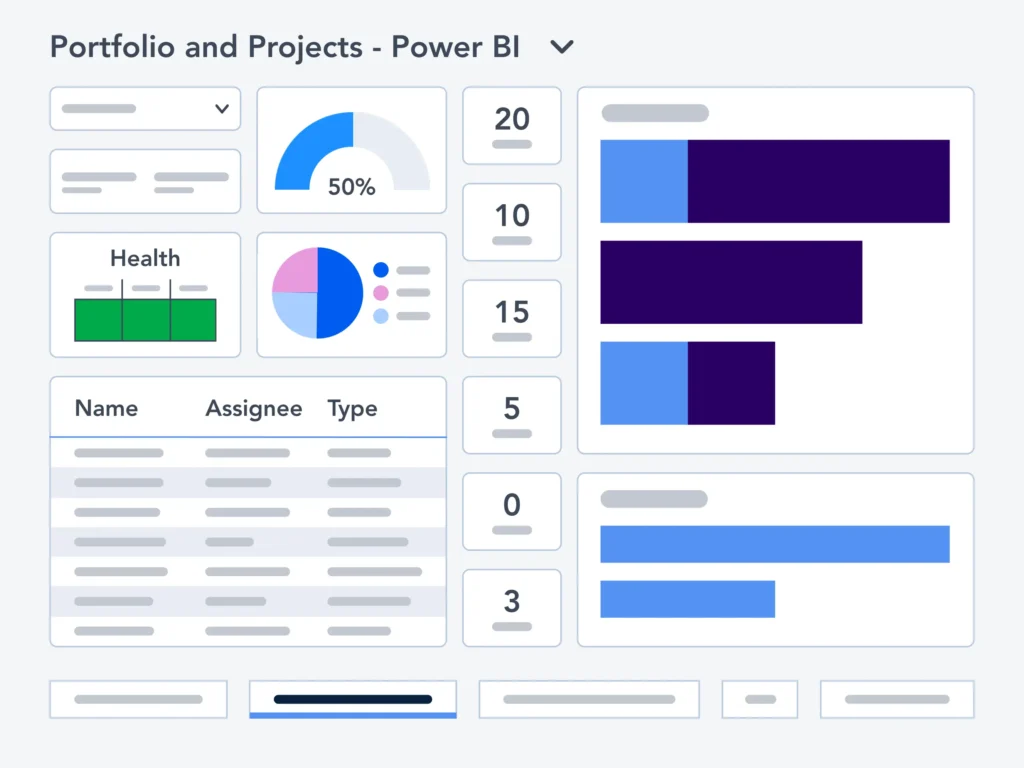
Get immediate visibility and control across projects, programs, and portfolios using Power BI and Power Apps dashboards with real-time reports.
-
Drill down into the details by tracking key performance indicators for Status, Health, Issues, and Risks to make timely decisions.
-
Approve and assign budgets and track individual cost items and vendor information in Costs and Budget.
-
Access data-backed insights with Power BI & Power Apps.
-
Use configurable best-practice portfolio management templates.
Optimize Resources
-
Apply best-practice and local, flexible resource utilization calculation rules.
-
Report across all task assignments and quickly assess levels of resource utilization (whether a resource is under or over-allocated with project tasks).
-
Adjust to balance workloads as often as necessary.
-
View all tasks and allocated resources in one place.
Improve PPM
Evolve your project management processes and practices.
Start Quickly
-
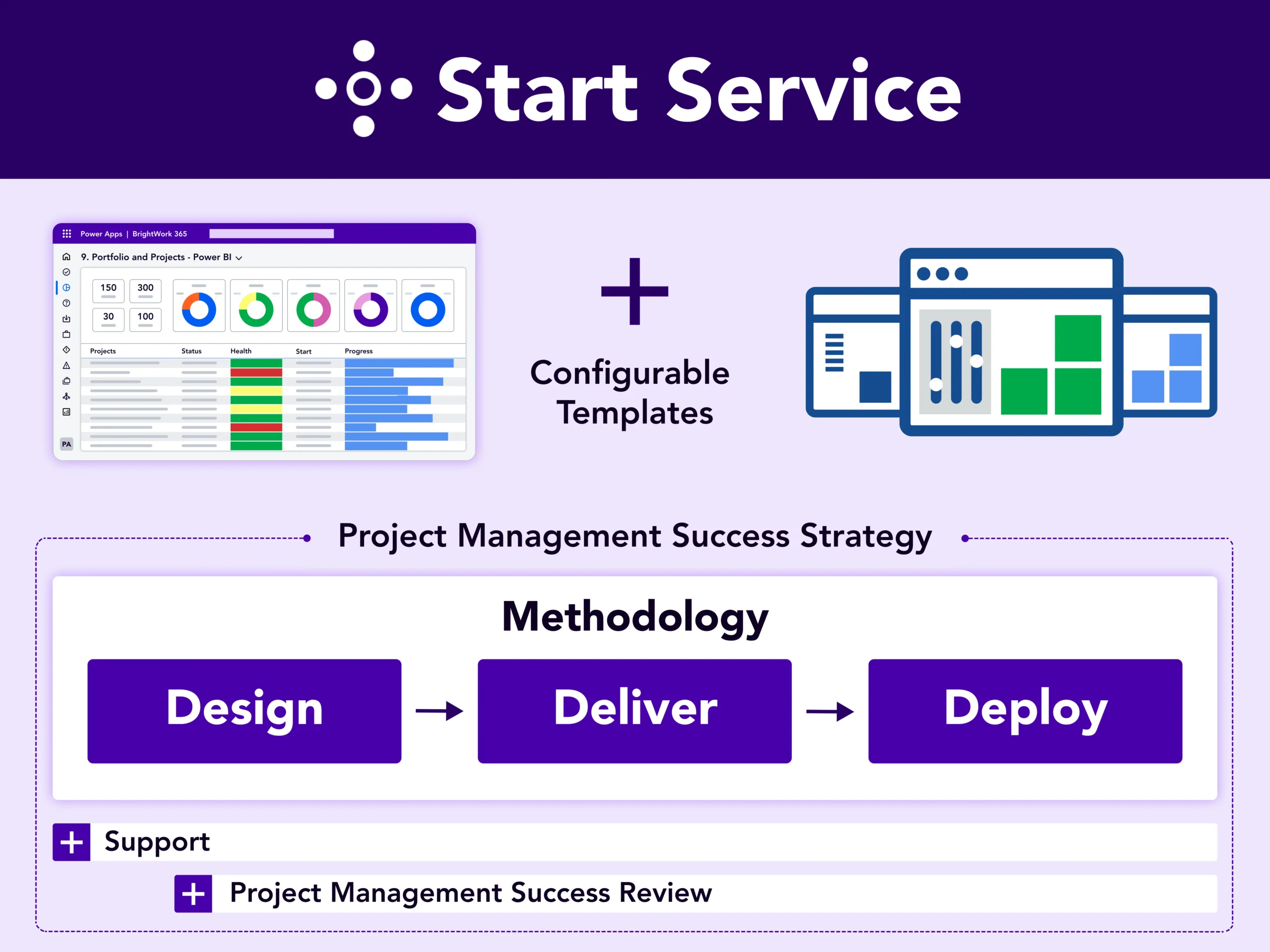
Accelerate BrightWork 365 deployment with our Start Service and dedicated Customer Success Partner.
-
Create a practical Project Management Success Strategy with our proven Start-Evolve approach.
-
Apply templates, dashboards, and workflows integrated with Microsoft 365.
-
Customize templates, dashboards, and workflows to match your processes.

Review Periodically
-
Resolve queries and ensure the smooth running of your solution with our Support Service and Knowledge base.
-
Conduct a collaborative Project Management Success Review of your solution with your dedicated Customer Success Partner guided by your Project Management Success Strategy.
-
Agree upon updates in your Project Management Success Strategy including the Evolve Plan during the review.
-
Improve Organizational Project Management.
Improve Continually
-
Mature project management processes at a pace that suits your organization.
-
Evolve your project management strategy to align with your overall strategic goals.
-
Enhance your project management practices to empower your project teams.
-
Continuously improve your BrightWork 365 solution to leverage the Microsoft 365 platform.
Leverage Microsoft 365
Make the most of your familiar Microsoft 365 platform and apps.
Microsoft 365 Apps
-
Deploy standardized project portfolio management processes with Power Apps and manage workflows with Power Automate Flows.
-
Share project, program, and portfolio reports and status with Power BI and Power Apps dashboards.
-
Collaborate with project members on Teams and manage project documents and files with SharePoint Online – using one tool.
-
See Microsoft 365 integrations for project management.

Data Security
-
Rely on the highest standards of data governance, trust, and control to leverage the collaborative apps and tools in Microsoft 365.
-
Manage permissions in your Microsoft 365 admin center or Azure Active Directory and Groups with ease.
-
Secure your apps and data with authentication and identity protection without compromising on the ease of access to project information at any time, in any location, and on any device.
-
Leverage your Microsoft 365 Platform for secure collaboration.
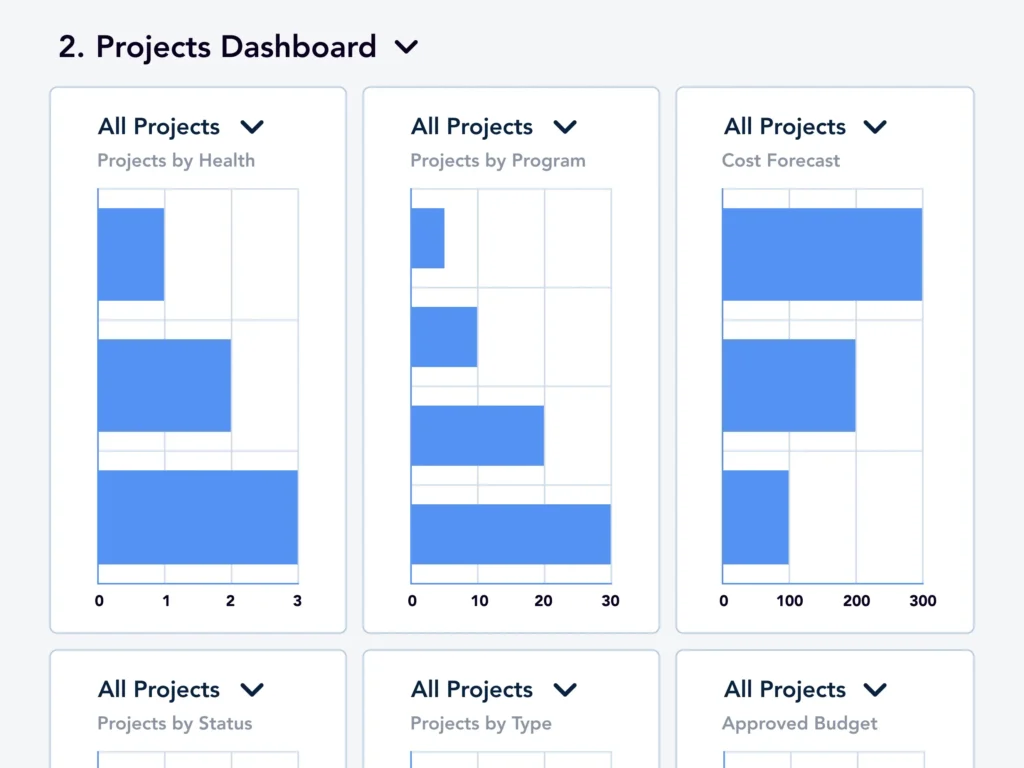
Configure & Customize
-
Deploy BrightWork 365 as a managed solution quickly and securely, in your Microsoft 365 environment.
-
Enable business and functional users to easily configure and evolve project portfolio management using supported and familiar Microsoft 365 Apps.
-
Extend and/or mature project portfolio management with more advanced customizations and integrations to the other line of business apps, using the flexibility of the Power Platform and continuous assistance from BrightWork.
-
Configure, customize, and extend with Microsoft 365.
Configure Microsoft 365 Templates
BrightWork 365: Streamline projects, portfolios, and PPM with Microsoft 365.
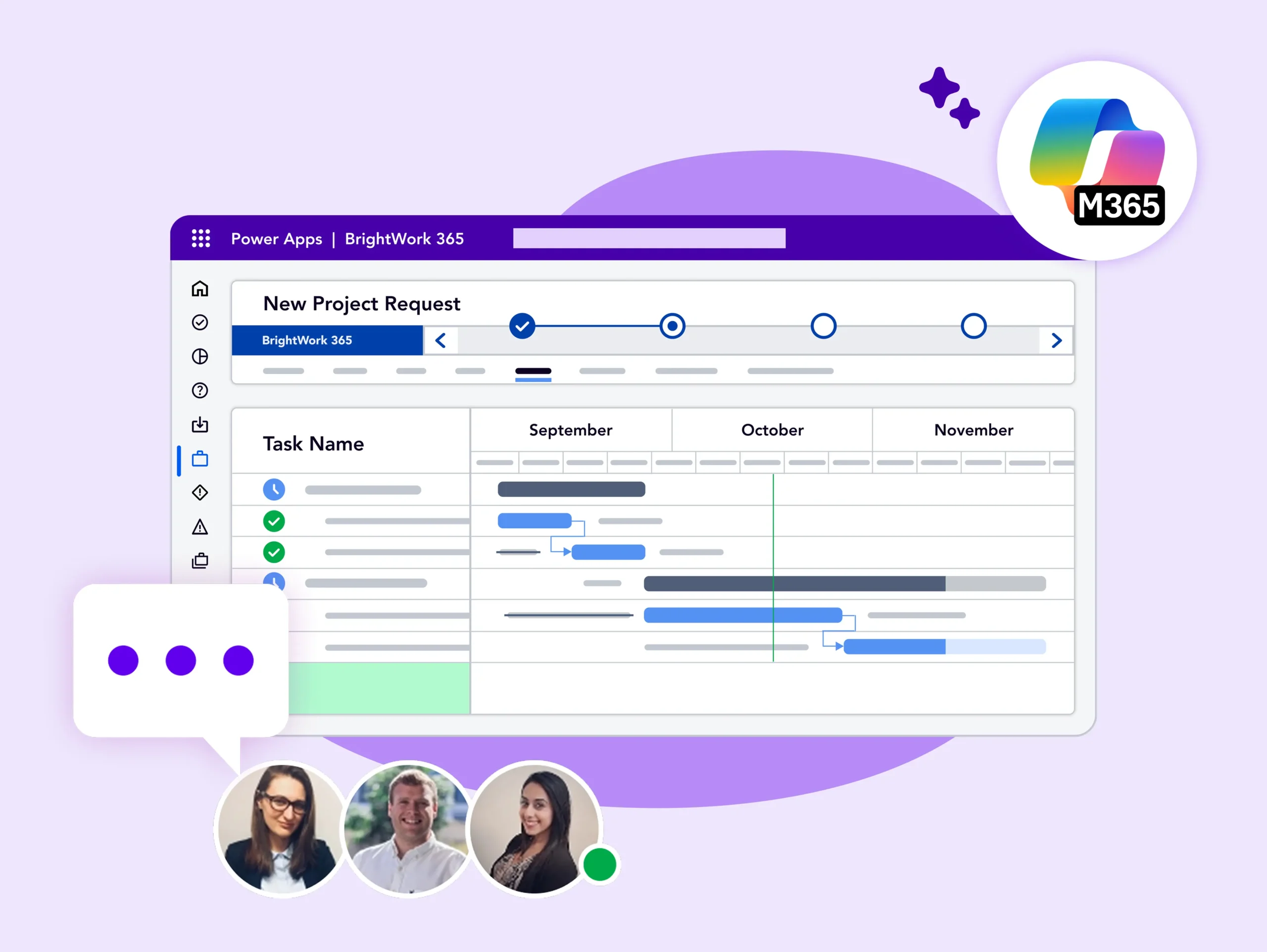
BrightWork Deployment Approach
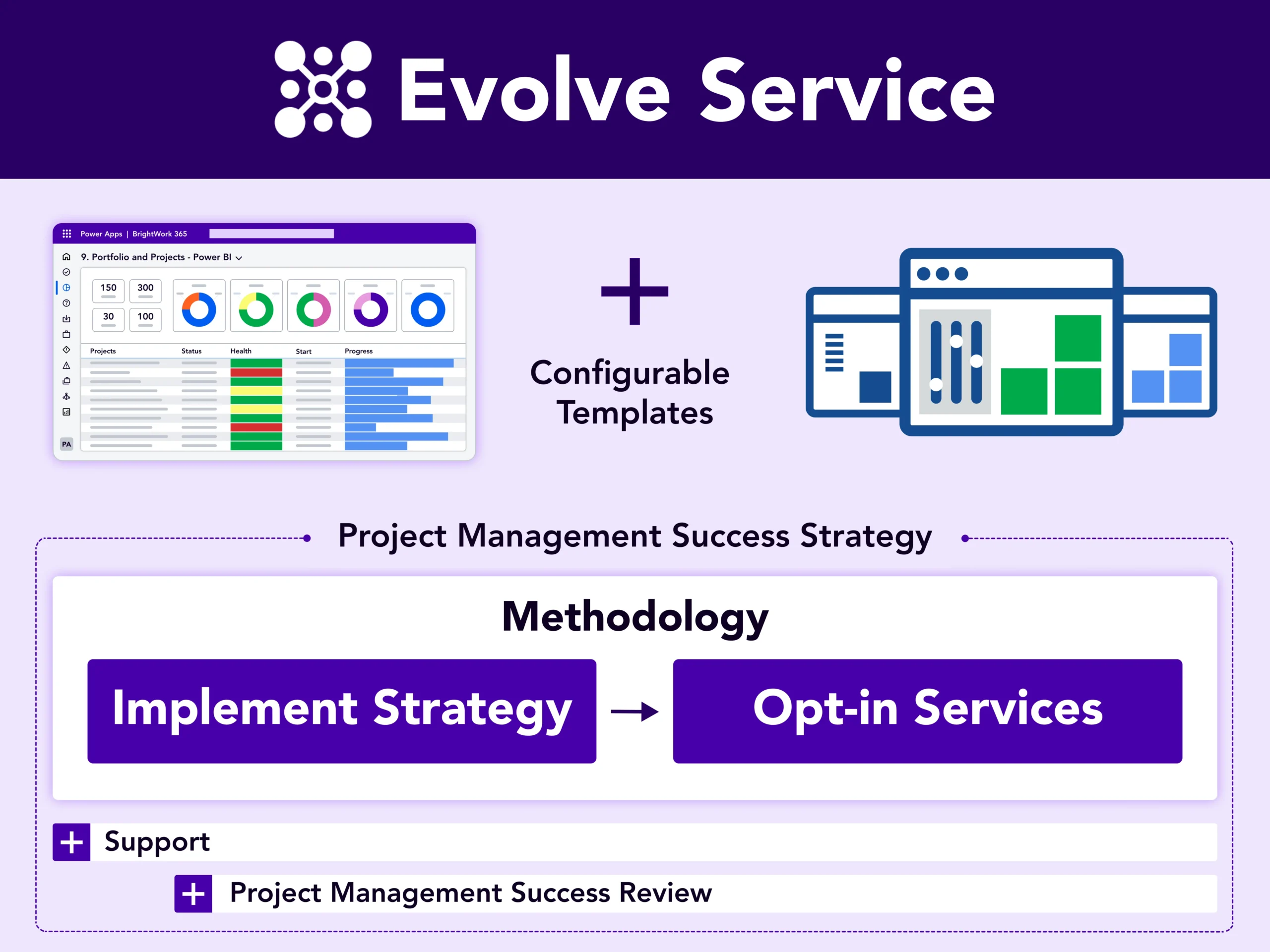
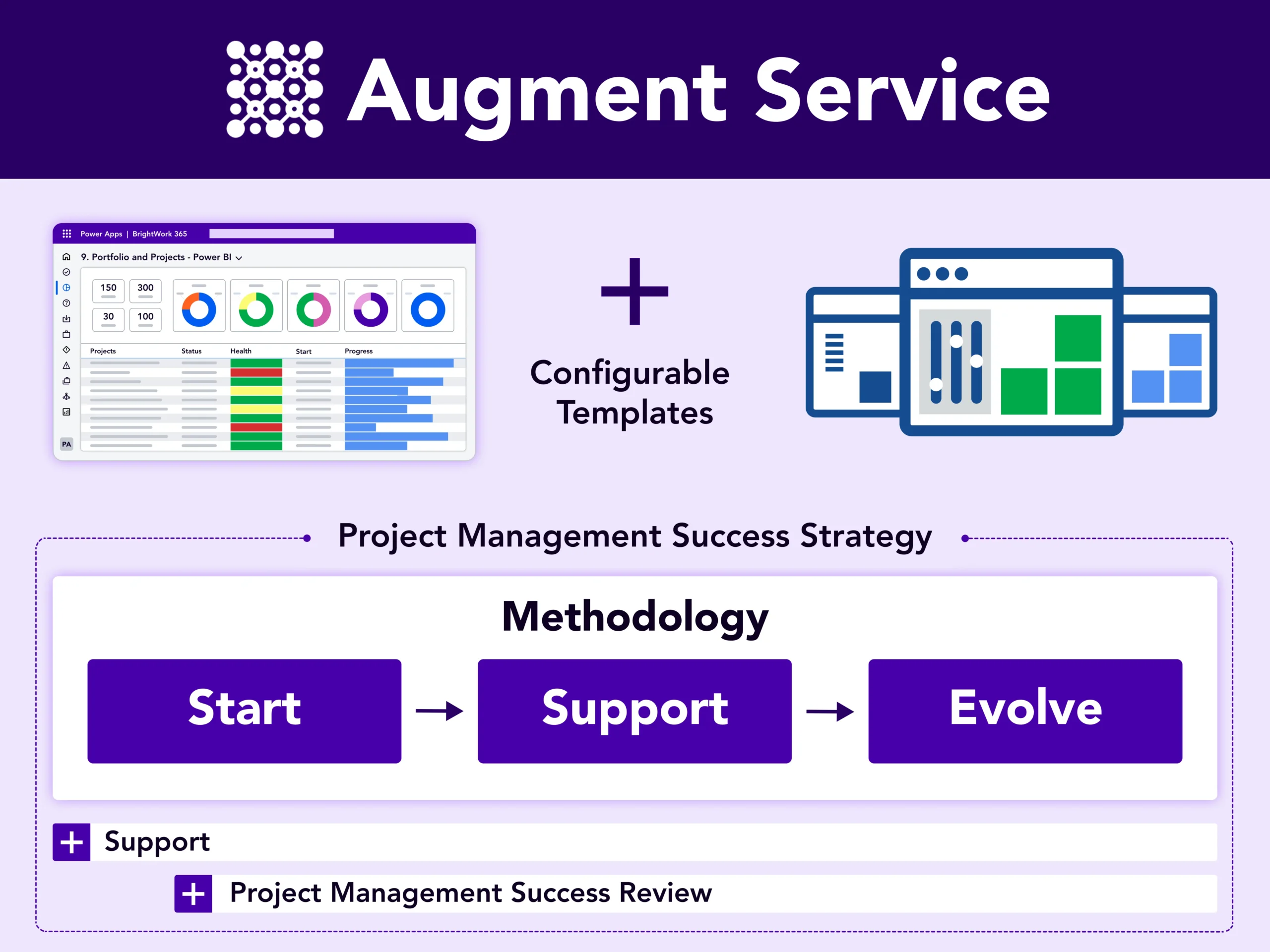
Leverage our proven approach Start-Evolve to design your project management journey.
Start
evolve
Keep evolving
BrightWork 365 Services
Our services are tailored to suit your project management needs.
Customer Success Stories

Configurable and custom templates ensure consistent project planning and delivery.”


The familiar interface as well as utilization of SharePoint Online and Microsoft Teams enabled us for quicker adoption.”


Our PMO has the saying – Simplicity & Transparency – BrightWork365 gave us the tools to do that.


Brightwork allowed us to provide visibility into the individual projects and to save the key deliverables where all can see.’’



BrightWork 365 Dedicated Support
Your dedicated Customer Success Partner will accompany you all the way. As part of your BrightWork 365 subscription, you get access to a responsive Support Team.
They are always on hand to answer your questions, resolve issues, direct you to relevant training resources, and help ensure your BrightWork 365 environment is running smoothly.

Get BrightWork 365 Free
Free project tracker for all skill levels – Add unlimited projects and users.