Track Projects with BrightWork 365 Free
Easy Project Tracking for Microsoft 365 Teams – Add unlimited projects and users. Free Forever!
Trusted by industry leaders
What Is BrightWork 365 Free?
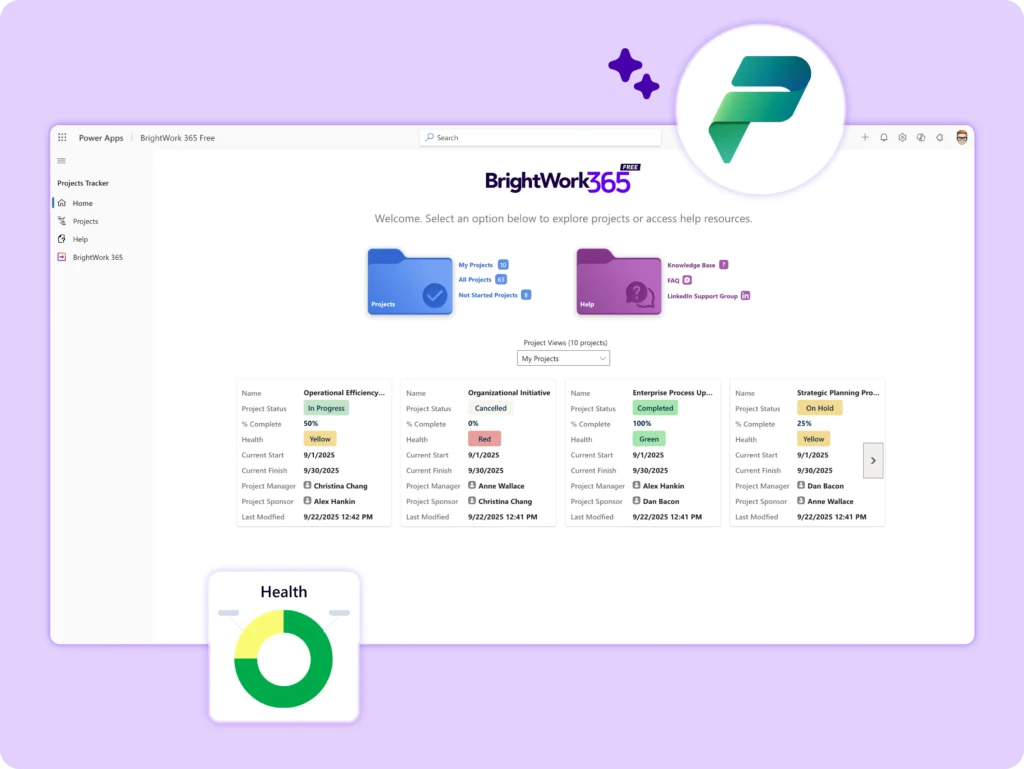
BrightWork 365 Free is a streamlined project tracking app built on Microsoft 365 and the Power Platform. Track unlimited projects with unlimited users, without the complexity of traditional project management tools.
It’s the fastest way to get started with project tracking in your Microsoft environment – free, simple, and ready to scale.
Who Is It For?
-
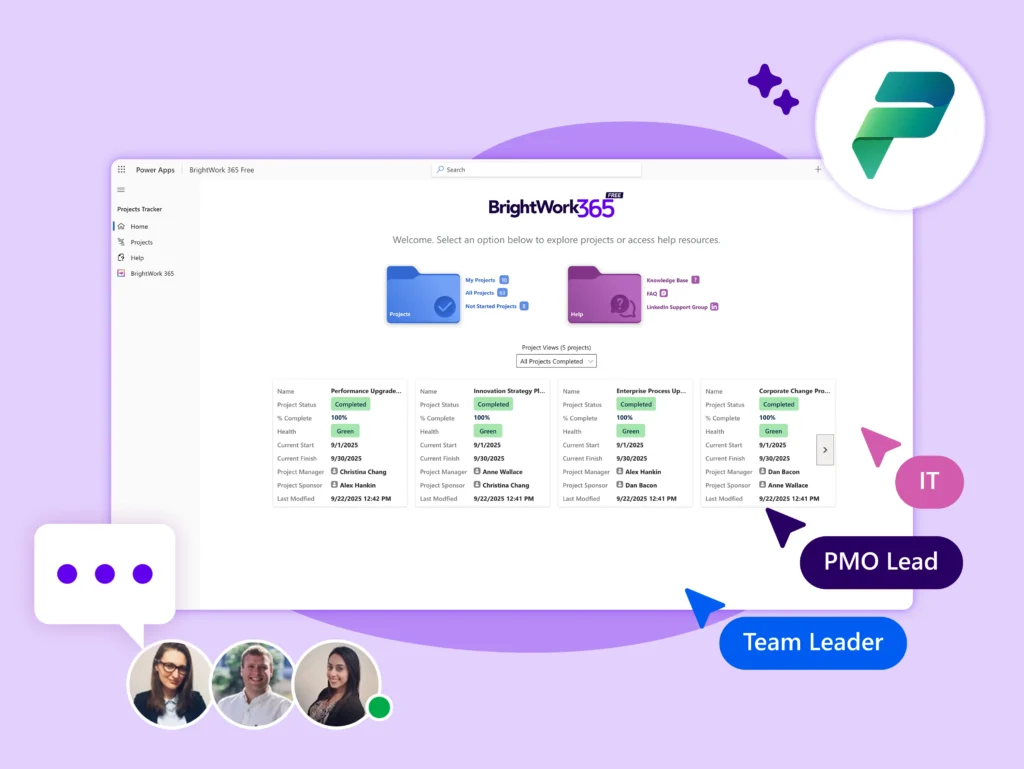
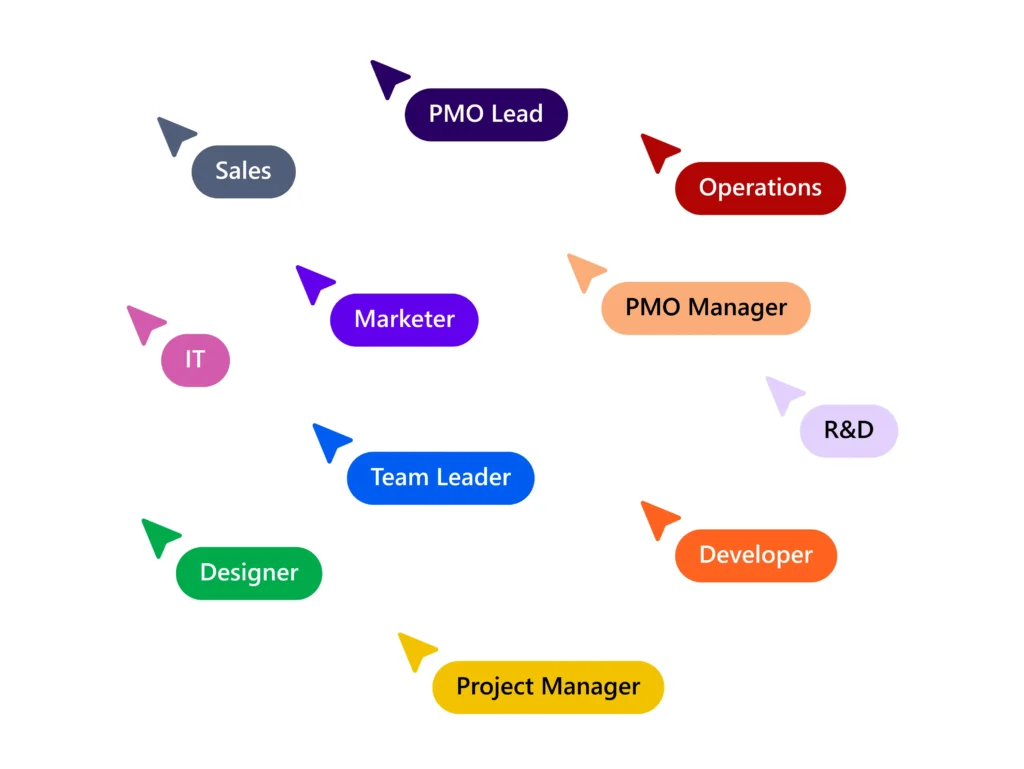
Project Managers & Teams – Start tracking projects quickly and securely, using Microsoft 365.
-
PMO Managers – Log project intent and status in one central place for better alignment and oversight.
-
PMO Leads / CTOs – Manage cross-functional, remote, and global projects, even with limited PM training.
-
Growing PMOs – Implement a free, intuitive tracker today with an easy path to scale tomorrow.
Why Choose It?
-
Get started in minutes – Install directly from Microsoft AppSource with just a few clicks.
-
Immediate visibility – Track progress, health, and key dates in a clean, unified interface.
-
Unlimited users & projects – Collaborate freely across teams and departments.
-
Free forever – No hidden costs, time limits, or extra licenses
-
Built for Microsoft 365 – Familiar tools, secure platform.
-
Ready to scale – Upgrade easily to the full BrightWork 365 solution when you need more advanced features.

Key Features
-
Home Page – Simplified navigation to all tracker areas.
-
Project Charter – Define project intent and key dates.
-
Completion Tracking – Monitor the percentage complete for each project.
-
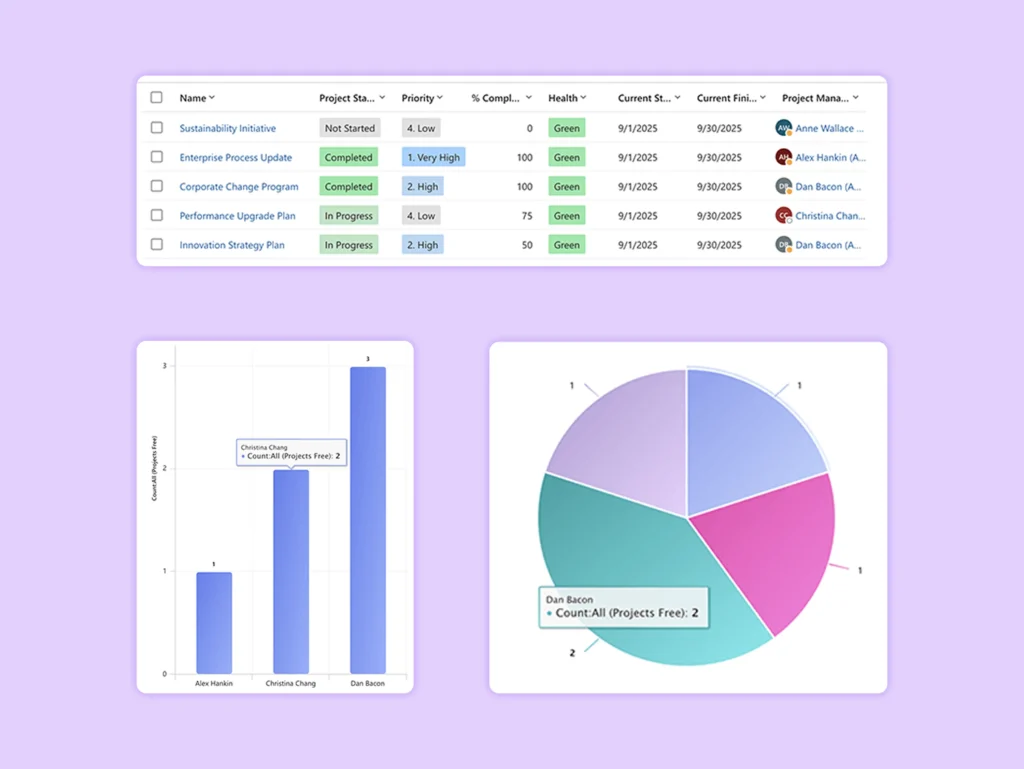
Project List View – Get a quick overview of all active and finished projects.
-
Project Status Tracking & Audit History – View start, end, and completion dates, with detailed logs of all changes.
-
Sample Projects – Preloaded examples to start quickly.
Upgrade to Full Solution
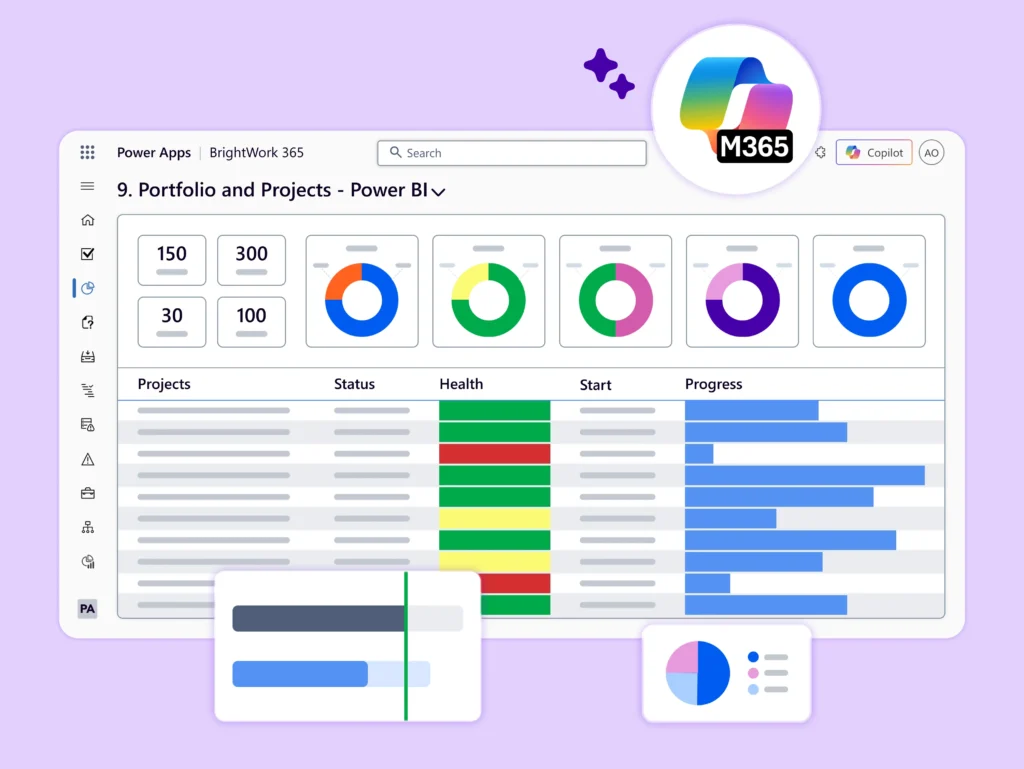
Start with easy project tracking and scale when needed. When you’re ready, unlock advanced features like: Resource planning, Portfolio dashboards, Risk and issue tracking, Program management, Microsoft Teams integration, and Custom project templates.
BrightWork 365 Free Support
Users will have access to:
-
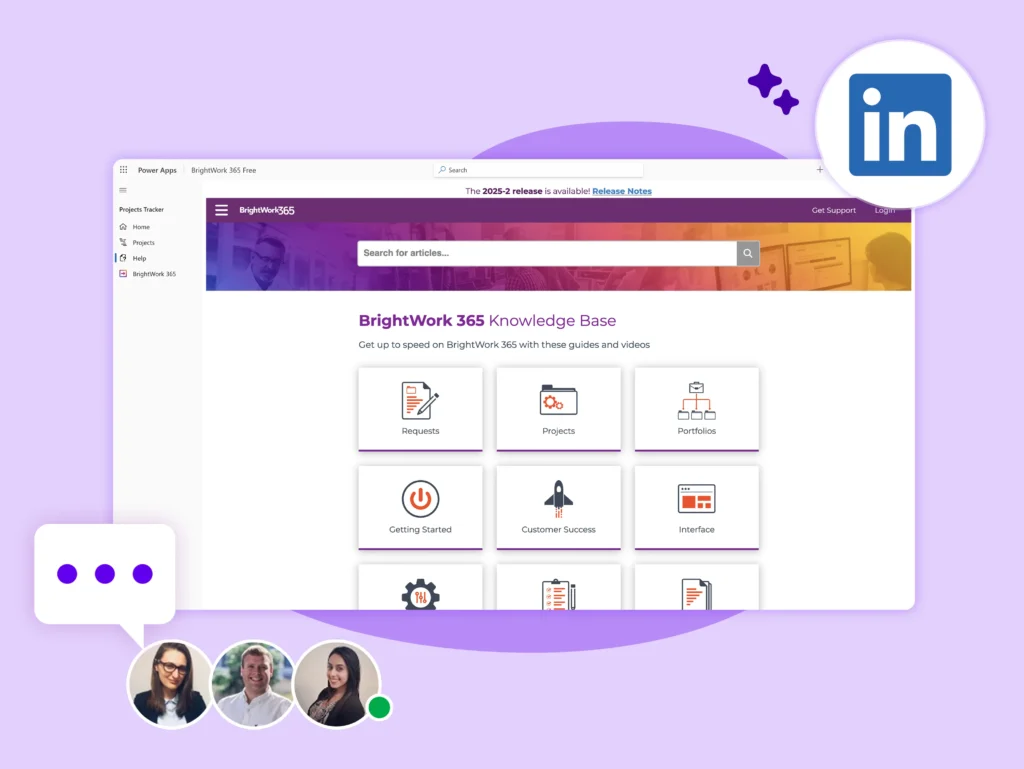
Knowledgebase – Step-by-step guides and walkthroughs.
-
A private LinkedIn Group – Connect with the user community and the BrightWork team.
Maximize BrightWork 365 Free
Get support, explore upgrades, or review the license in one place.
Get BrightWork 365 Free
Free project tracker for all skill levels – Add unlimited projects and users.