BrightWork 365 PMM Templates

Standardize processes with BrightWork 365 best-practice project templates in Microsoft 365.
Trusted by industry leaders

Manage, Track, & Report

Project Templates

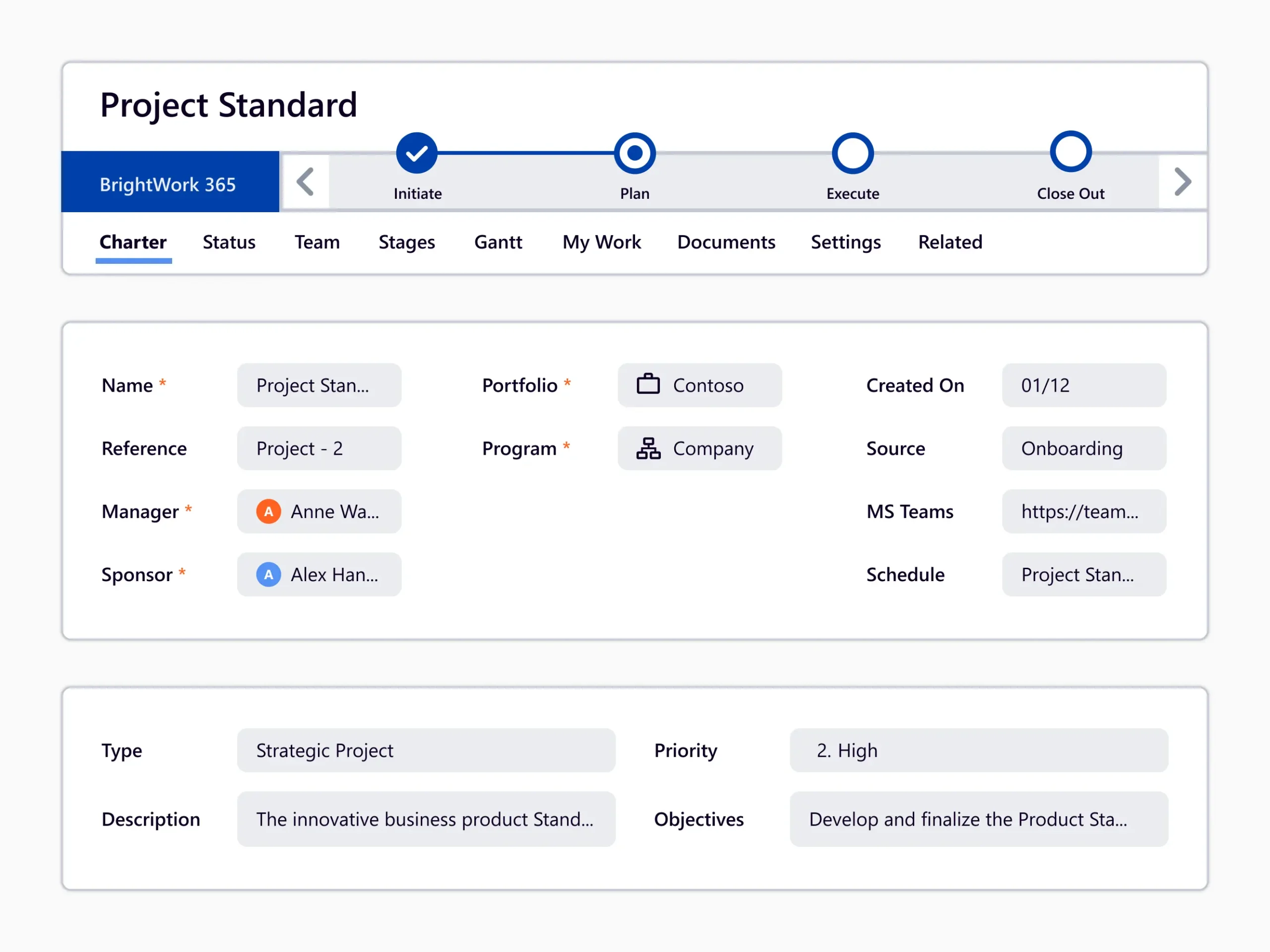
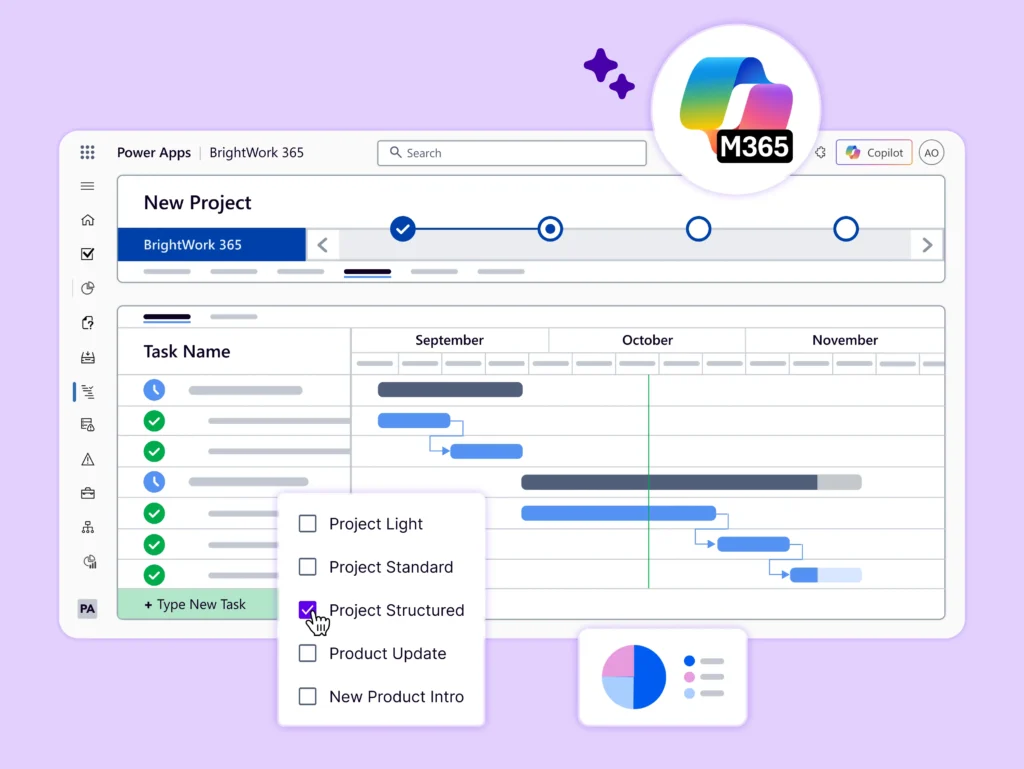
TraStart projects quickly with out-of-the-box BrightWork 365 templates.

Content Templates

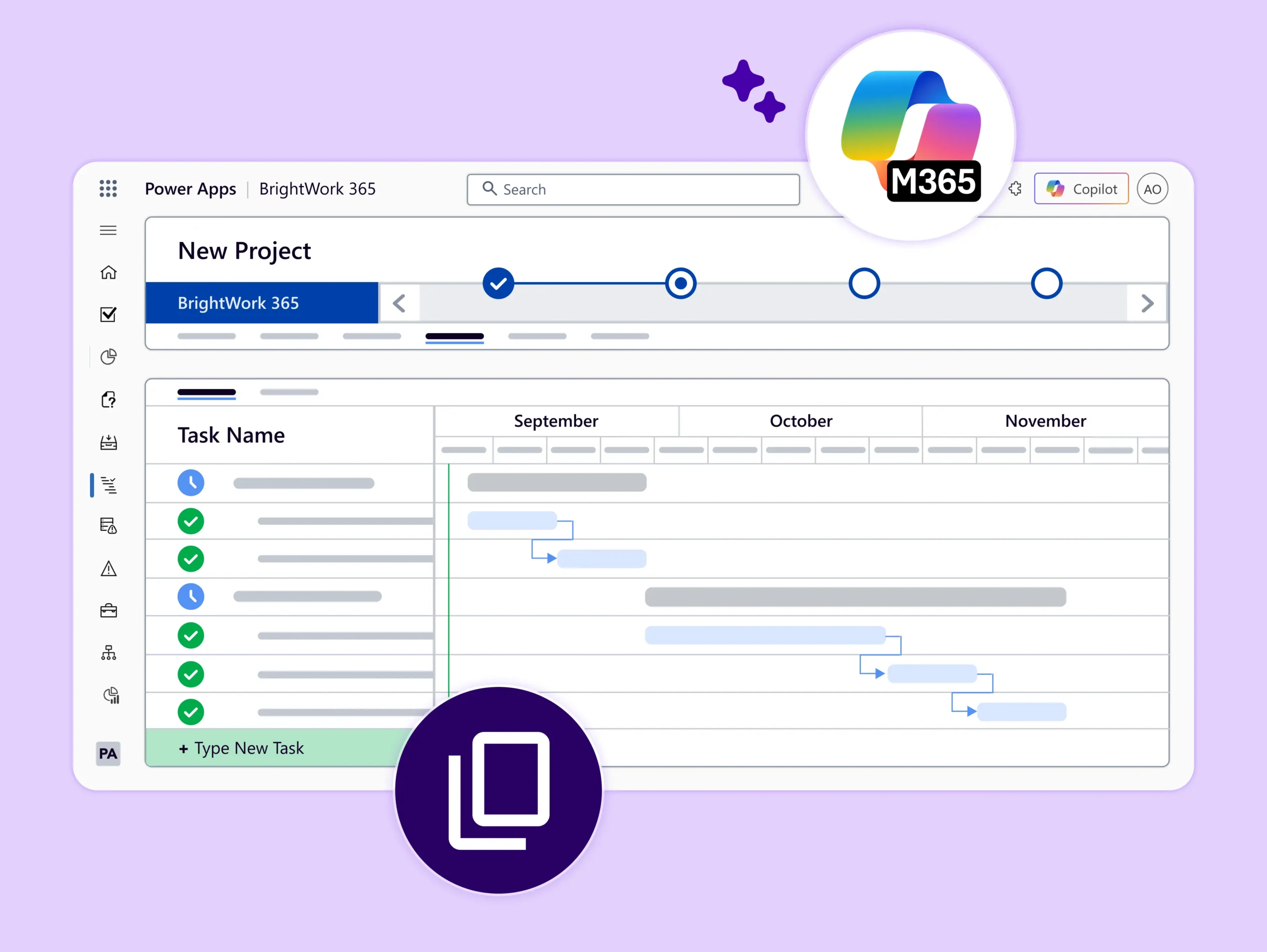
Copy over information from existing project to save time and effort.

Form Configurator

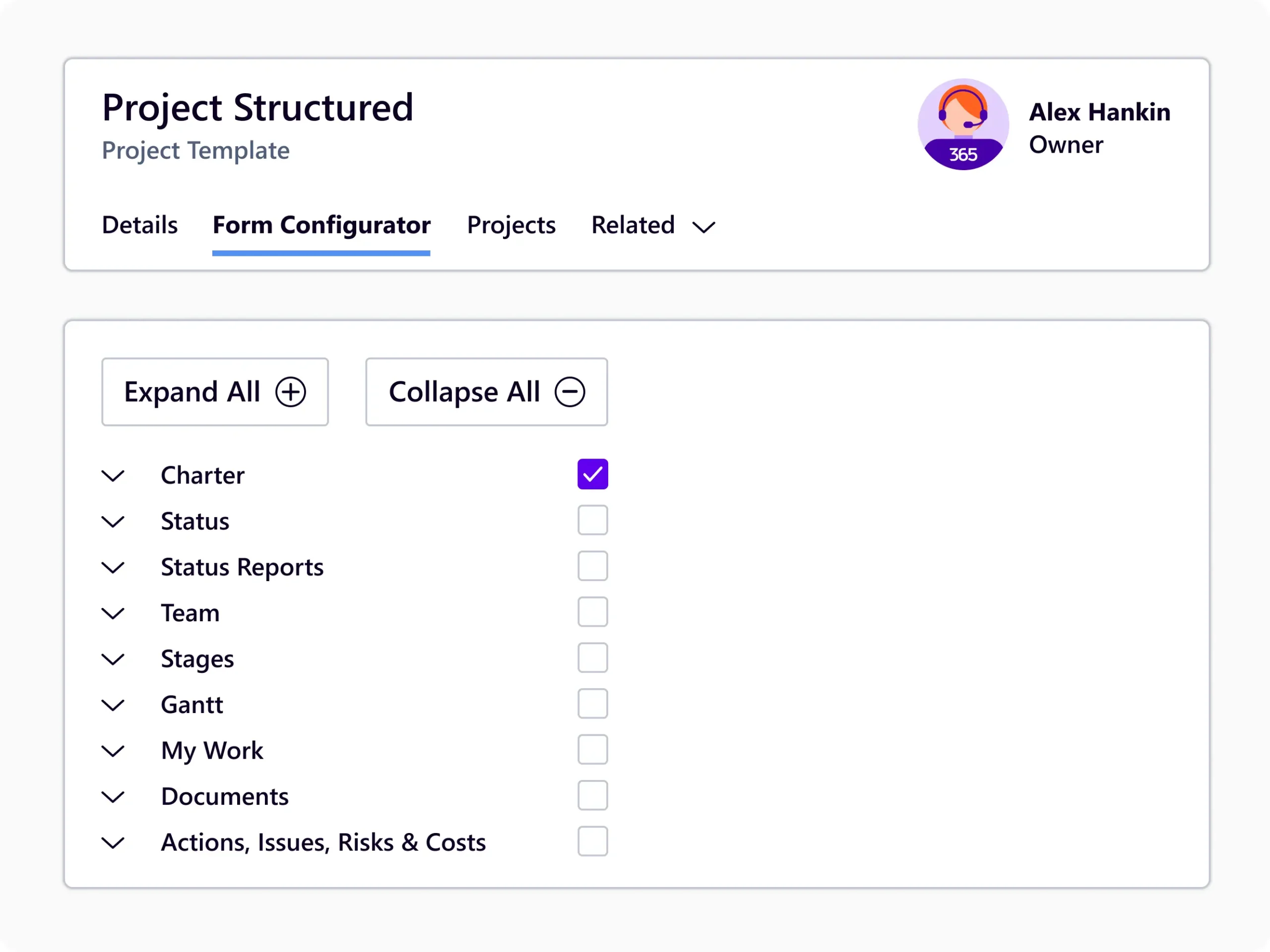
Customize your templates with simple point and click.

Project Management Templates

Out-of-the-box, configurable project management templates.

Choose from the five starter templates and configure them as your projects change or mature. BrightWork 365 templates bring the best of the Microsoft 365 ecosystem together, so you get full control over your project portfolio.
Content templates copy over key data from the original project, including information like Stages, Deliverables, Issues, and Risks. This way, you get a quick head start using the best-practice templates from other successful projects.
Customize your templates using form configurators to hide or show project Tabs, Sections, and Columns with point and click ease. Adjust the amount of process in projects to focus on the most relevant project elements.

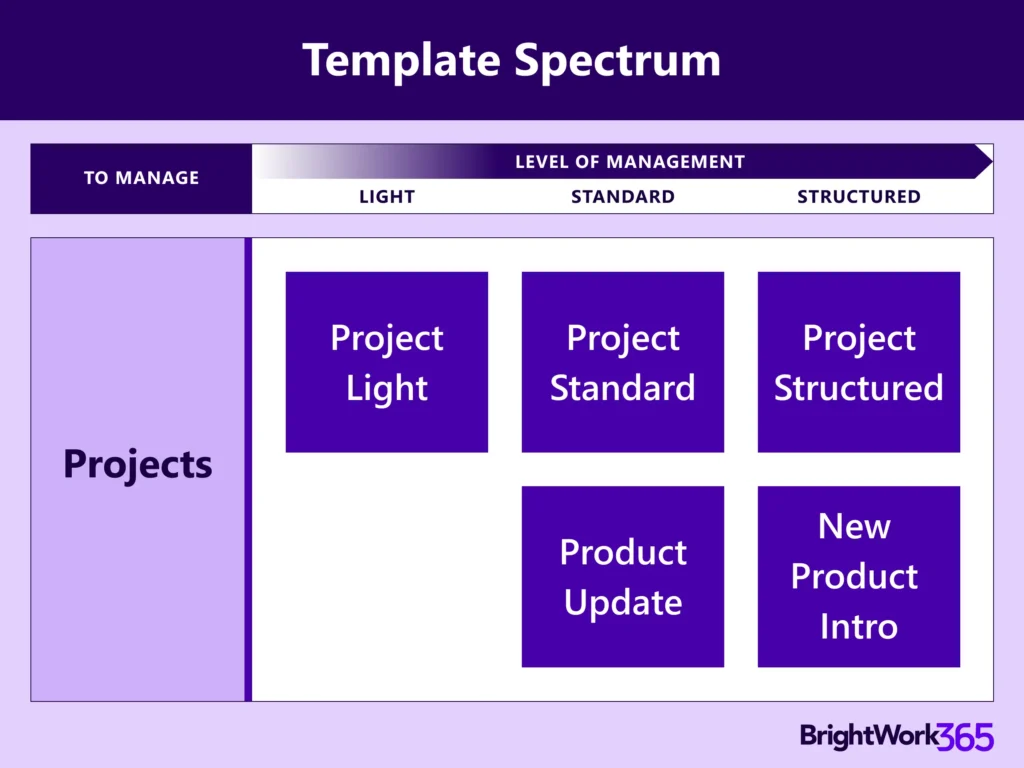
BrightWork 365 Template Spectrum

  • The BrightWork 365 Solution includes templates for projects, portfolios, day-to-day work management, and collaboration.

  • The templates support varying levels of project complexity and processes – from Light to Structured based our Start-Evolve Approach.
BrightWork 365 Starter Templates

Manage tasks, track progress, and increase collaboration, with one tool!
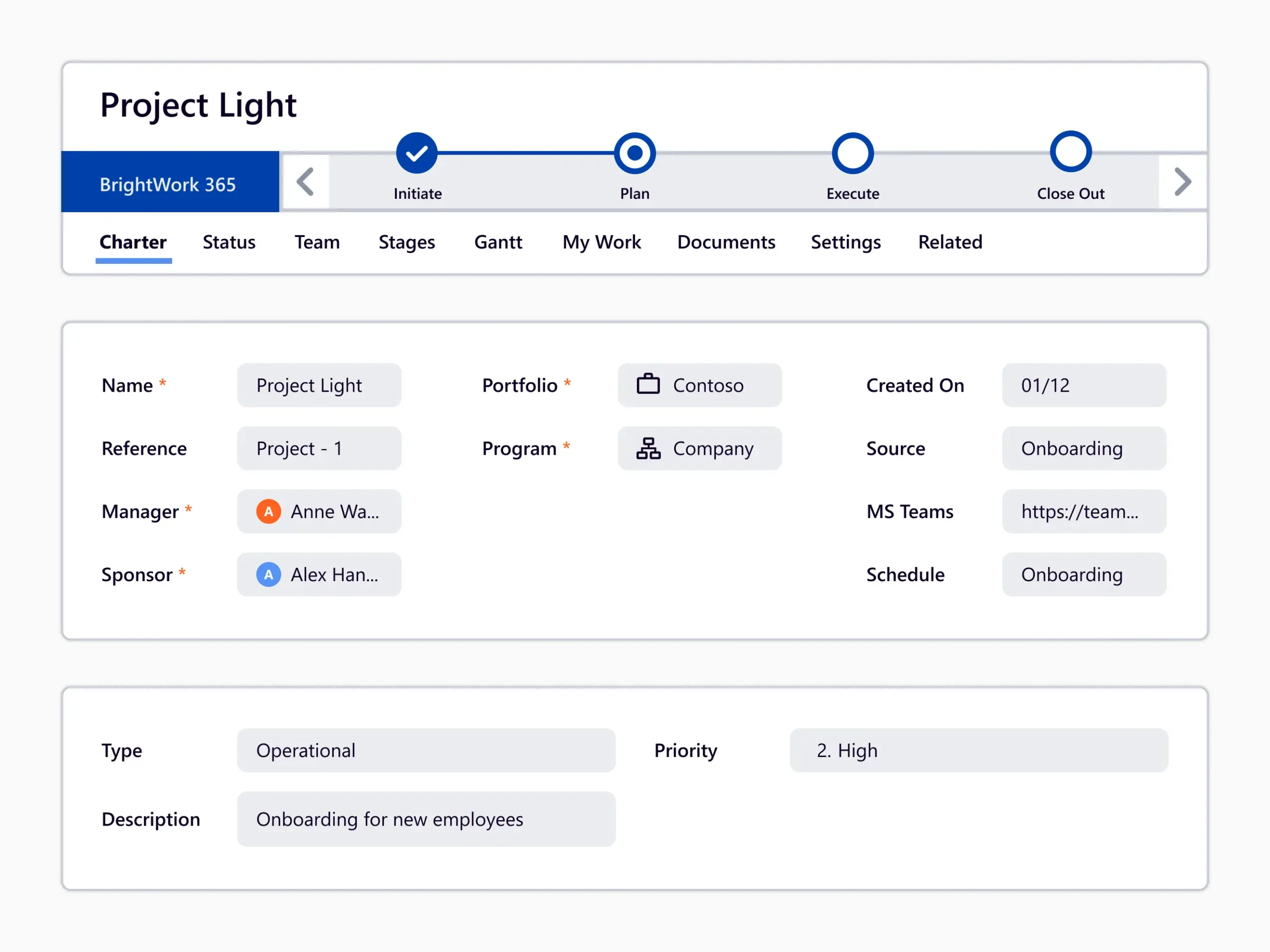
A starter template for managing projects that are at the low end of the complexity spectrum for projects that require small amounts of project management.
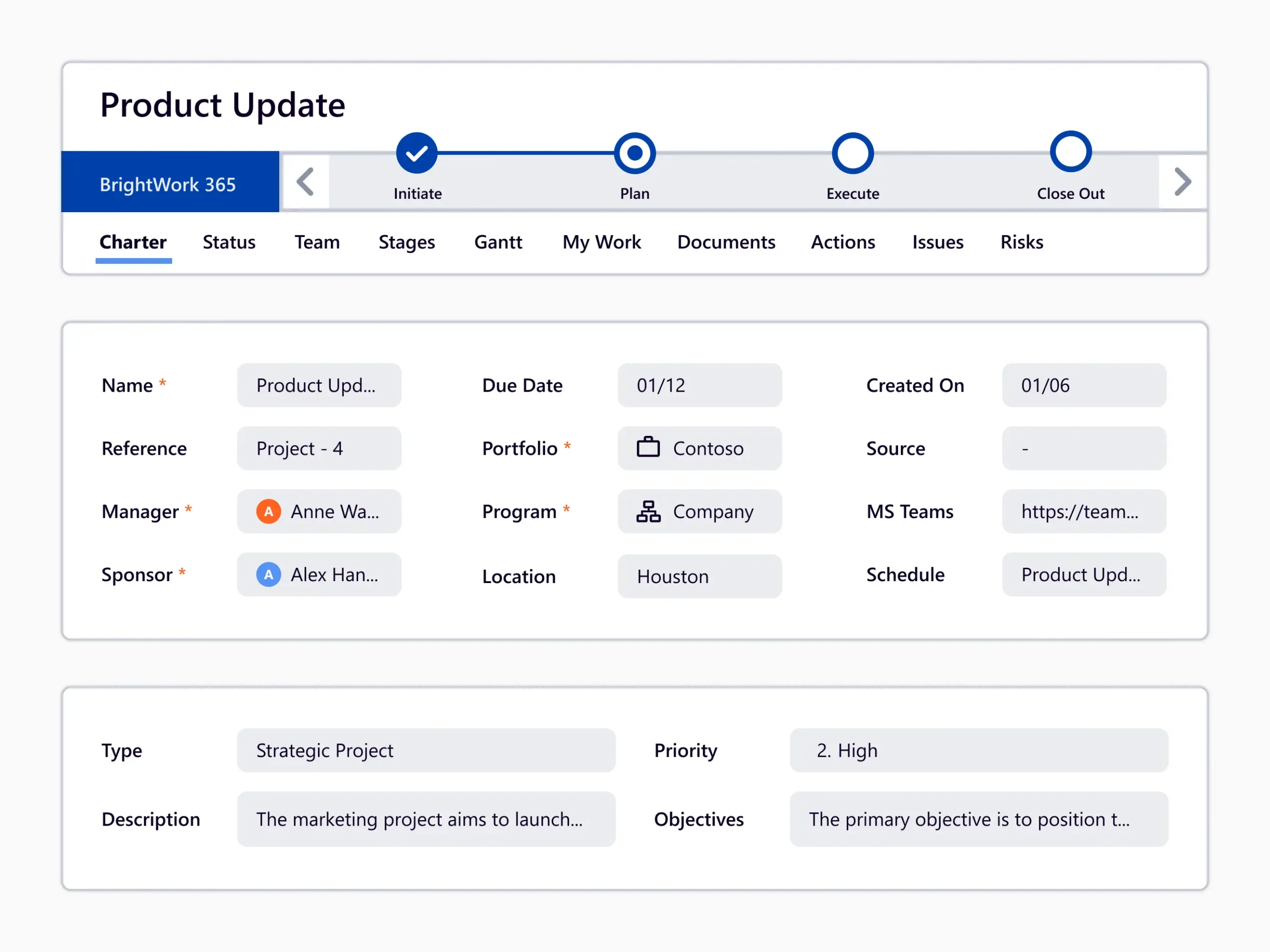
Placed in the middle of the complexity spectrum, this template provides a semi-structured process that is useful for a range of business departments to run their projects including sales, marketing, engineering, finance, etc.
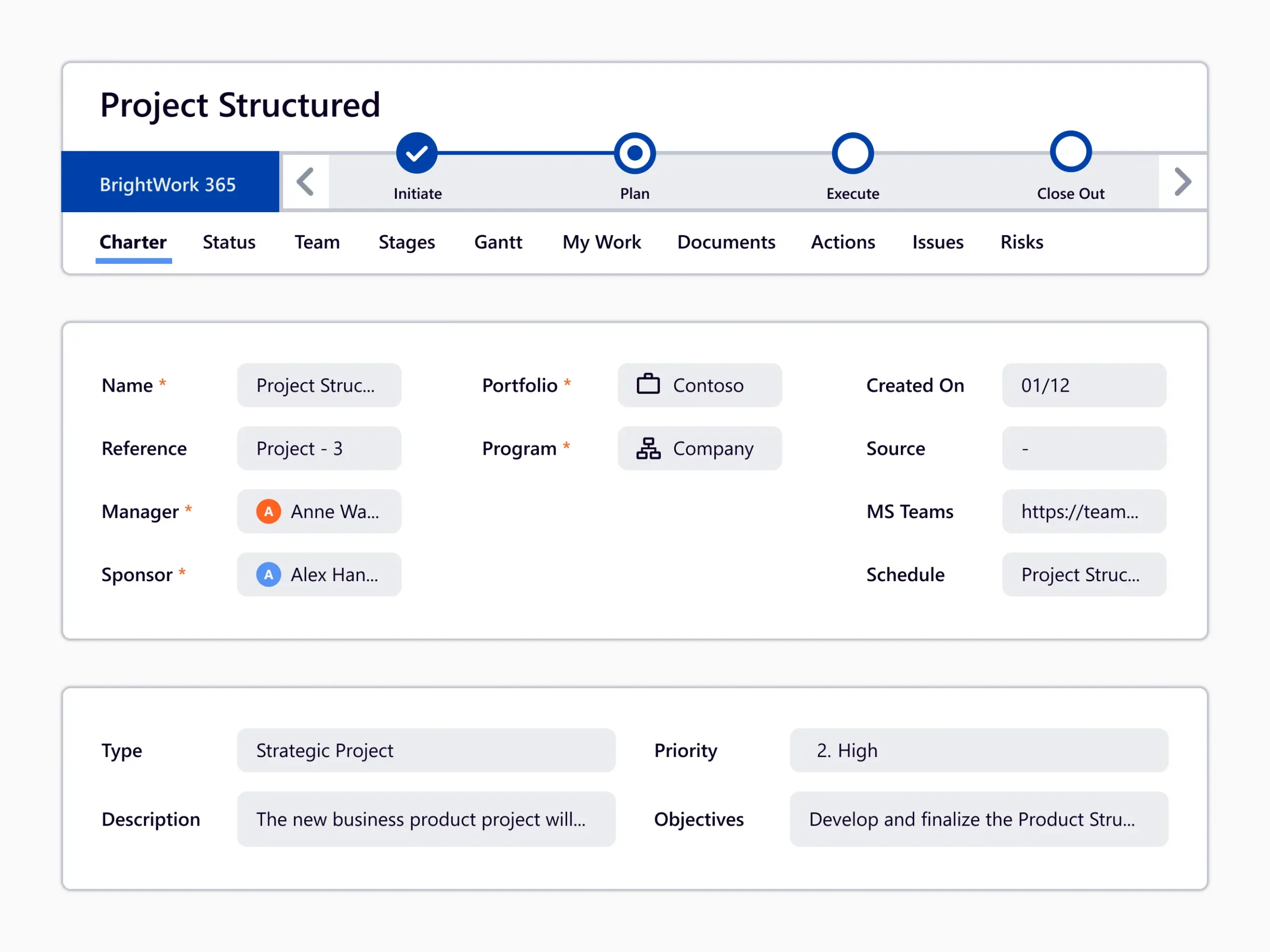
This starter template is for managing projects that are in the high end of the complexity spectrum.
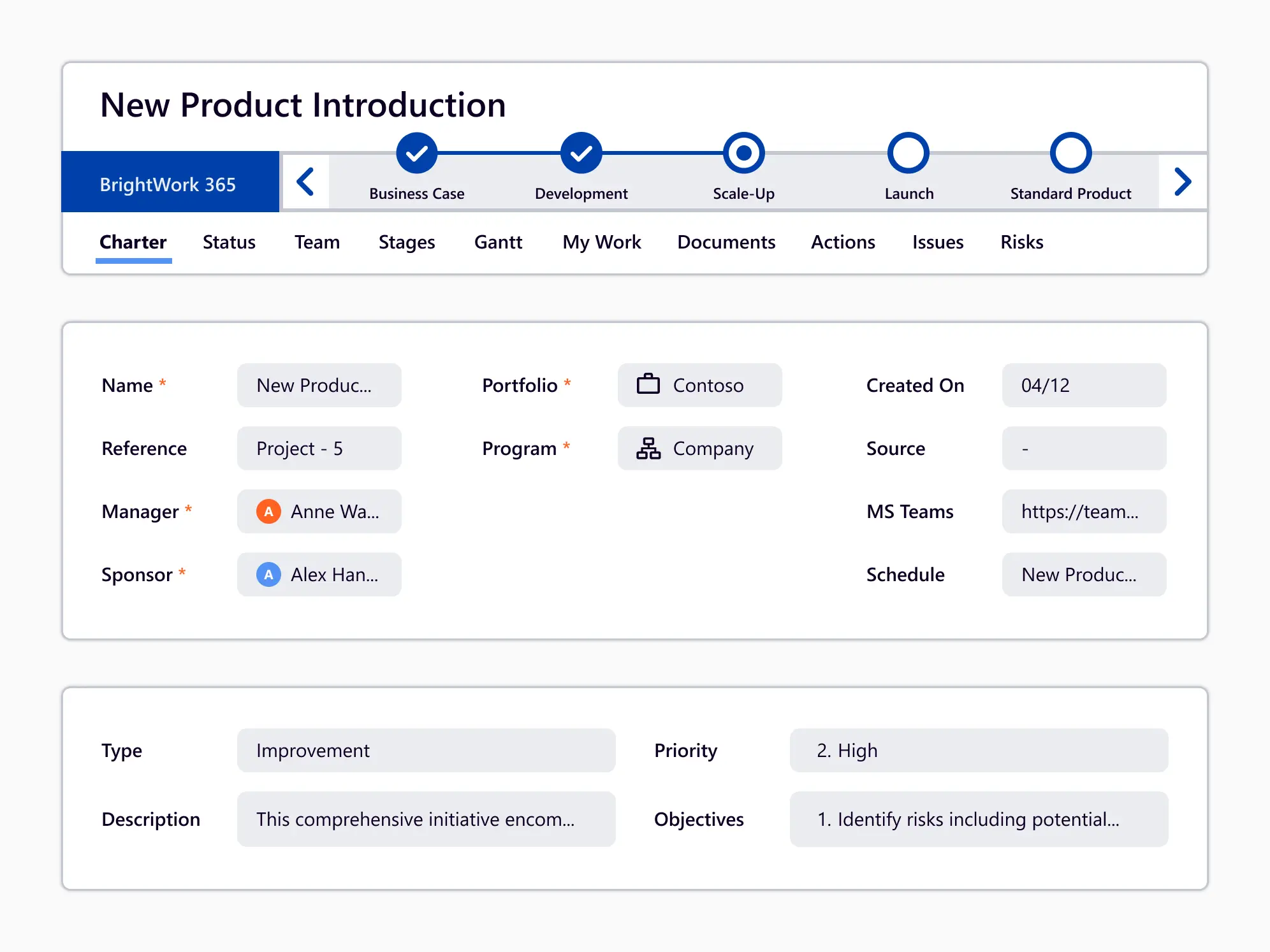
A series of project management tabs, fields, and a Business Process Flow (BPF) that relates to the submission of a new product idea and managing the delivery of the new product.
Request projects for complex support issues. It follows a gated approach with approvals required to move from the Charter stage into Execution, and to close out the project.

Watch BrightWork 365 Demo

Ready to Centralize Your PMO? See BrightWork 365 in action.

BrightWork 365 Portfolio Templates

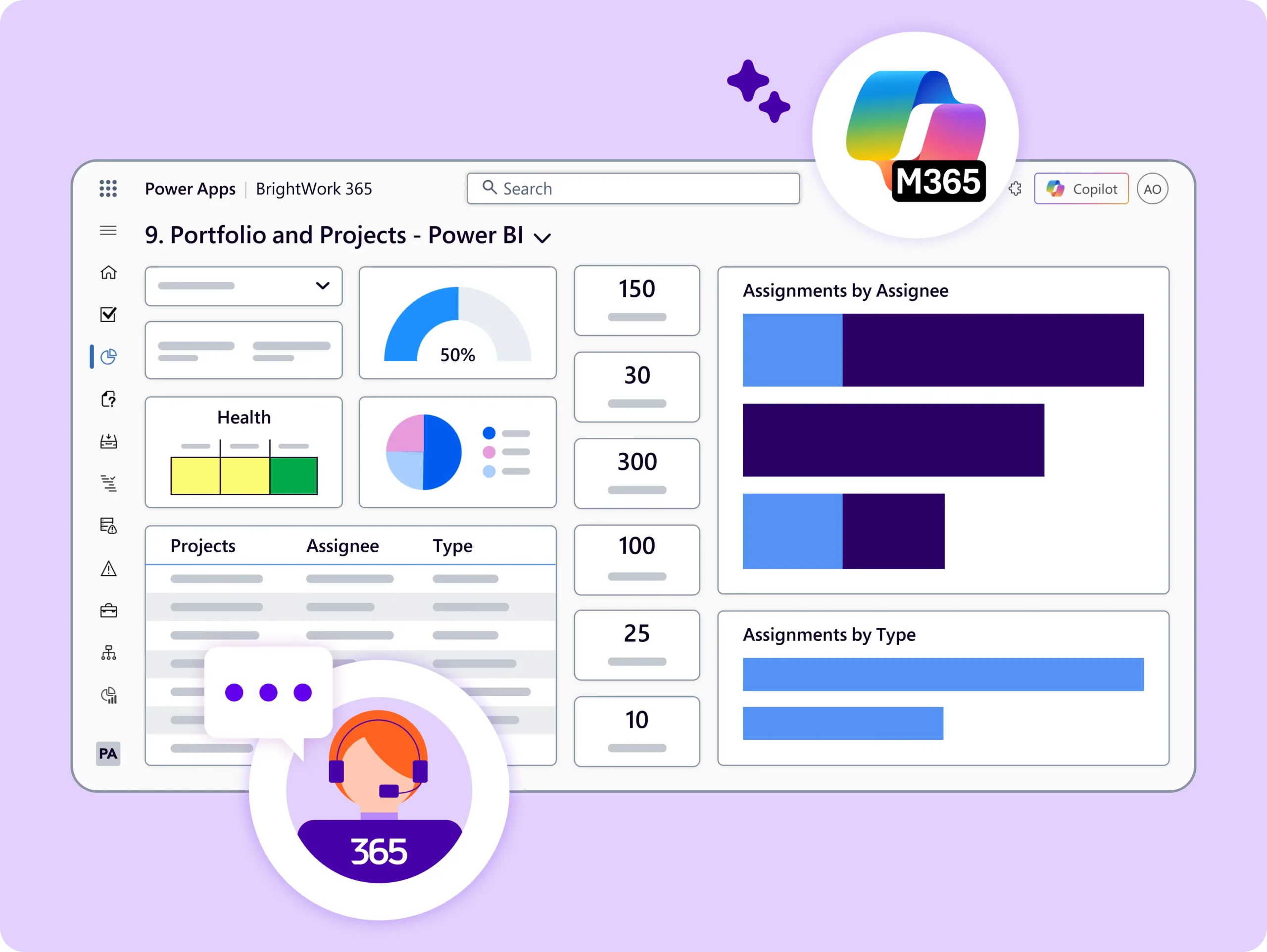
Get an immediate view of how projects, programs, and portfolios are performing!

  • Create and share dynamic, real-time reporting on any program or portfolio in Power Apps or Power BI.

  • BrightWork 365 integrates with Microsoft Apps to create interactive reports for tracking project tasks.

  • Analyze and share data-backed insights using Power BI-enabled reports.
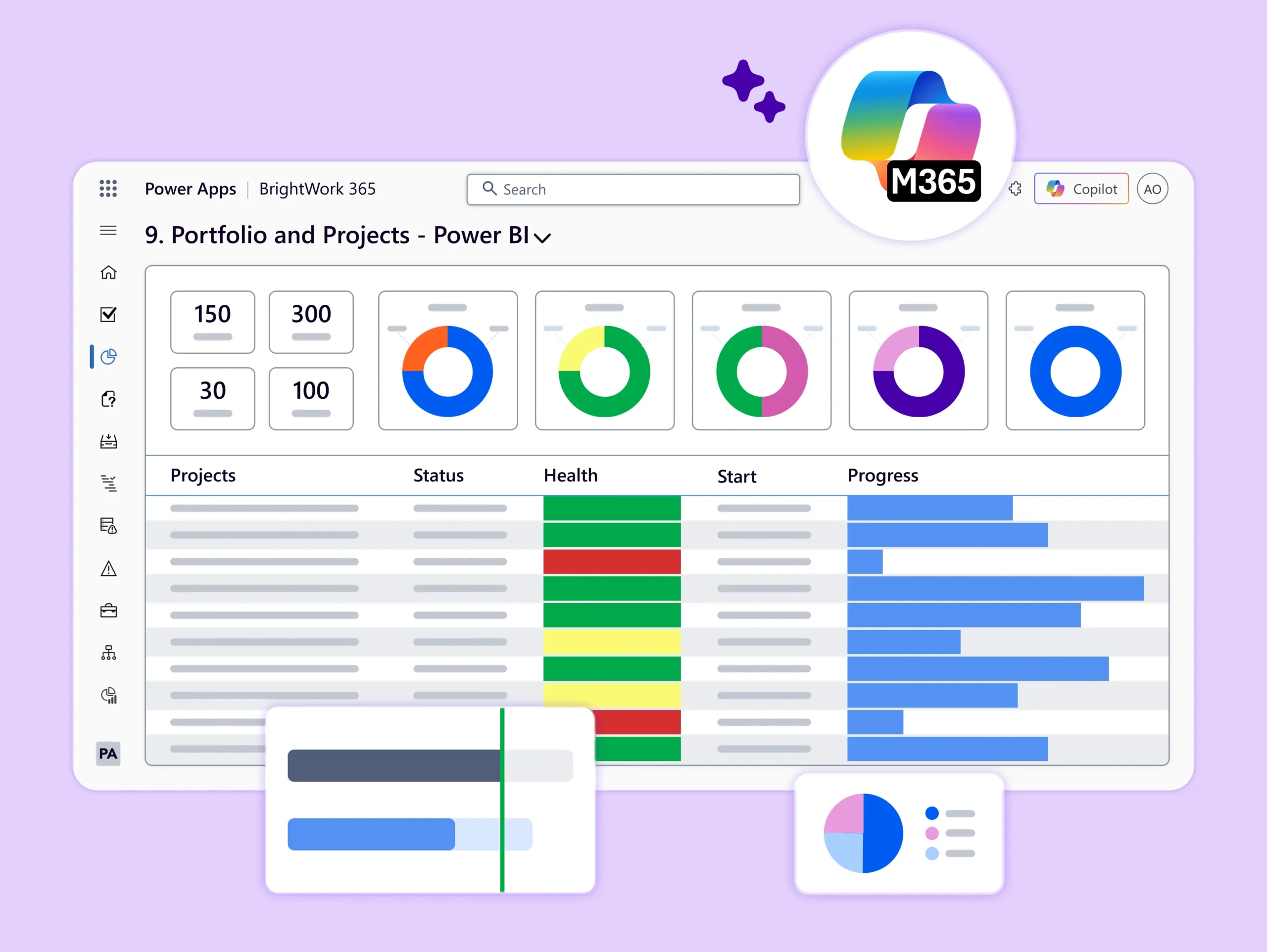
  • Group related projects into Programs for easier management and reporting.
  • Use real-time cross-project dashboards to manage Programs in one place.
  • Quickly view all Projects, Documents, Issues, Risks, and Program Settings for any selected Program.
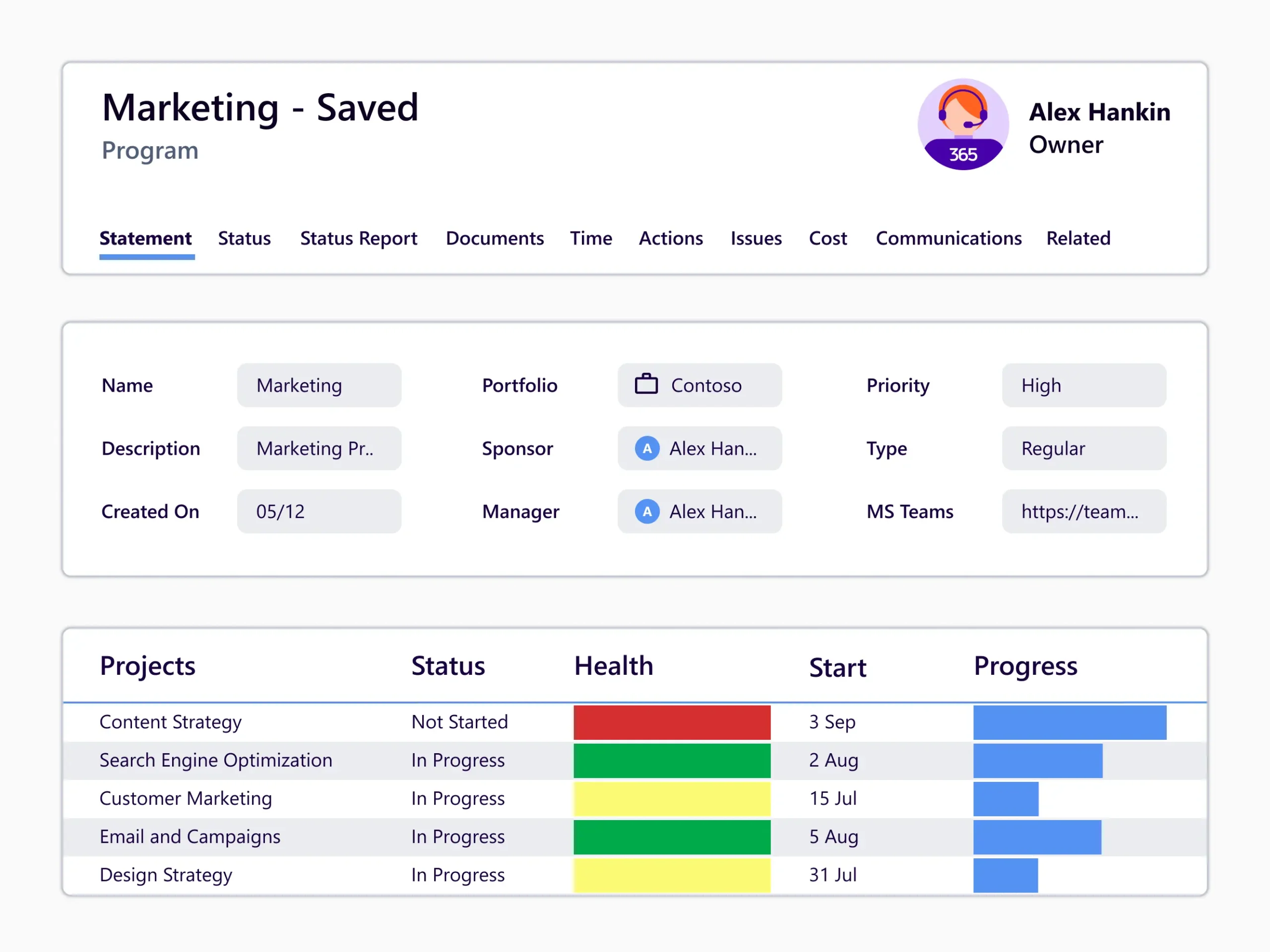
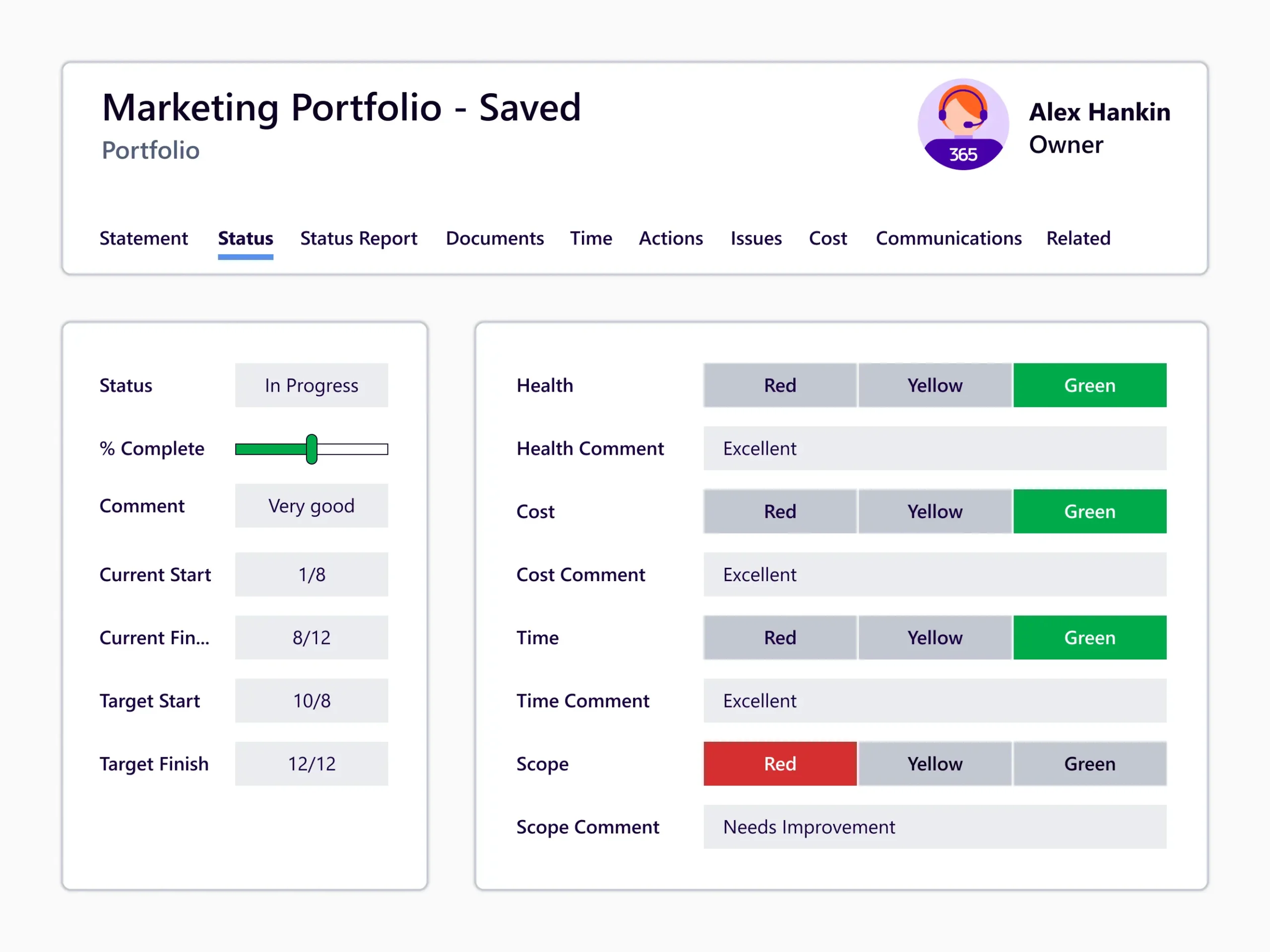
  • Portfolios are the highest parent level in the BrightWork 365 hierarchy.
  • Organize your programs and projects within each portfolio.
  • Use real-time cross-project dashboards to manage portfolios in one place.
BrightWork 365 Workflows

Configurable workflows to support varying levels of project complexity and processes.
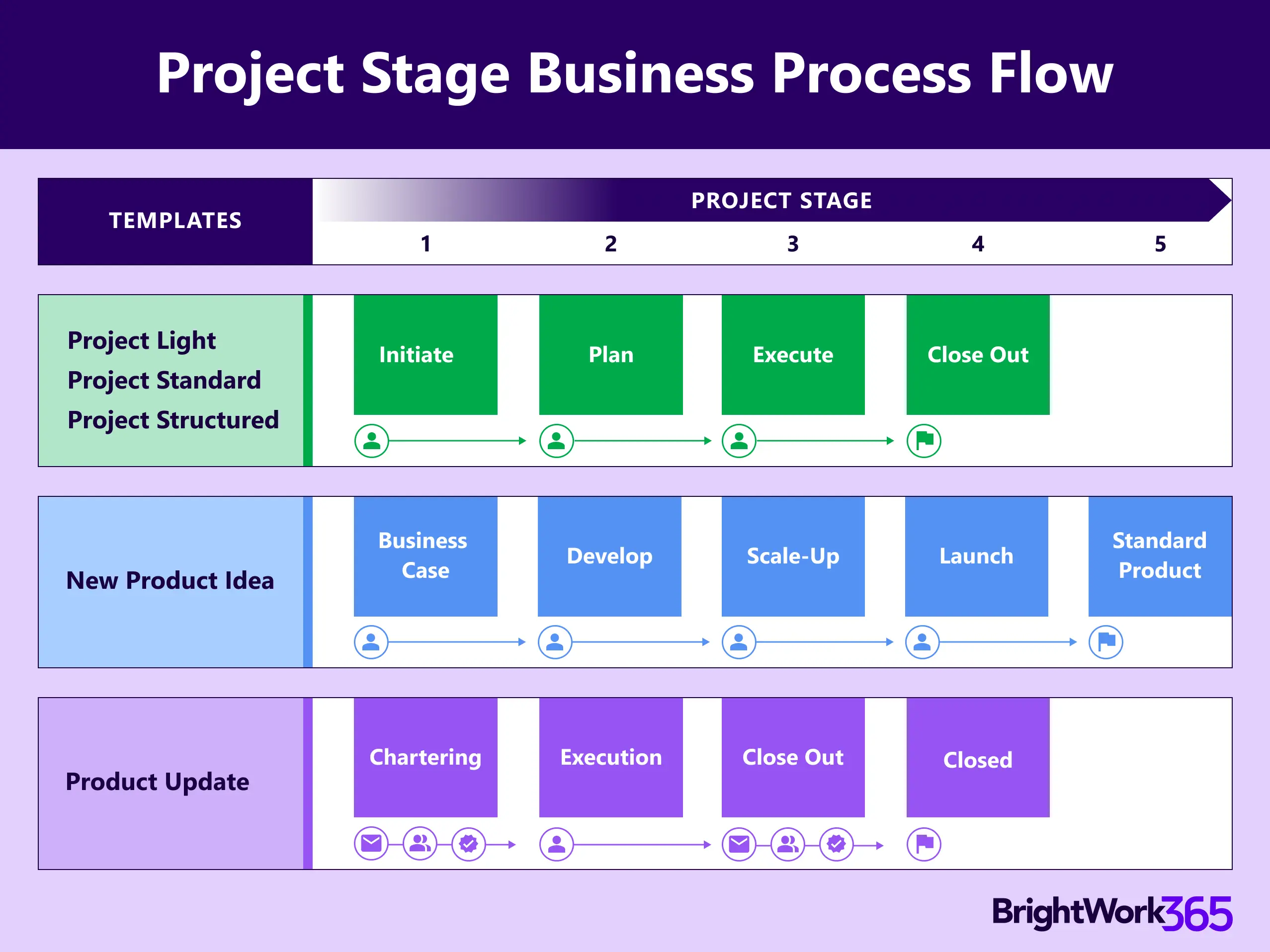
Apply out-of-the-box ‘Project Stage Approval’ process for every stage of your project. Ensure the projects move along smoothly, with each stage closing successfully.
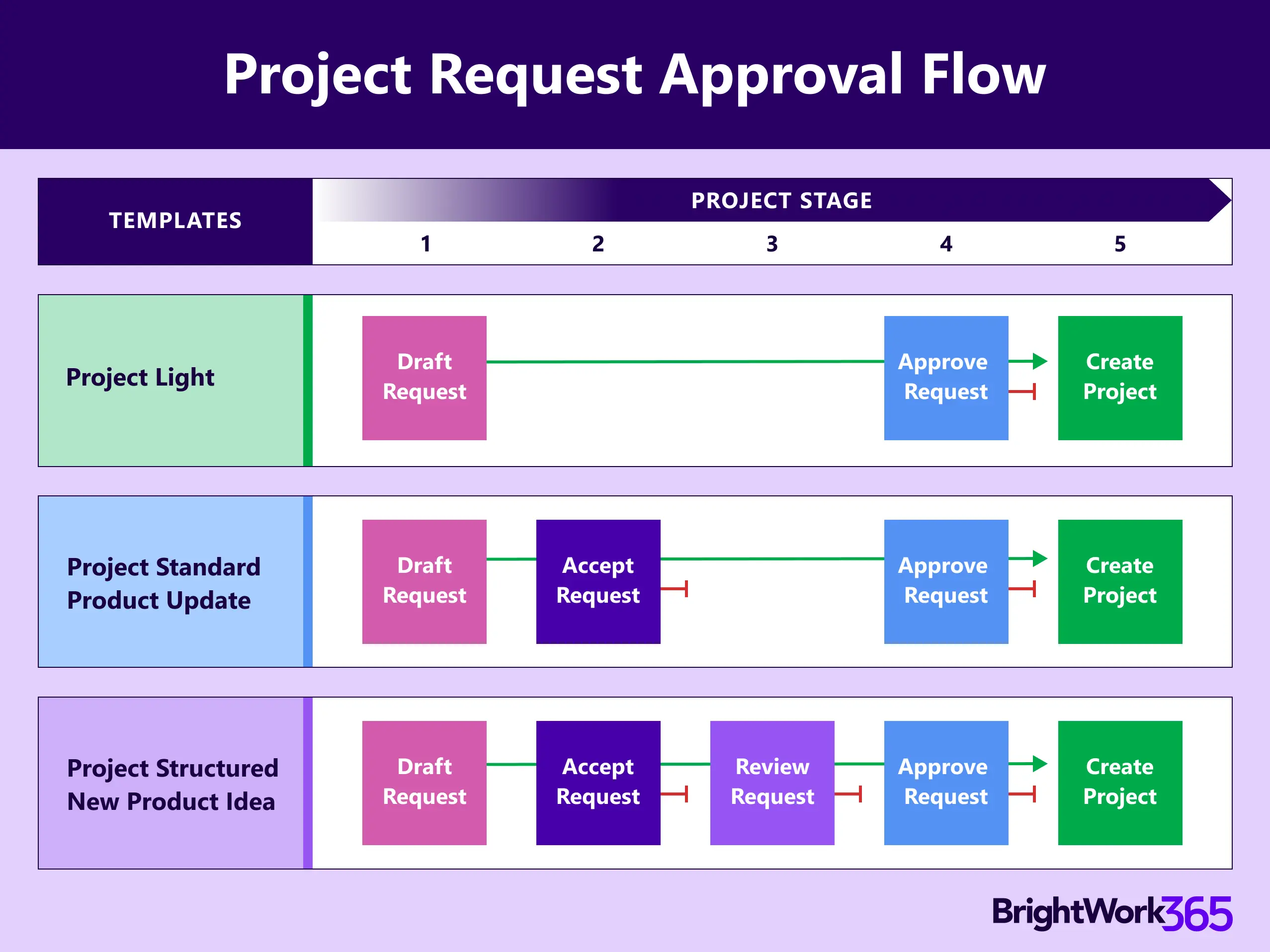
Automatically create project sites with BrightWork 365 templates and streamline your intake process – from drafting requests to approval. Our ready-to-use templates make launching new projects fast and efficient.

Ready to Centralize Your PMO? See BrightWork 365 in action