BrightWork 365 Evolve Service
Match your solution to your evolving project management needs, with our help.
Trusted by industry leaders
Overview
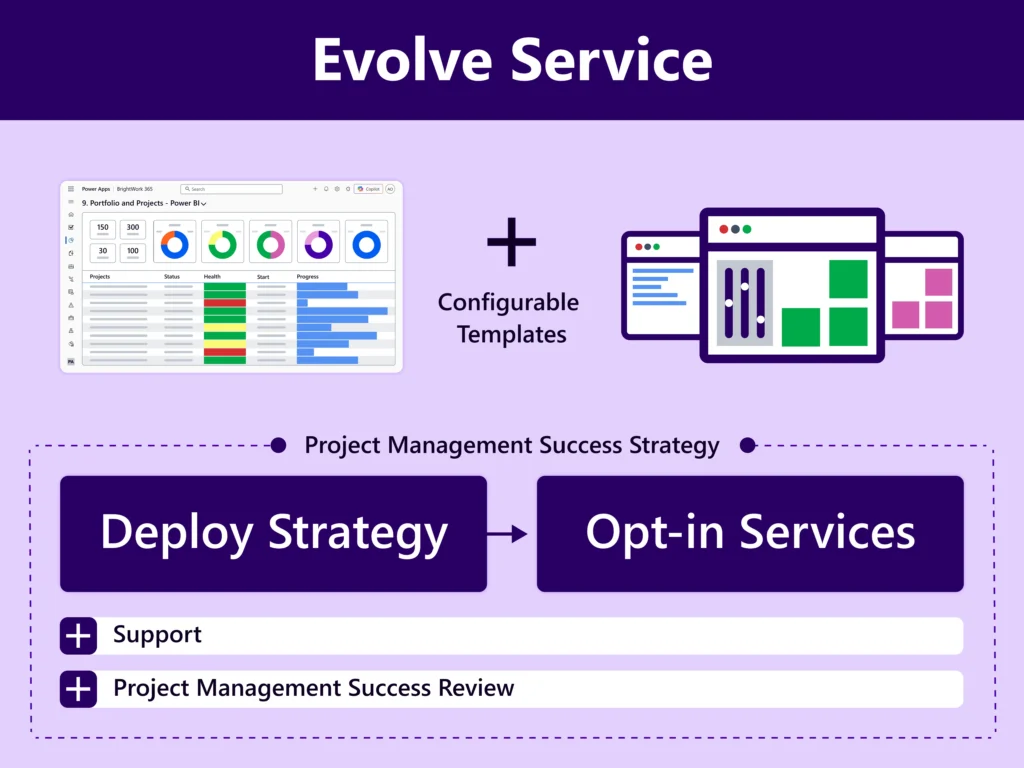
Accelerate initial deployment by adopting a sufficient amount of project management with configurable best-practice templates that will enable the standardization of your project management processes and tracking of all your projects in one place.
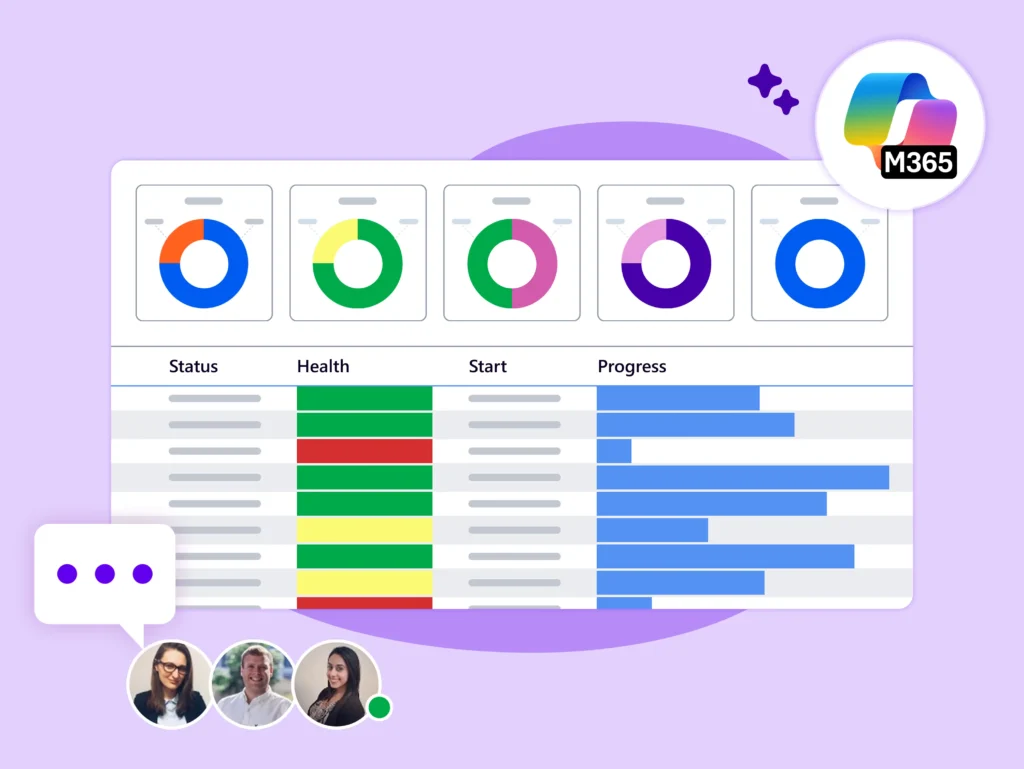
This will give Senior Management the immediate visibility to exercise control over your entire project portfolio.
Key Challenges
-
You’ve successfully deployed BrightWork 365, but now need to extend or scale your processes.
-
You want to implement the backlog items and advance to the next phase of your Success Strategy.
-
You lack the time, expertise, or resources to continuously improve processes or train teams in the project management best practices your organization needs.

Our Deliverables
-
As you opt for the Evolve service, your BrightWork Customer Success Partner will continue to work with your group from where the BrightWork 365 Start Service concluded.
-
Your Customer Success Partner will help you implement the ‘Evolve Plan’ developed during your initial deployment (Start Service) and integrate new additions and changes in it.
-
In summary, they will collaborate with you to improve and mature the Project Portfolio Management Processes in your organization.
Optional Evolve Services
Use our expertise – work with dedicated Customer Success Partner to get more from BrightWork 365.
We Work with You
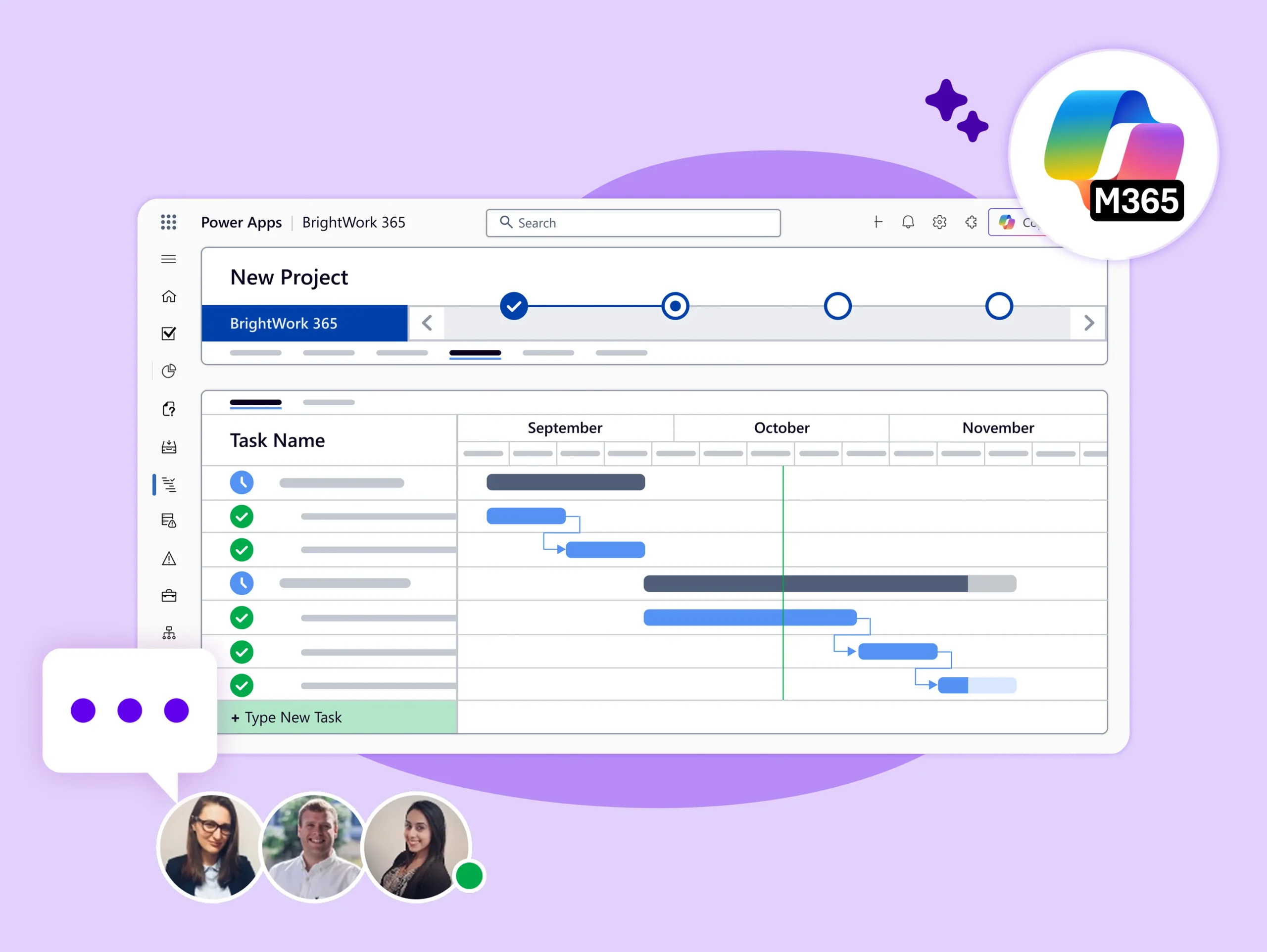
Your BrightWork Customer Success Partner will work with a Project Management Champion from your group as the main point of contact.
This individual will liaise with us and your internal stakeholders as needed through this process.

Effort and Duration
Your BrightWork Customer Success Partner(s) will work with you to deliver the Evolve service, with an agreed schedule depending on the availability of your team.
The time typically committed to the effort and duration is between 8 to 24 hours per month (or more if needed).

Do More with BrightWork 365
-
Customize – Easily configure your BrightWork 365 solution to customize your project workflows and processes.
-
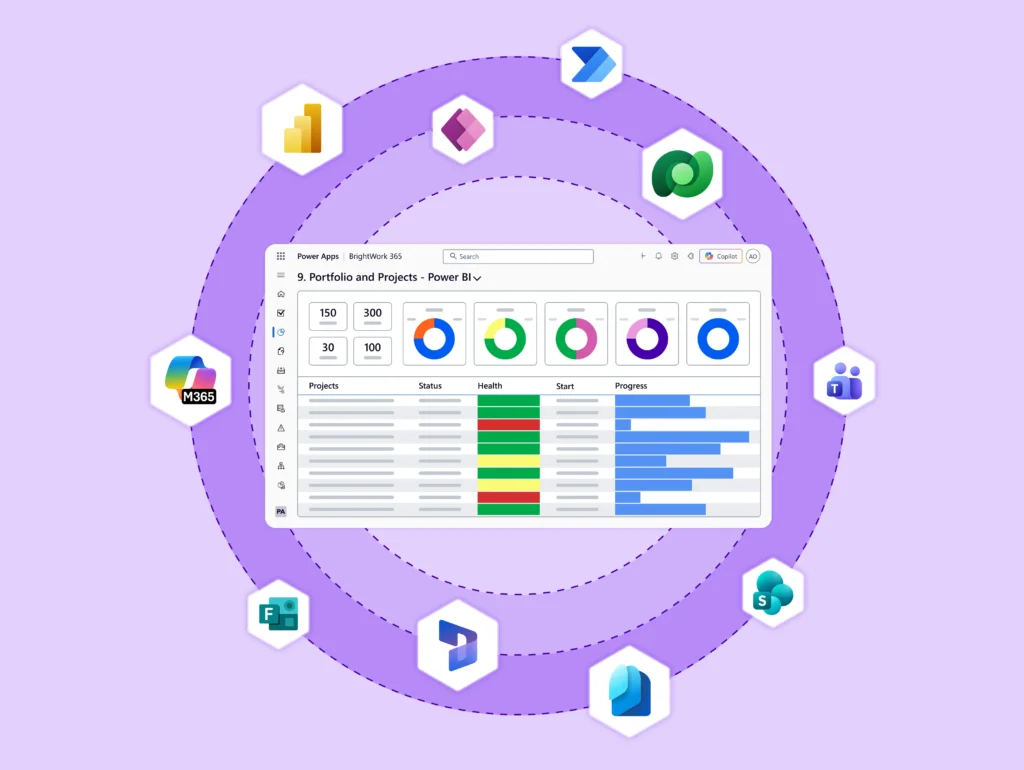
Integrate – Use Microsoft apps and the Power Platform to expand your project management capabilities.
-
Collaborate – Work with your dedicated Customer Success Partner to securely deploy, adopt, and evolve your BrightWork 365 solution.
Next Steps
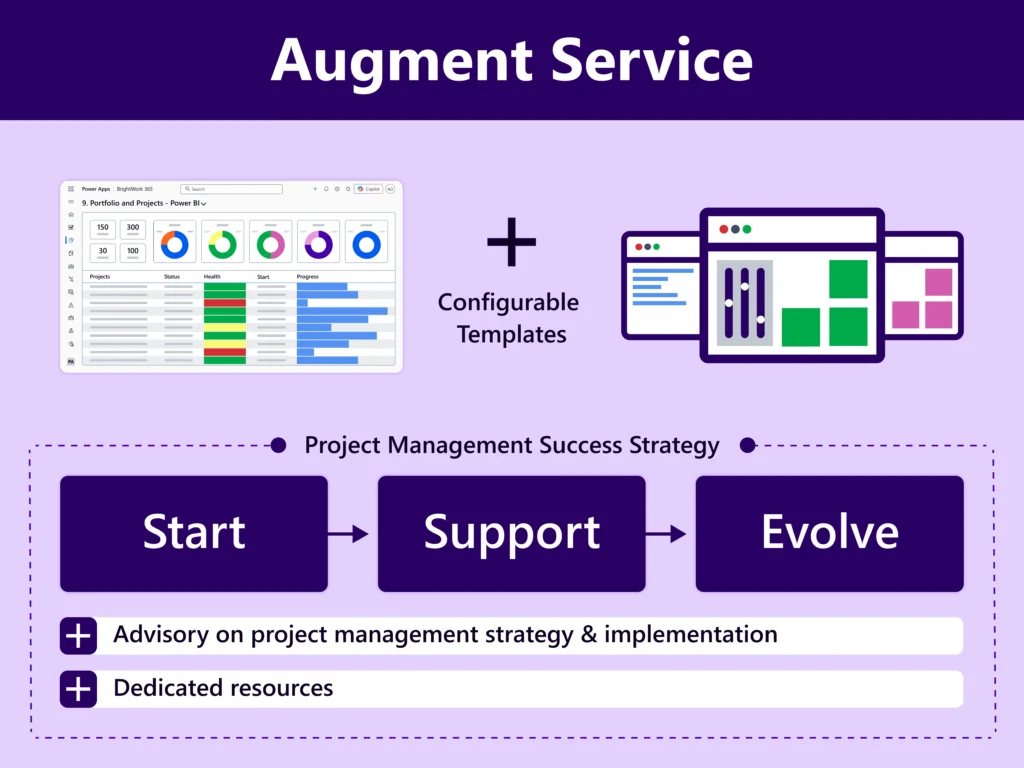
Future requirement backlog ideas will be added to your custom Evolve Plan and Project Management Success Strategy document for use in subsequent iterations.
For dedicated resources and advisory to scale your project management, explore our Augment Service.
Contact Us to Explore our Personalized Services
To use the booking widget, please allow Functional cookies.