Control Project Portfolios with Microsoft 365
Get immediate visibility into your entire project portfolio for more timely and predictable project outcomes, with BrightWork 365.
Trusted by industry leaders
Control Programs, & Portfolios
Gain visibility, insight, and confidence in every project decision.
Track Progress
Capture Data
Predictable Outcomes
Do More with BrightWork 365
-
Customize – Easily configure your BrightWork 365 solution to customize your project workflows and processes.
-
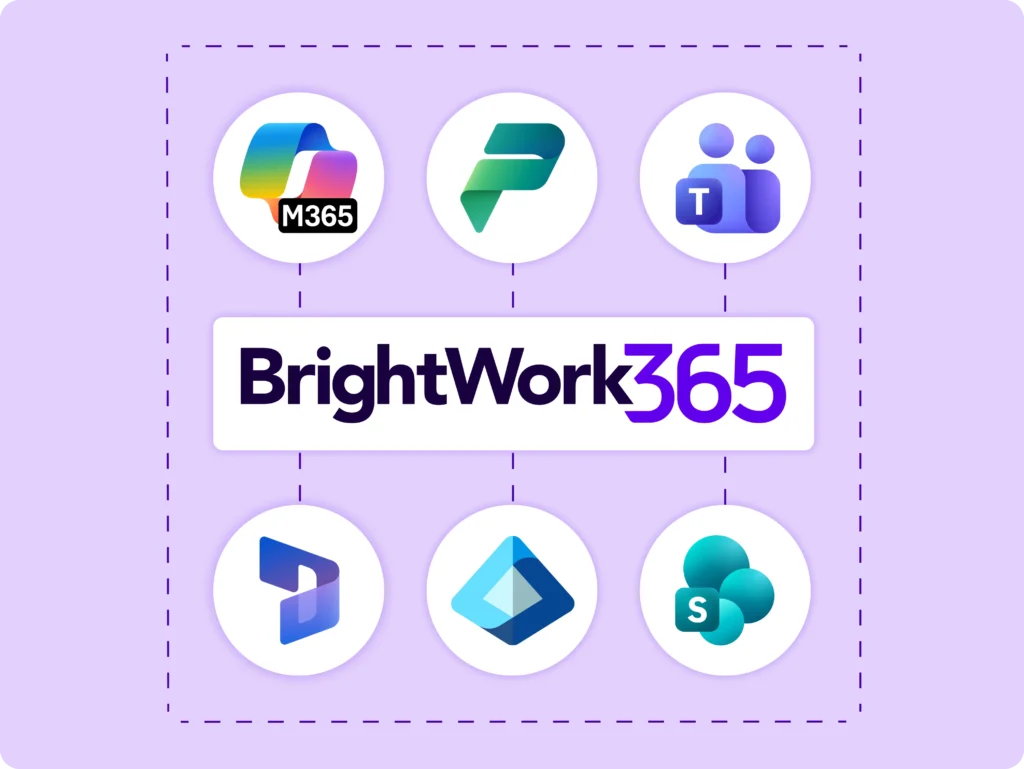
Integrate – Use Microsoft apps and the Power Platform to expand your project management capabilities.
-
Collaborate– Work with your dedicated Customer Success Partner to securely deploy, adopt, and evolve your BrightWork 365 solution.
Project Request Management
Right projects at the right time with an automated, configurable Project Request Management System.
Automate Project Intake
-
Anyone in the organization can log and submit a new request using the project request form template, so you can capture and manage new ideas in one place.
-
Improve business outcomes by choosing and quickly starting the key projects that are aligned with your strategic goals.
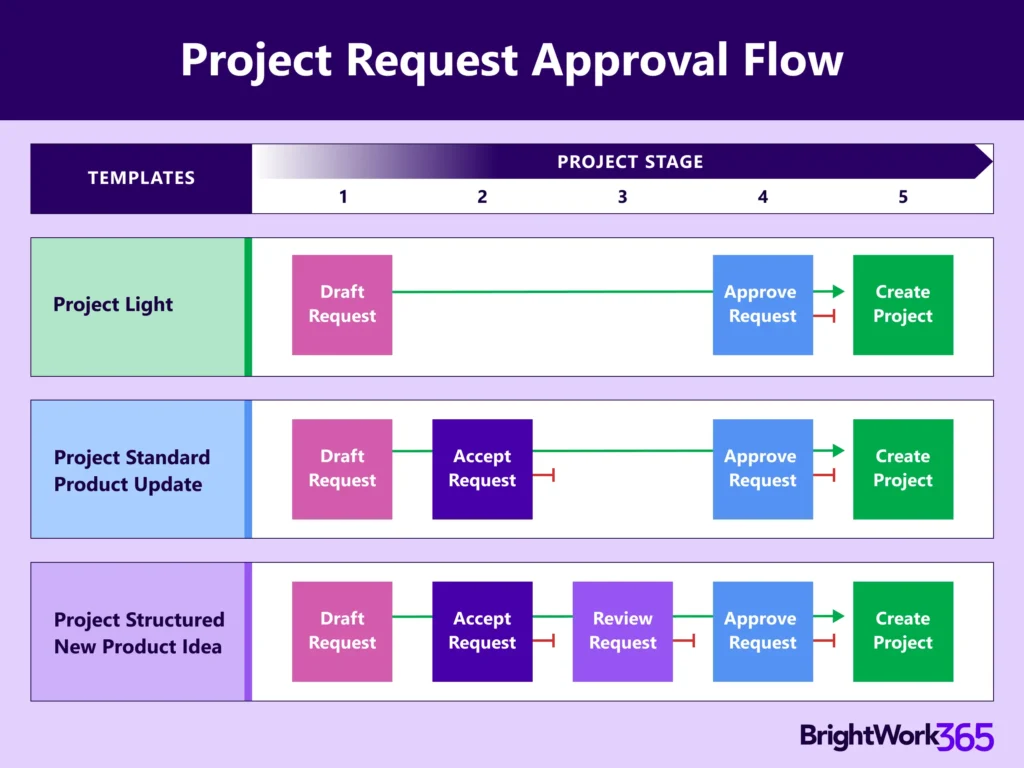
Project Request Forms
-
BrightWork 365 Request dashboard gives ample visibility and a unique control for managing new project requests.
-
Set up different stages to manage project requests where you can easily Draft, Accept, Approve, and Create Project.
-
Choose from pre-built templates or configure them for each stage of the process as you go.
-
Develop a consistent approach with configurable templates driven by Microsoft Power Automate.
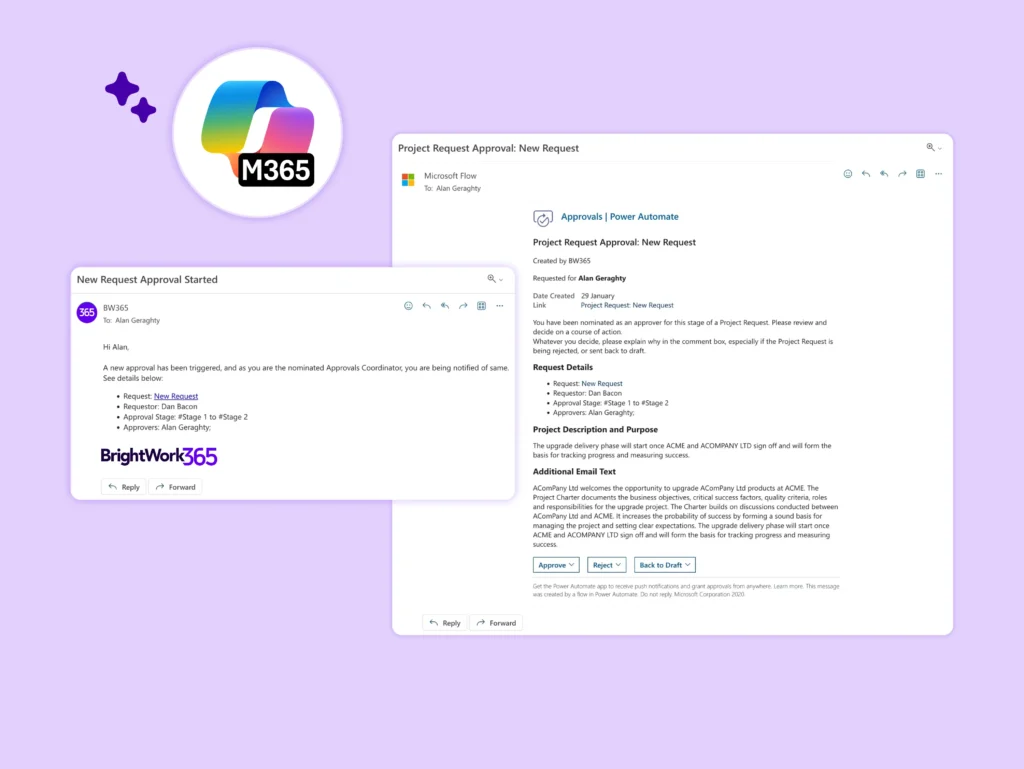
Review and Approve the Right Projects
-
Send automated notifications to reviewers and approvers to move the project request along.
-
Stay updated on actions taken on new project requests with notifications.
-
Approvers get visibility into the project pipeline and quickly review and approve or reject all the new project requests.
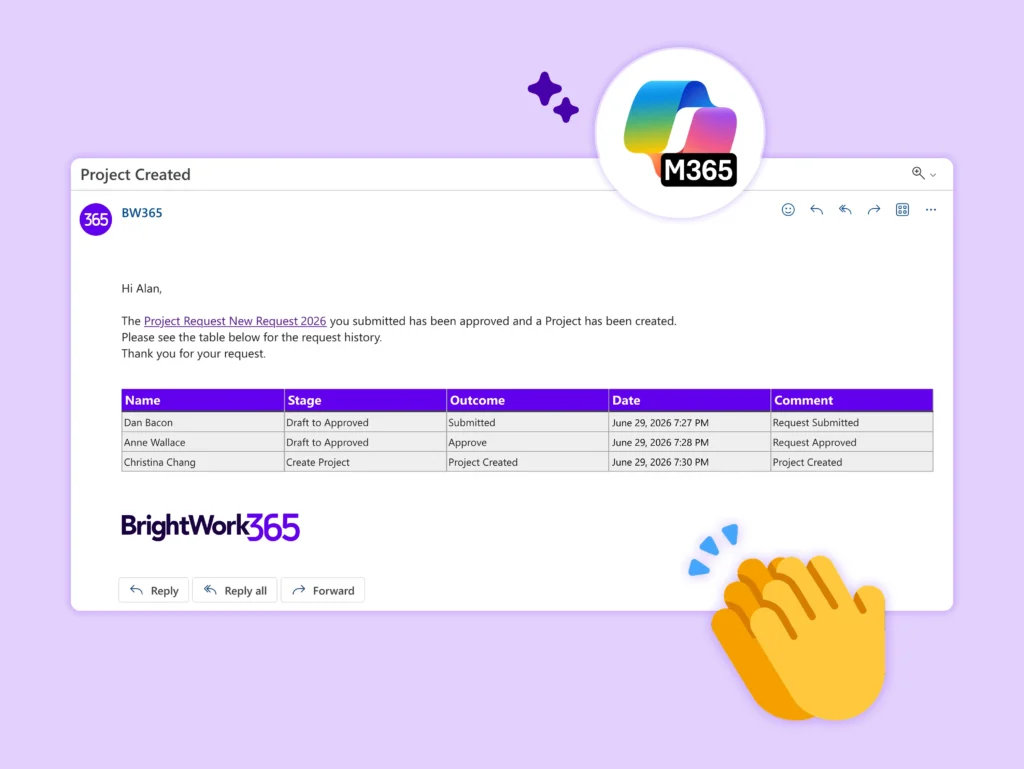
Build Project Sites from Approved Requests
-
With BrightWork 365 you can create a new project site directly from an approved project request.
-
Save time while initiating new projects with the help of pre-selected templates.
-
Check availability and assign team members to start projects more efficiently.
Optimize Resource Utilization
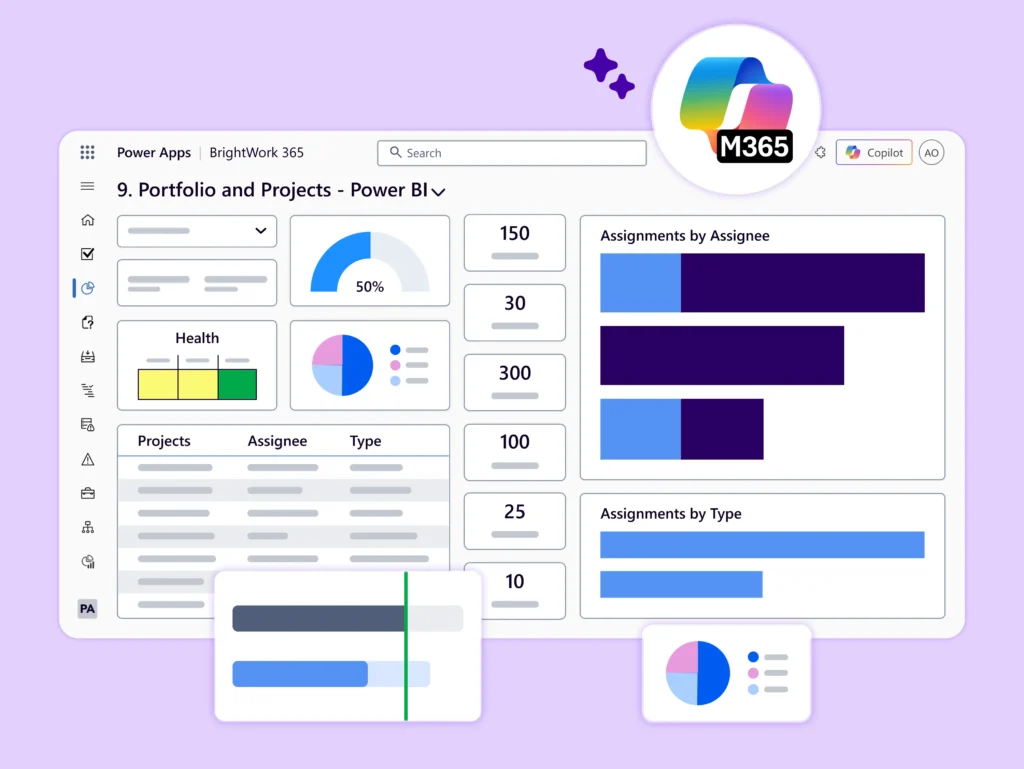
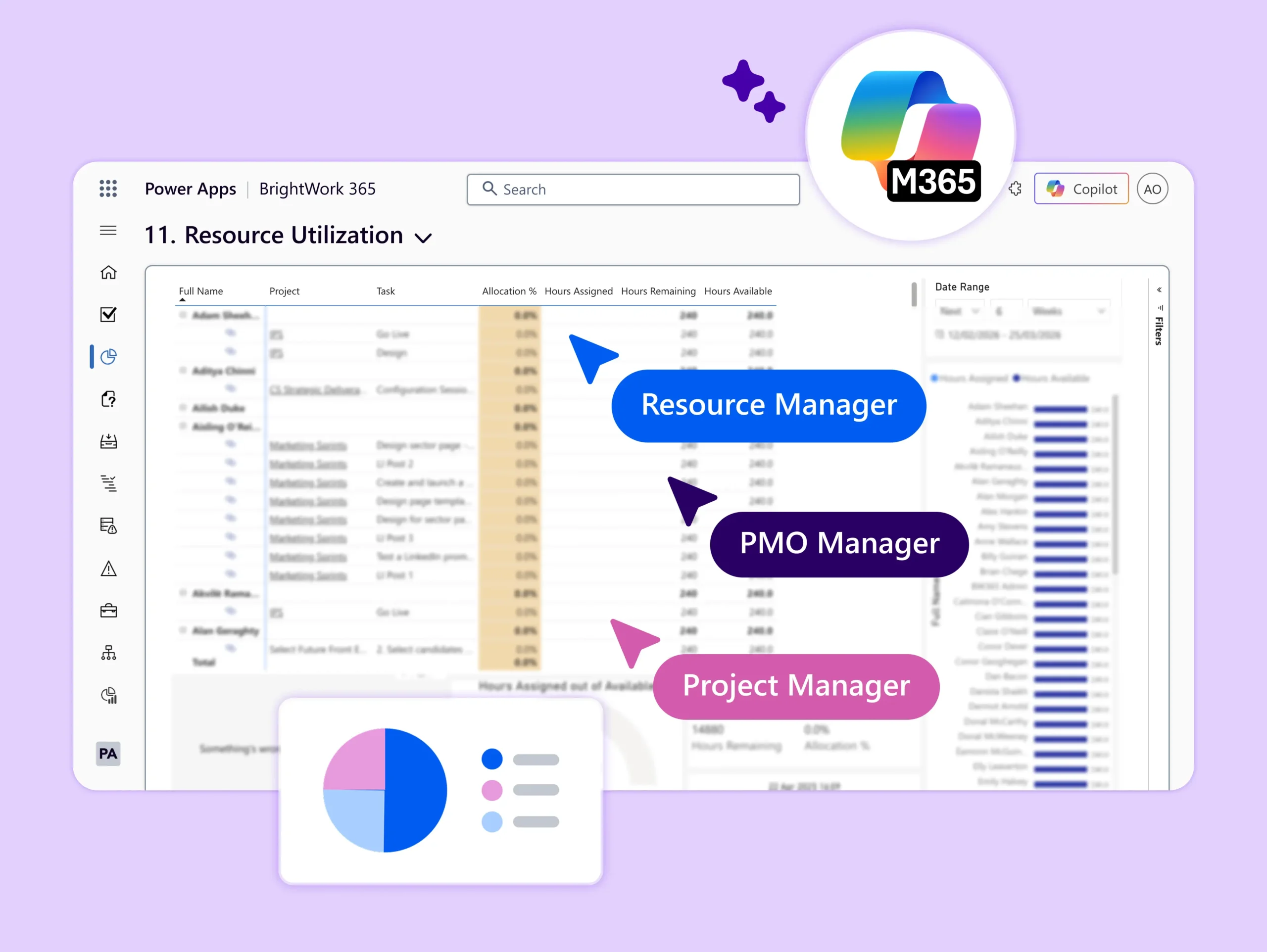
Use Power BI dashboards and Work Allocation reports for optimal resource utilization.
-
Get a more detailed view of what scheduled work each resource is assigned.
-
Focus on one or more users to see if they are under or over-utilized.
-
Report across all task assignments and quickly assess levels of resource utilization.
-
Adjust to balance workloads as often as necessary.
-
Apply best-practice and local, flexible resource utilization calculation rules.
-
Make assignment adjustments and view the effects of changes in real-time using Power BI Desktop.
Portfolio Dashboards
Get a 360° overview of your project portfolios with a user-friendly interface and reports.
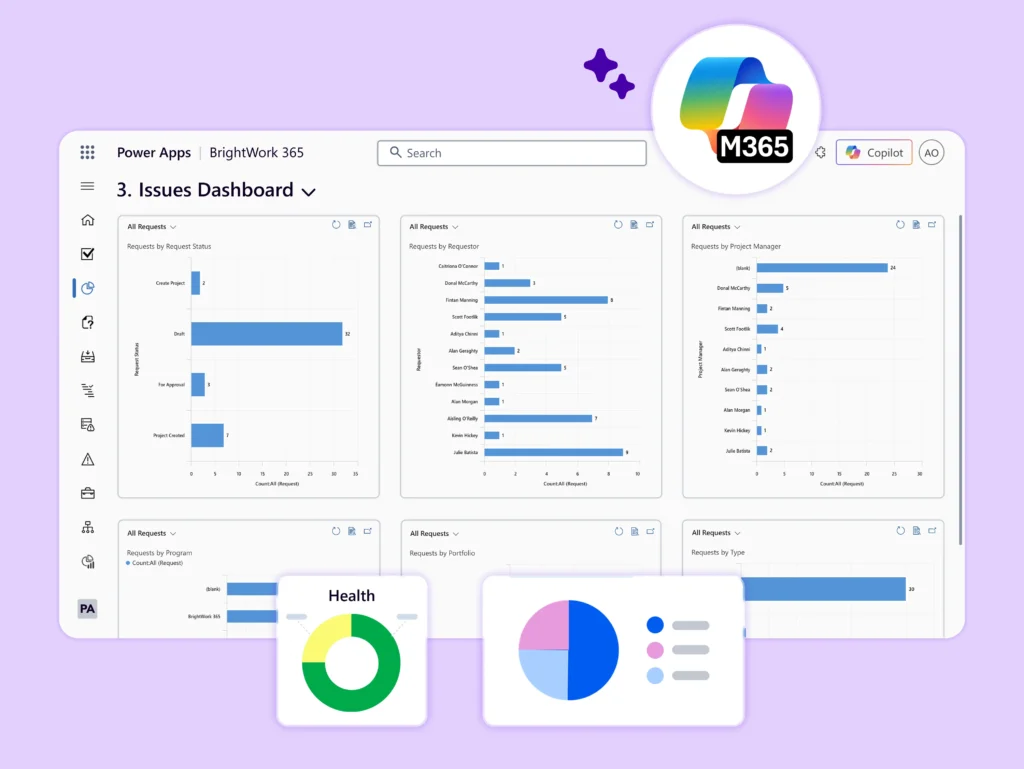
Power Apps Dashboards
-
Use charts such as ‘My Projects’ and ‘My Teams Projects’ to help you to drill down into further project details.
-
View related programs and projects by tracking key performance indicators in customized template features.
-
Identify and mitigate risks in time by closely examining the health of all your projects and programs.
-
Track budget, manage costs and vendor information of all the projects in one place.
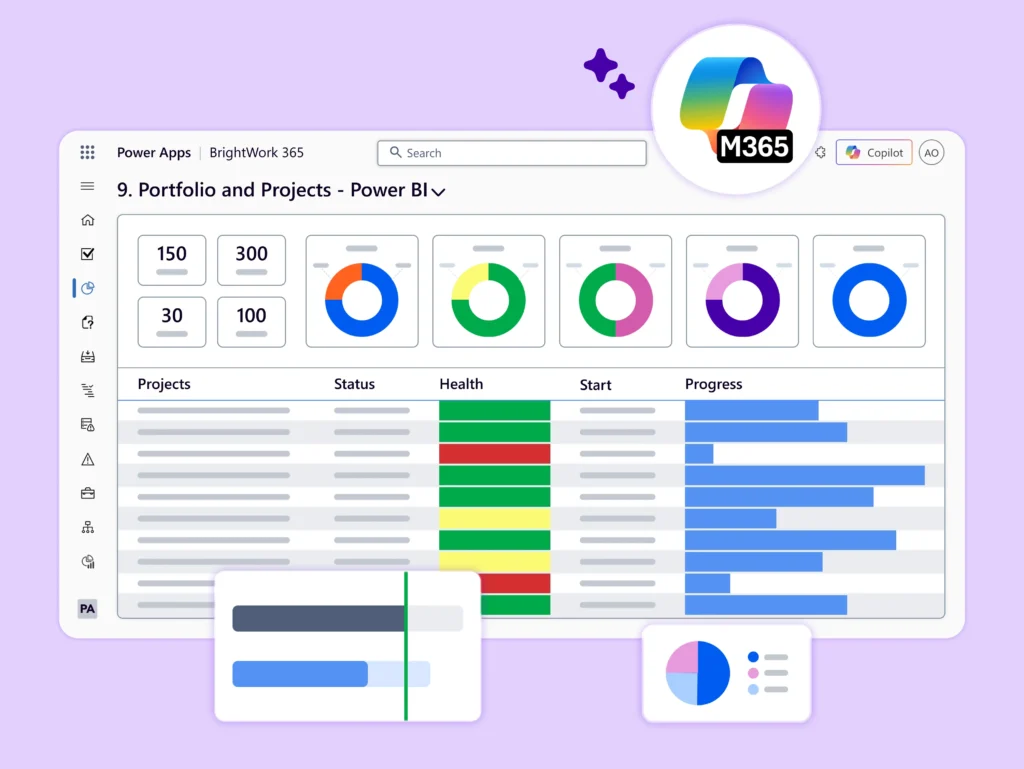
Power BI Reports
-
BrightWork 365 and the Microsoft Power BI business analytics tool provide exceptional data visualization functionality.
-
The Power BI Reports dashboard includes detailed interactive reports related to various elements of the system.
-
These include Portfolios, Programs, Templates, Projects, and Project Managers.
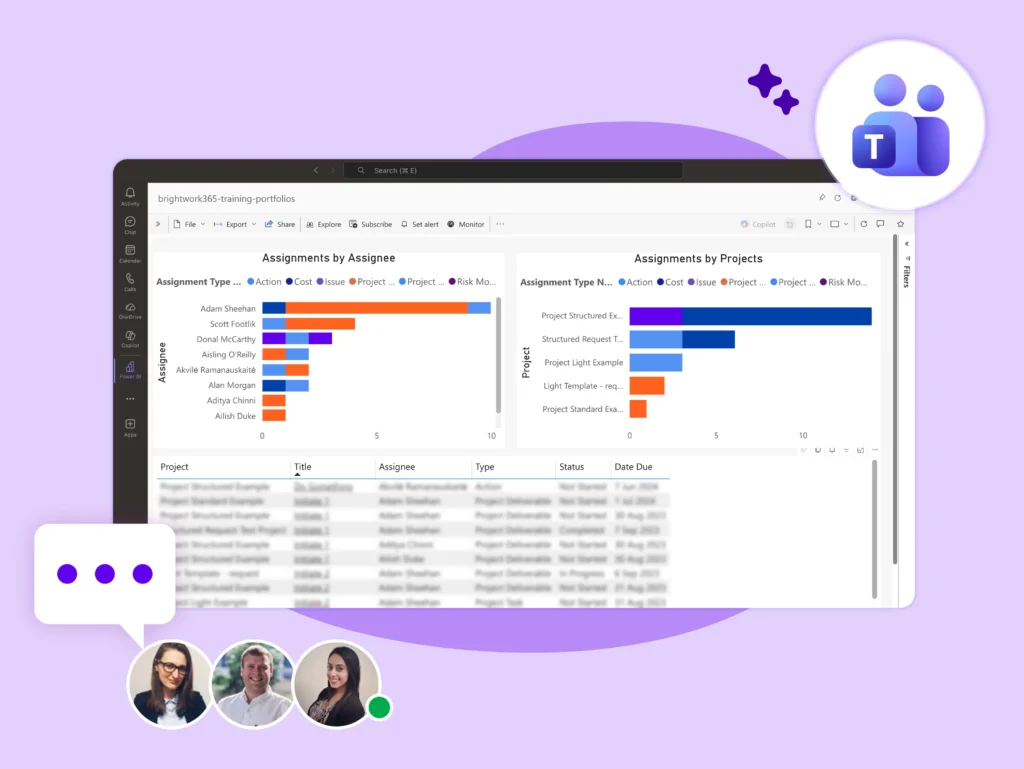
Power BI Online
-
BrightWork 365 together with Microsoft Power BI Online offers additional options to interact with reports.
-
It allows you to view, download, and share the reports with your teams via email and Microsoft Teams channels.
Portfolio Templates
Use configurable best-practice portfolio management templates.
-
Report across all projects and programs in one dashboard with automated, real-time reports.
-
Get a high-level view of how each Program within the Portfolio is performing with PM templates.
-
Quickly identify troubled projects with Portfolio level Risk and Issue dashboards.
-
Programs aggregate several related projects – such as by project type, business unit, or location.
-
Get a high-level view of Project Status – high-level info – drill down as needed.
-
Roll up Issues and Risks that have been escalated from the projects underneath.
-
BrightWork 365 Home Screen – See high-level metrics for new project Requests, Projects, and Portfolios.
-
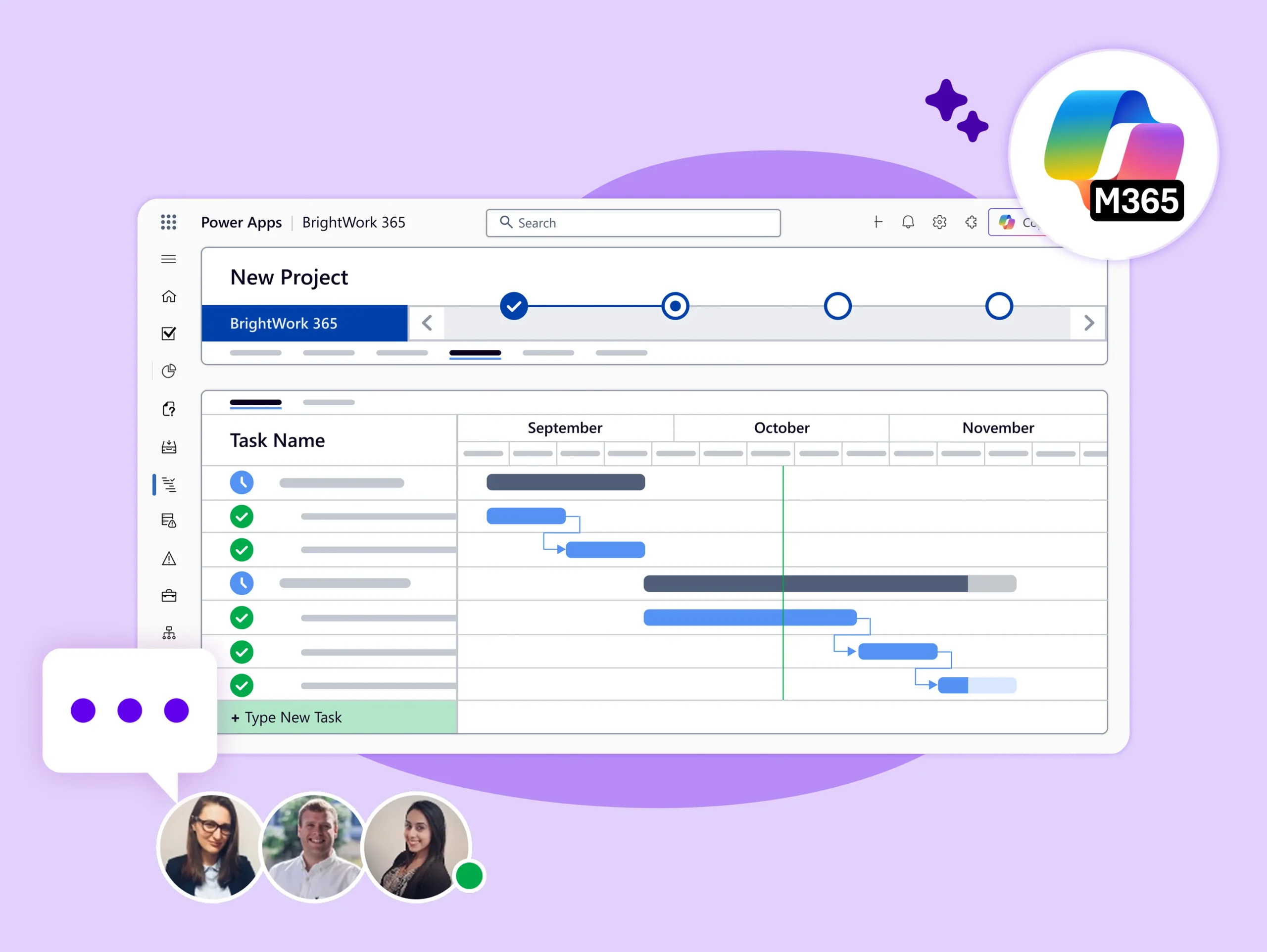
Power Apps dashboards – to view projects, programs, and portfolios and track progress at each step.
-
Power BI-enabled dashboards – process high-level data to generate and share interactive project reports.
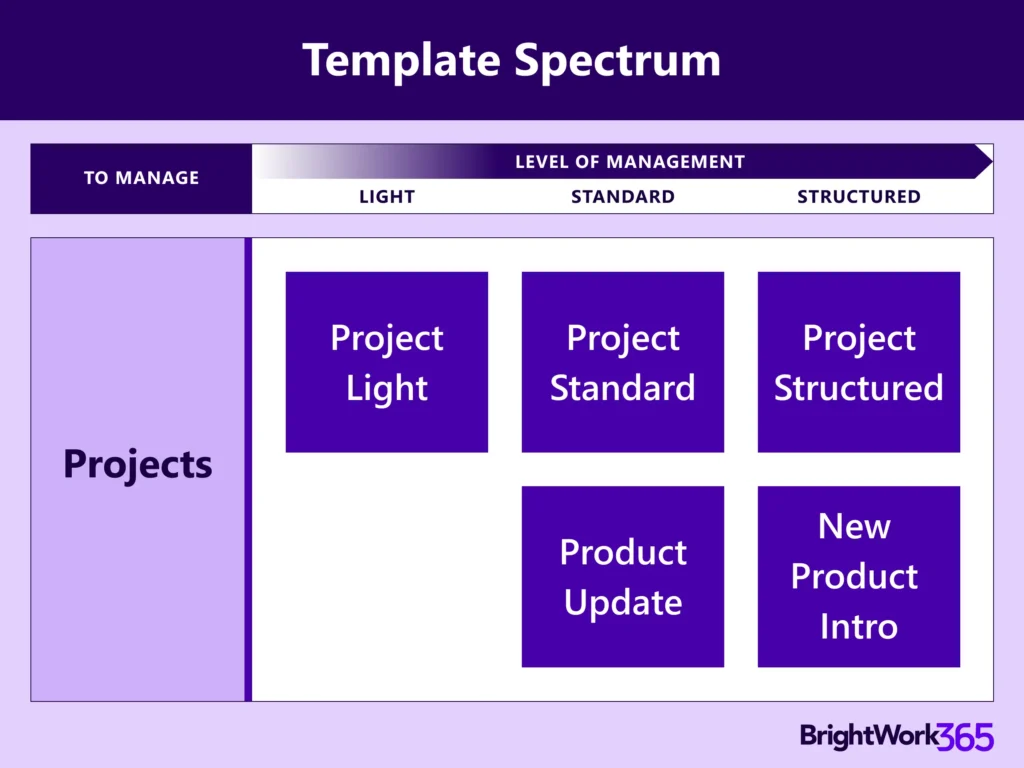
BrightWork 365 Template Spectrum
-
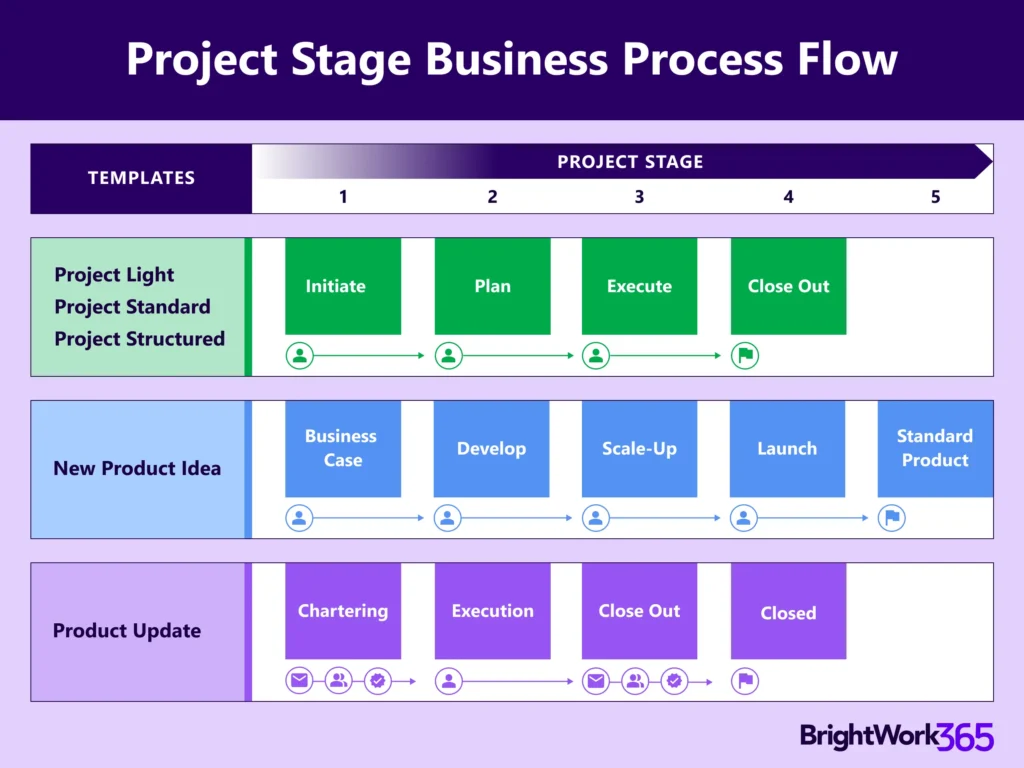
The BrightWork 365 Solution includes templates for projects, portfolios, day-to-day work management, and collaboration.
-
The templates support varying levels of project complexity and processes – from Light to Structured based our Start-Evolve Approach.