Improve Your PPM on Microsoft 365

Evolve your project management implementation in your familiar Microsoft 365 environment, with BrightWork 365.
Trusted by industry leaders

Do More With BrightWork 365

  • Customize – Easily configure your BrightWork 365 solution to customize your project workflows and processes.

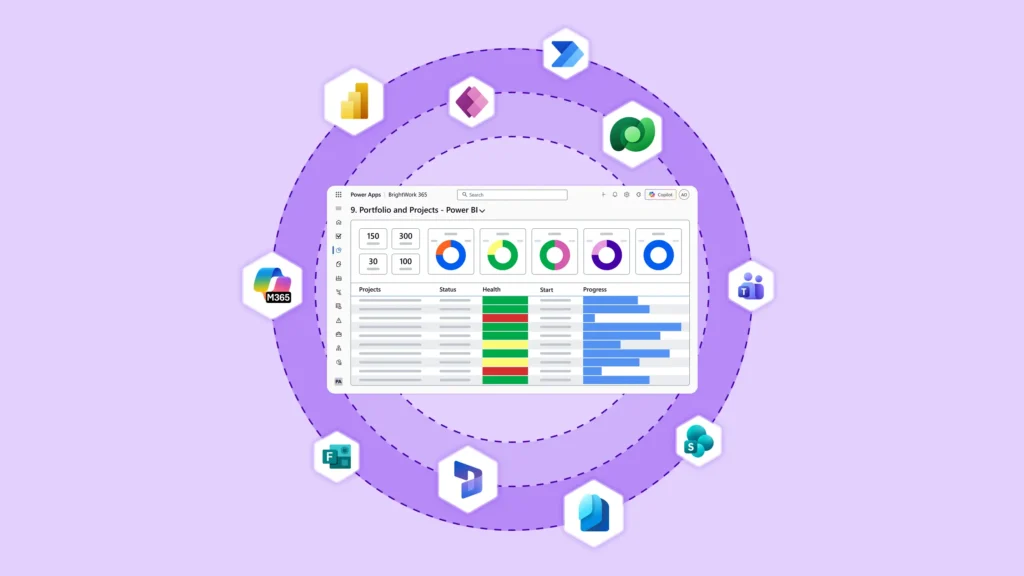
  • Integrate – Use Microsoft apps and the Power Platform to expand your project management capabilities.

  • Collaborate – Work with your dedicated Customer Success Partner to securely deploy, adopt, and evolve your BrightWork 365 solution.
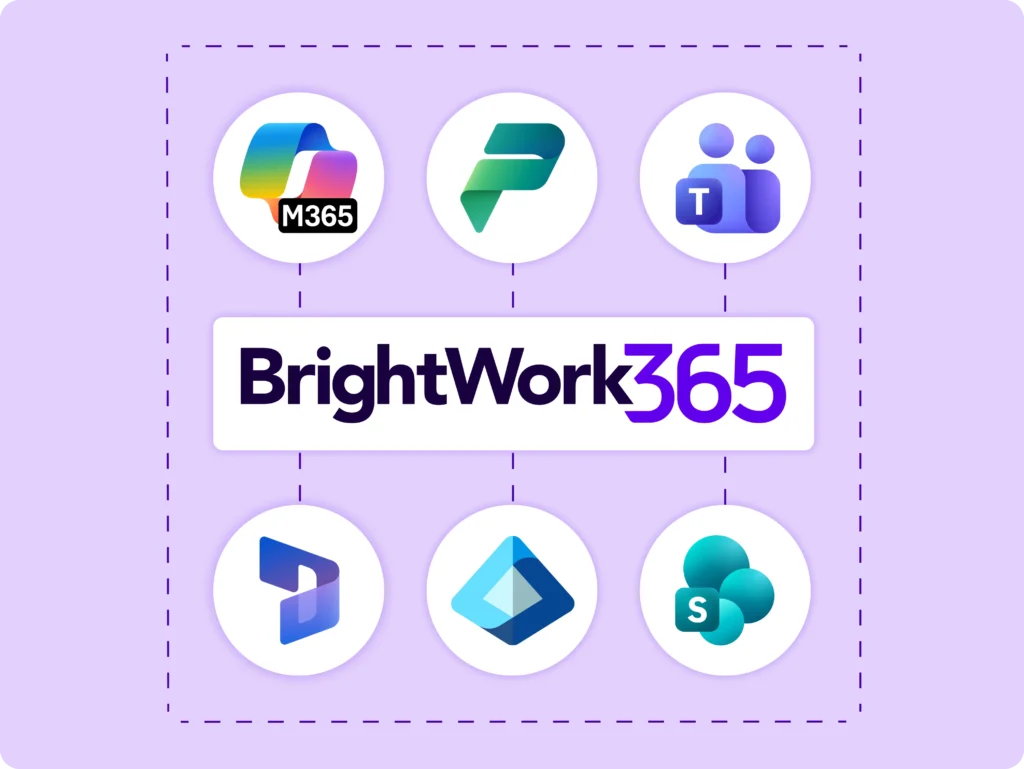
Our Start-Evolve Approach

  • Start quickly to get immediate standardization and visibility for your projects so you can easily control your project portfolio.

  • Evolve by adding and maturing your project management processes and practices to achieve timely, predictable outcomes.

Fast Deployment

Make a fast start and enable high adoption in your secure Microsoft cloud.
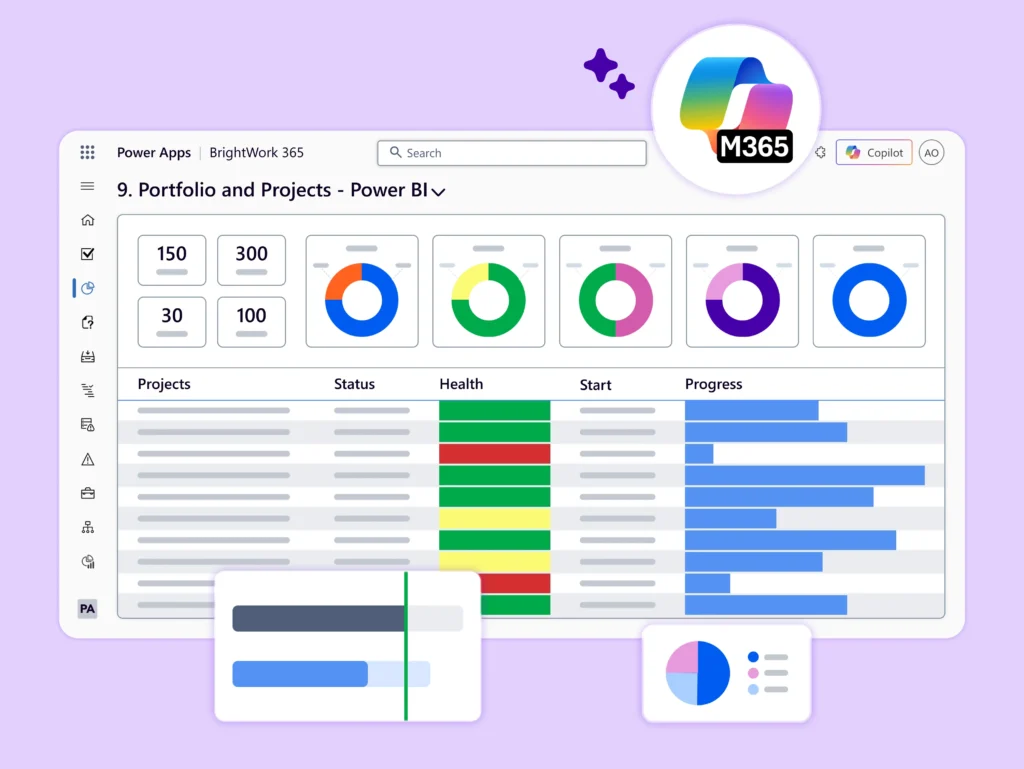
Configurable Templates And Dashboards

Configurable Templates And Dashboards

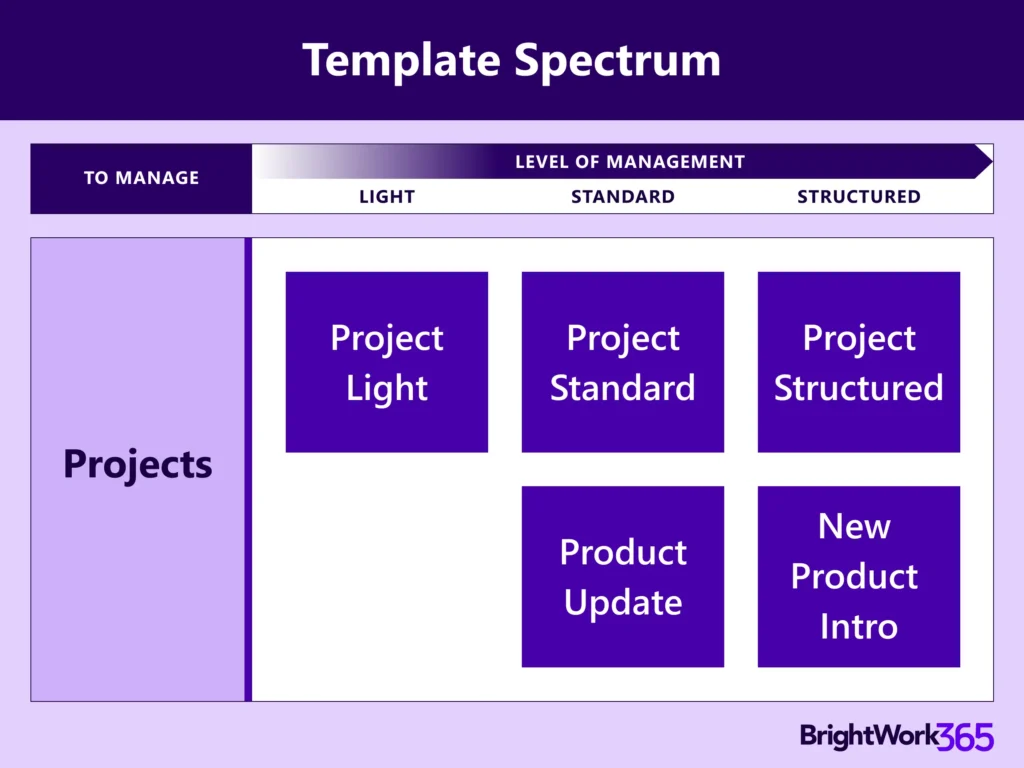
Apply ready-to-use best practice PPM templates to manage your projects – Project Standard, New Product Introduction, and Product Update or customize them as per the maturity of your projects.

Set up reporting dashboards and automated workflows to get immediate visibility and control over multiple projects, programs, and portfolios.

Customer Success Partners

Customer Success Partners

Collaborate with a dedicated Customer Success Partner to accelerate BrightWork 365 deployment.

The dedicated resource will assist you all the way in deployment during our carefully designed Start Service.
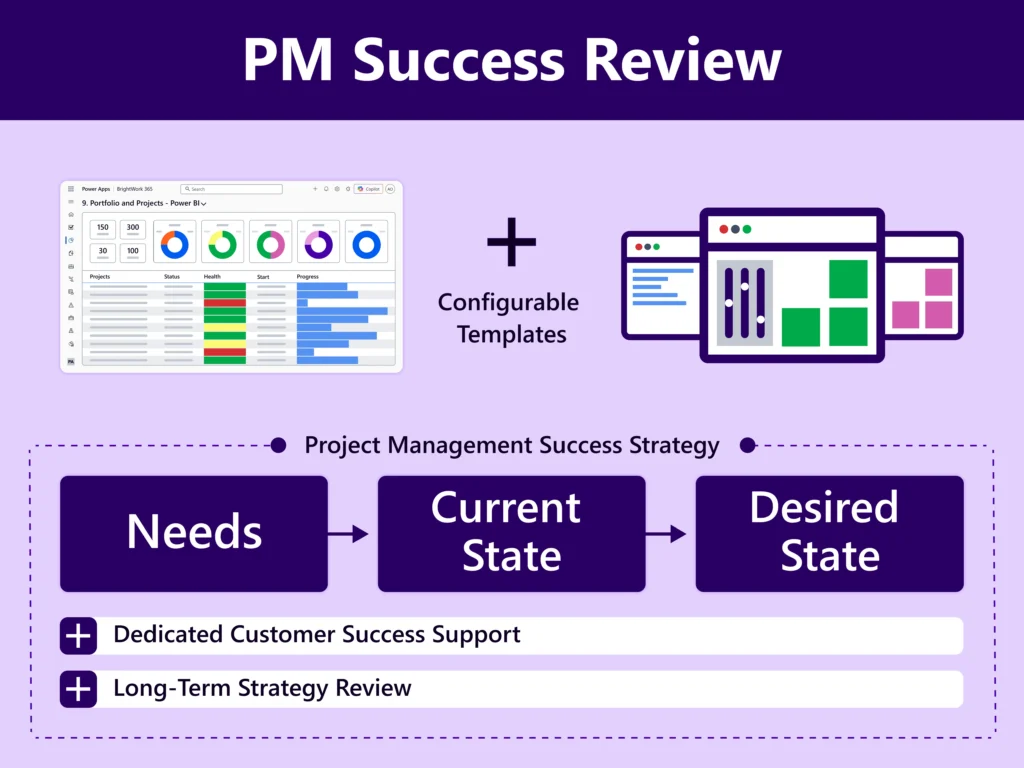
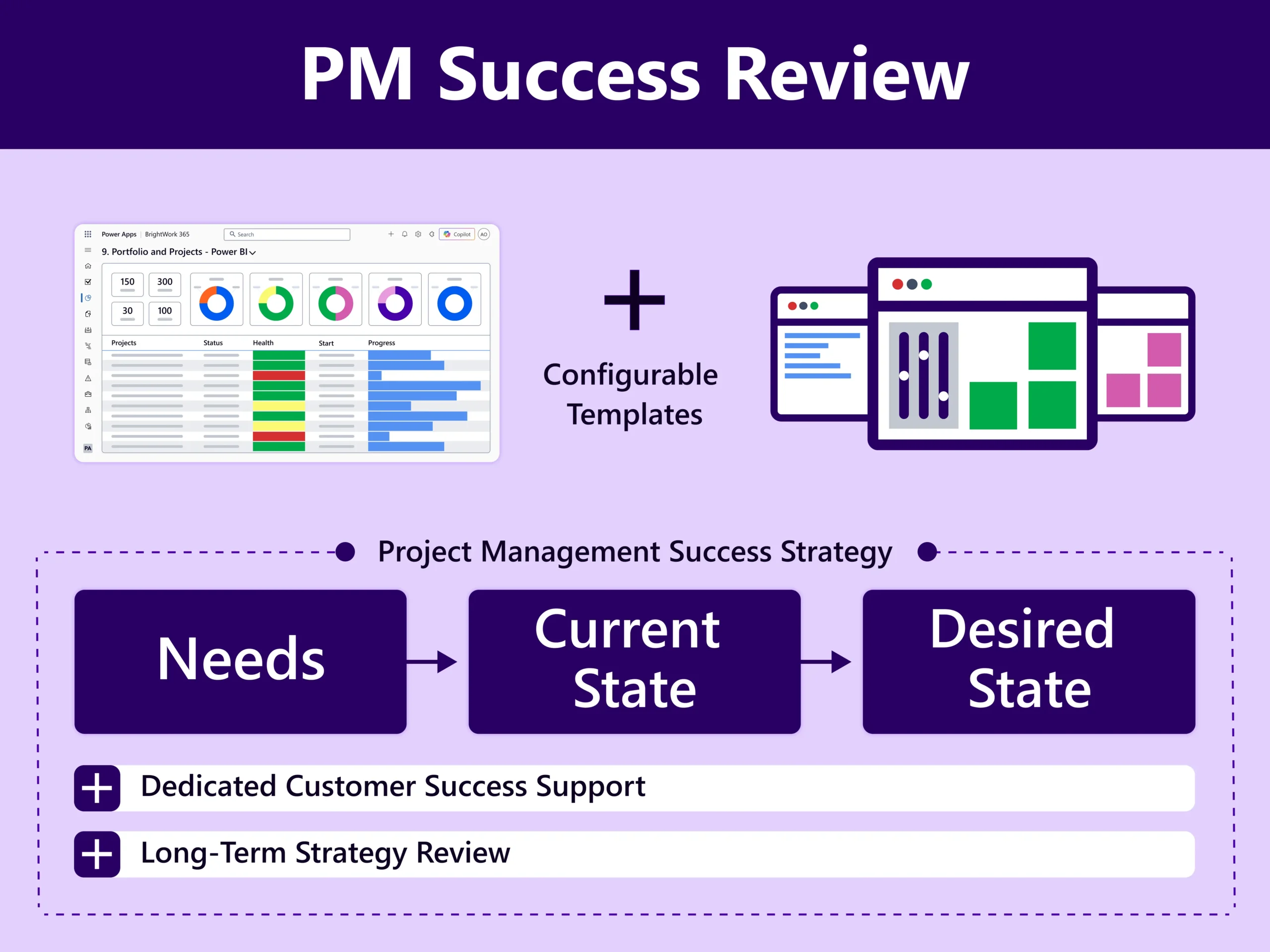
Project Management Success Strategy

Project Management Success Strategy

Devise a clear, practical, and transparent Project Management Success Strategy based on a proven success approach: Start-Evolve, in collaboration with your Customer Success Partner as part of the Start Service.

Periodic Review

Review Strategy and BrightWork 365 Implementation with our PPM experts.
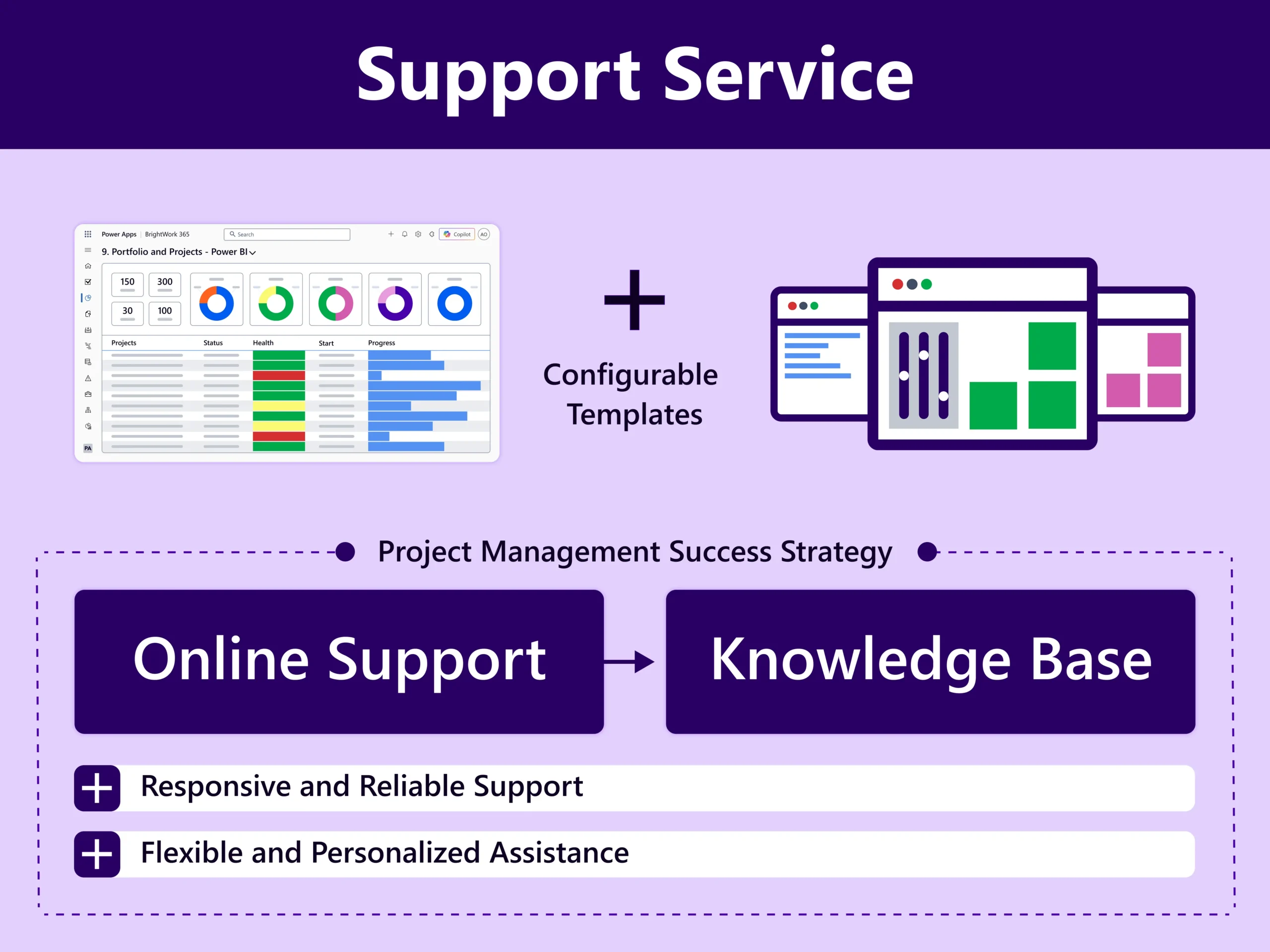
Access continuous Support and Knowledge Resources. Resolve queries and ensure the smooth running of your BrightWork 365 solution with our Support Service and Knowledge base.
Conduct a collaborative Project Management Success Review of your solution with your dedicated Customer Success Partner guided by your Project Management Success Strategy.
Agree upon and action updates in your Project Management Success Strategy including the Evolve Plan during the Project Management Success Review.

Watch BrightWork 365 Demo

Ready to Centralize Your PMO? See BrightWork 365 in action.

BrightWork 365 Deployment Services

Our services are tailored to suit your project management needs.

Start Service

Gain standardization and visibility across all projects and portfolios.

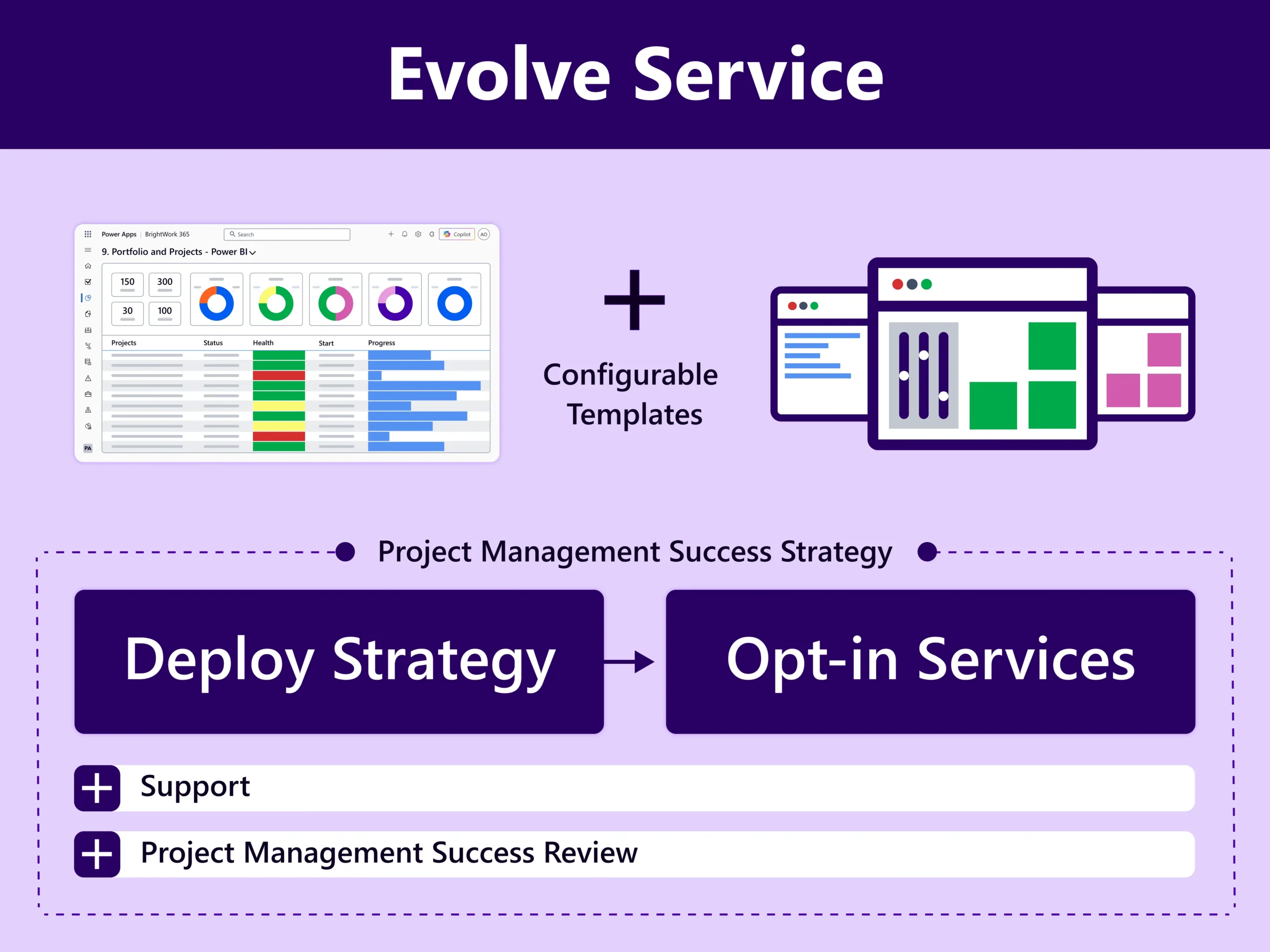
Evolve Service

Review and update Project Portfolio Management Success Strategy.

Augment Service

Resources, methodology, and guidance to boost project success.

Improve Impact

Evolve your strategy and improve BrightWork 365 with personalized services.
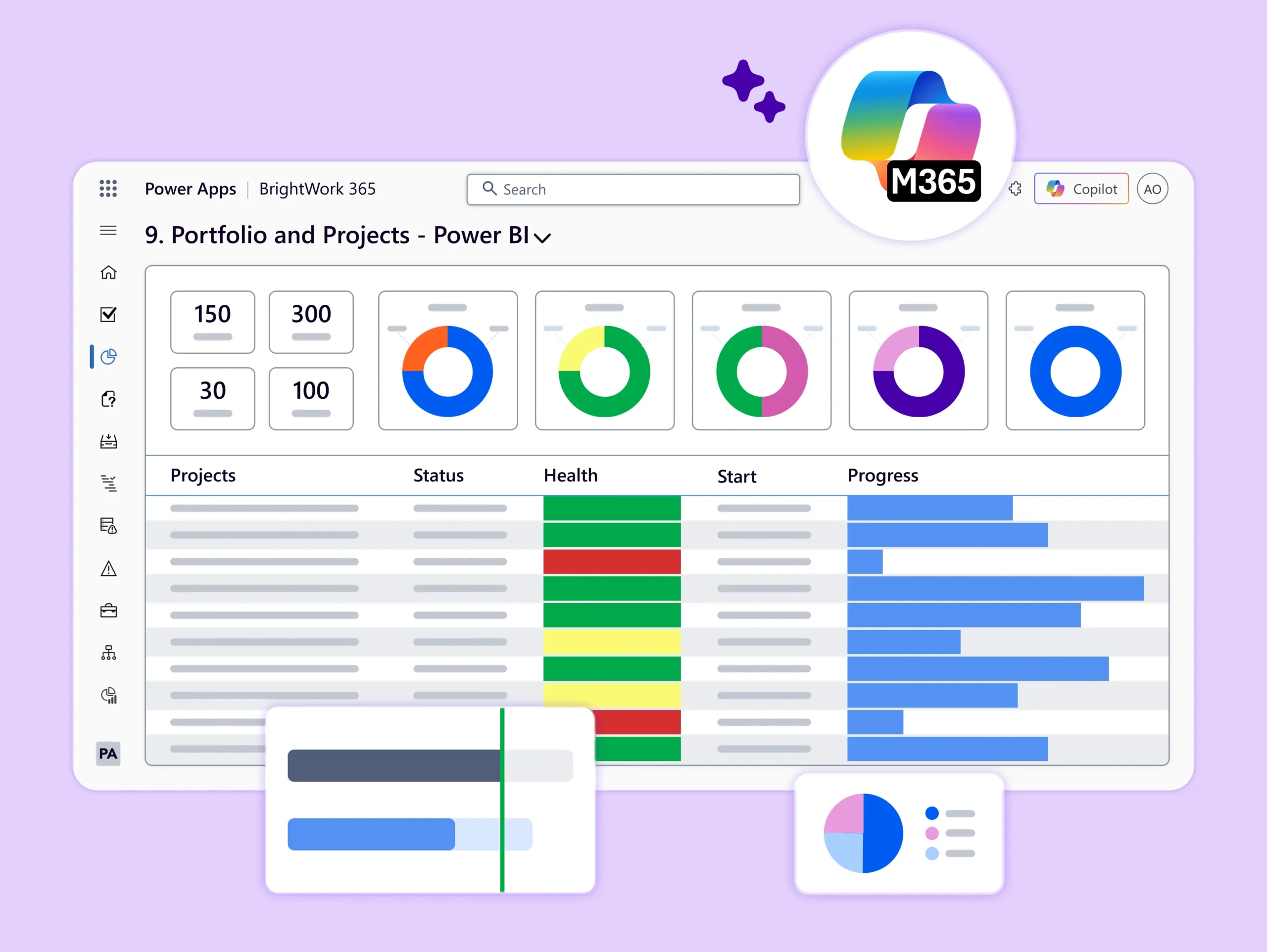
Make sure your PM Success Strategy created earlier is actioned and implemented – in collaboration with the dedicated Customer Partner.
Keep your solution up to date with access to new features with every new release. Customize templates in the solution to add new project types, business processes, and business groups as needed.
Leverage our highly personalized Services, Evolve and Augment, to figure the next steps of your project management success journey – with continuous assistance from your dedicated Customer Success Partner.
  • Project Management Coaching with an experienced PPM practitioner – based on a GROW (Goal, Reality, Options, Way Forward) model. Equip your project managers and teams with project management best practices, tools, and skills.

  • Personal and Collaborative Leadership Training – attend the course delivered as a series of workshops – based on material from Personal and Collaborative Leadership: A Handbook, written by BrightWork CEO, Éamonn McGuinness.
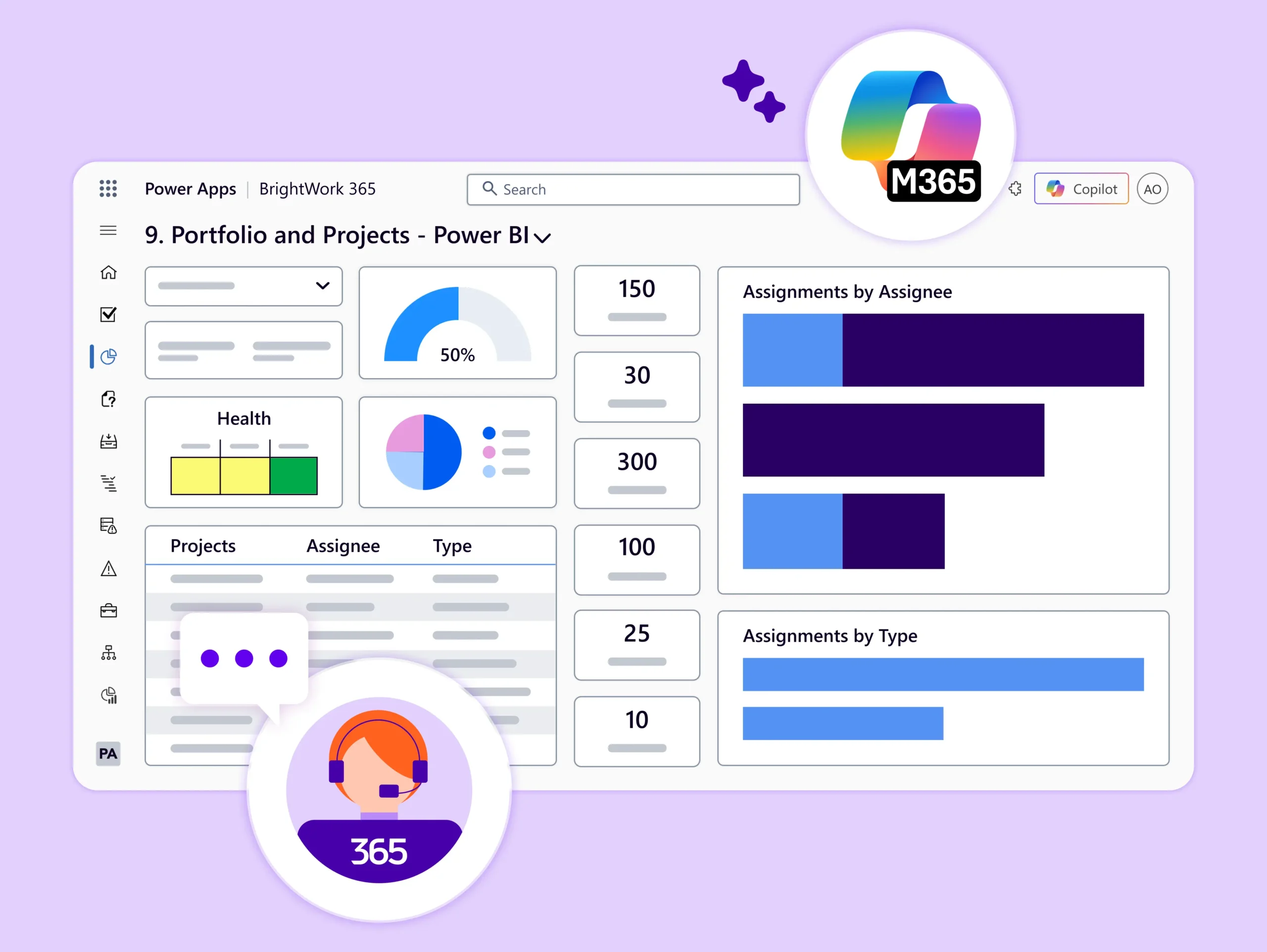
Configurable Templates

Configure templates to match your project management processes and evolve with projects.
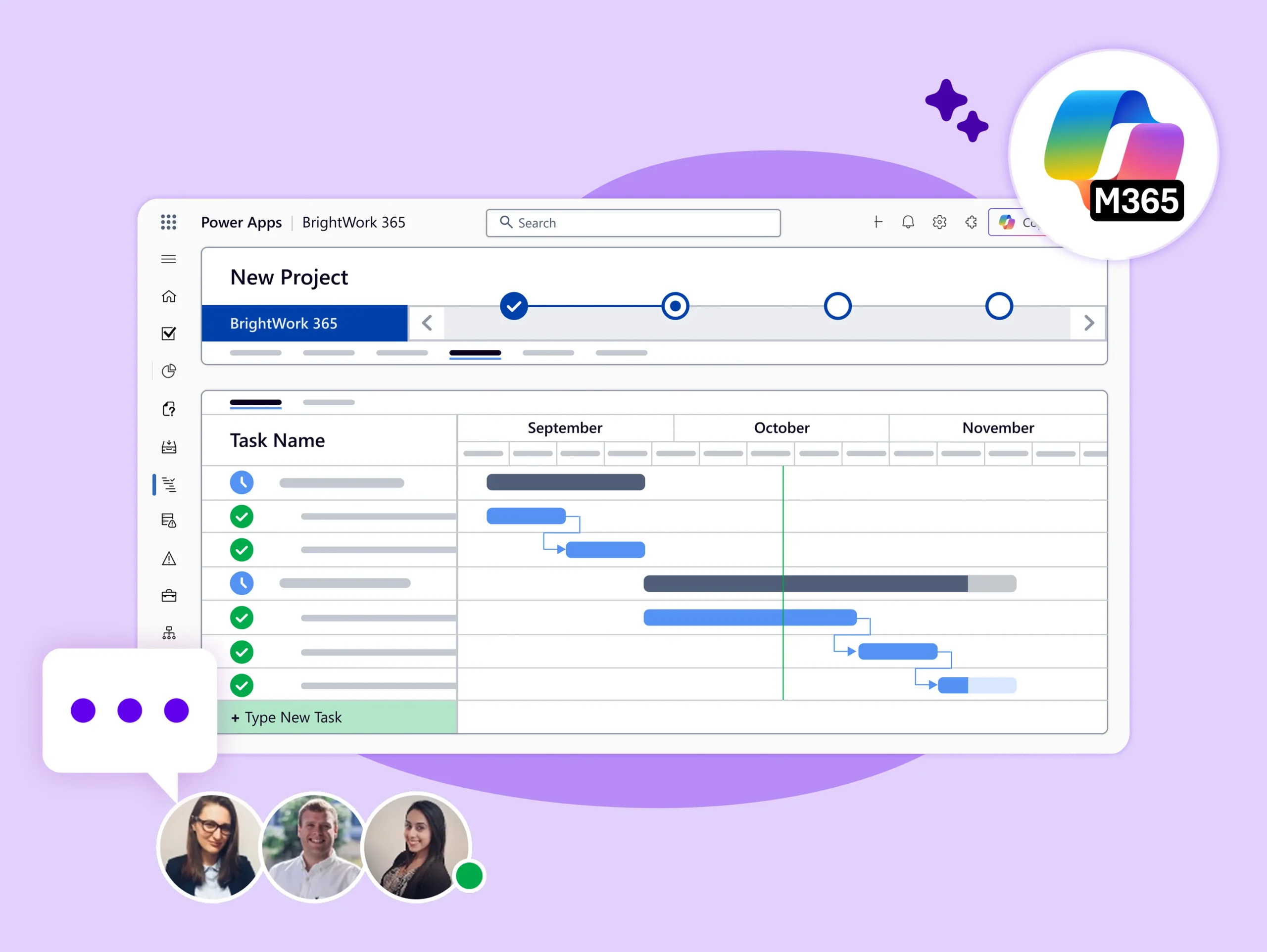
Quickly set up a wireframe for your projects with BrightWork 365 ready-to-use project management templates that have built-in project management processes.
Each project template has its specific Business Process Flow. You can choose the PPM template based on the nature and stage of the project process you want to set up.
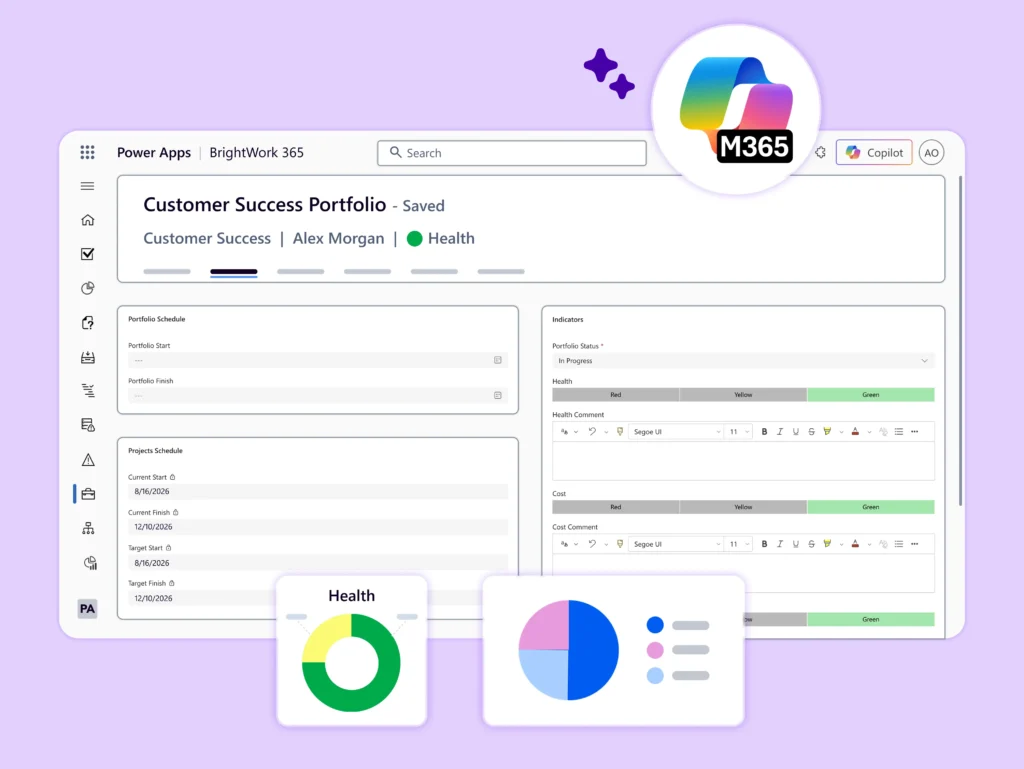
Each project template has tabs like Stages, Gantt charts, Status, Documents, Risks, and Budget. Customize these tabs to keep all your project information and documents in one place with custom user access.
Create and manage best-practice templates in one place for easy access. Add project data on the go like – Stages, Milestones, Tasks, Deliverables, and sample Issues or Risks. And centralize all documents and communications (emails, chats).
Content Templates: Save time and resources by copying existing templates. Leverage successful past projects by copying existing content in the Template Area to create new ones – no coding needed.

BrightWork 365 Template Spectrum

  • The BrightWork 365 Solution includes templates for projects, portfolios, day-to-day work management, and collaboration.

  • The templates support varying levels of project complexity and processes – from Light to Structured based our Start-Evolve Approach.
Ready to Centralize Your PMO? See BrightWork 365 in action