Plan & Manage Projects on Microsoft 365
Align your goals, teams, and tasks using BrightWork 365 on Power Platform.
Trusted by industry leaders
Do More with BrightWork 365
-
Customize – Easily configure your BrightWork 365 solution to customize your project workflows and processes.
-
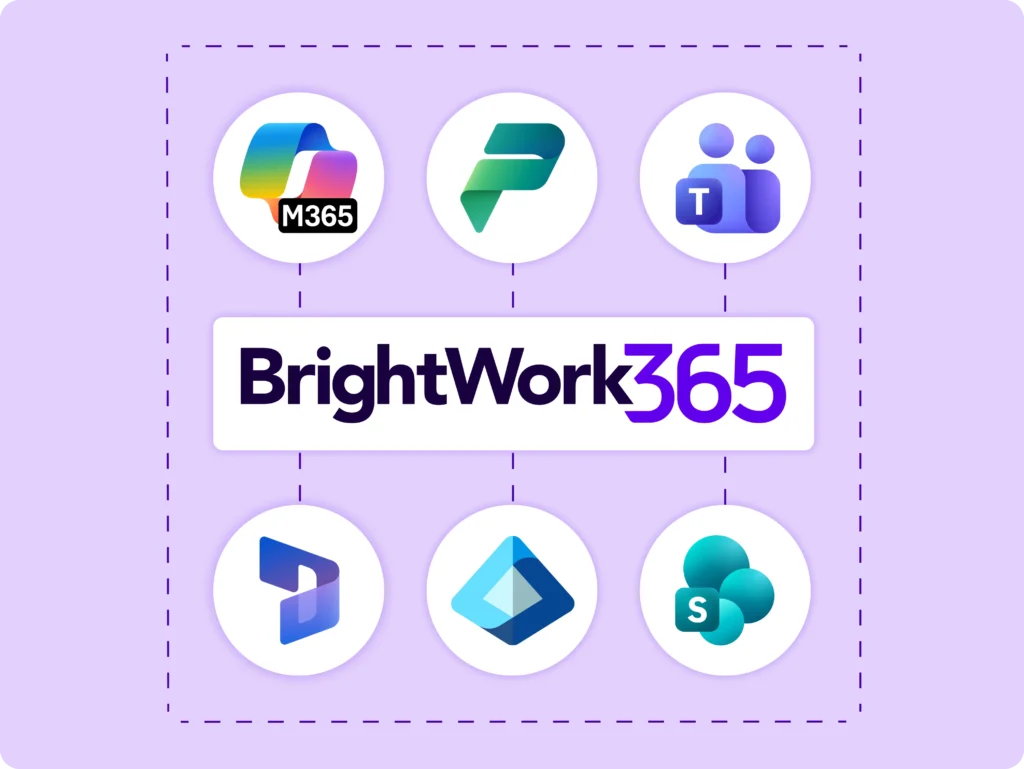
Integrate – Use Microsoft apps and the Power Platform to expand your project management capabilities.
-
Collaborate – Work with your dedicated Customer Success Partner to securely deploy, adopt, and evolve your BrightWork 365 solution.
Manage Projects
Streamline project processes and increase collaboration.
Setup & Manage
-
Initiate projects with ease using built-in BrightWork 365 templates that support varying levels of complexities and processes.
-
Plan project tasks and schedule the timelines with an adaptive interface and an interactive Gantt chart.
-
Setup Power Automate-driven built-in workflows to automate key tasks.
-
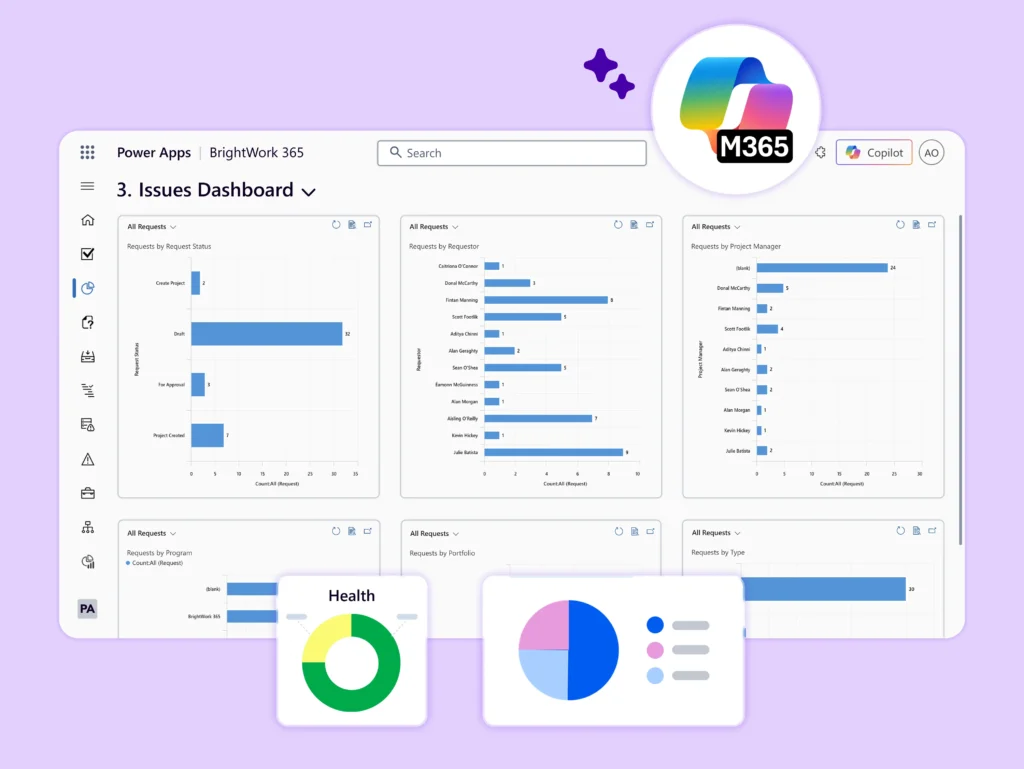
Use Power Apps dashboards with unique selectors and drill-down options to filter and analyze complex data.
Collaborate
-
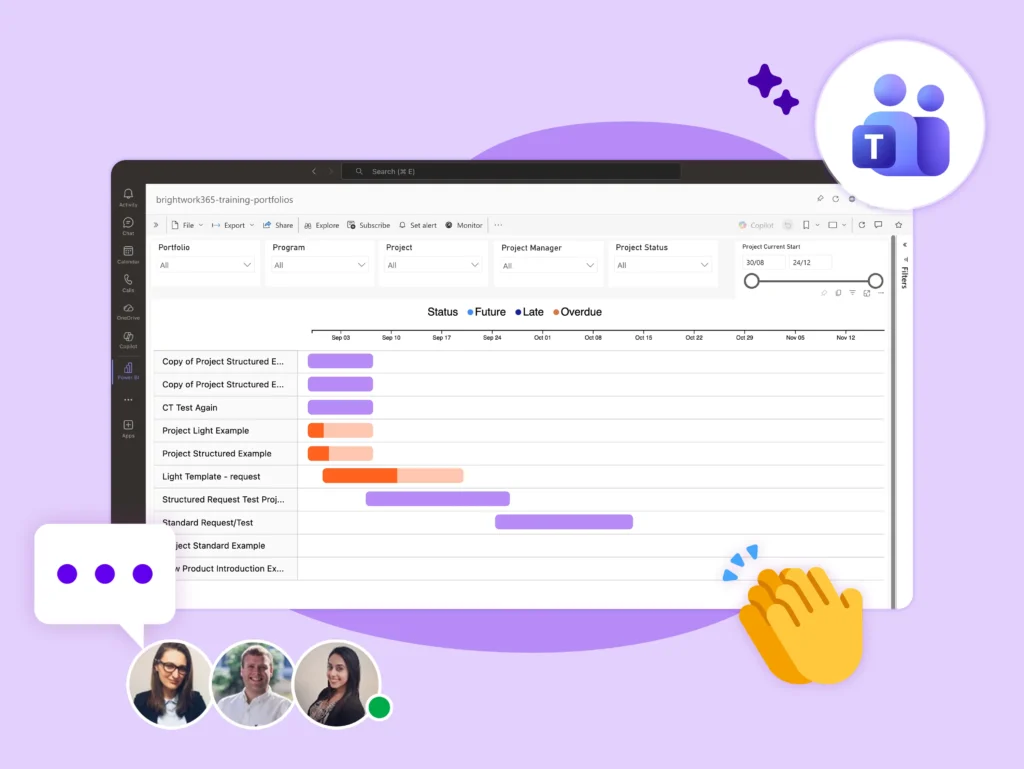
Collaborate in a single, team-focused project site
-
Understand the project ‘big picture’ to align project tasks with objectives.
-
Find, do, and update ‘My Work’ in one place.
-
Work on project documents and deliverables together using SharePoint Online.
Track & Report
-
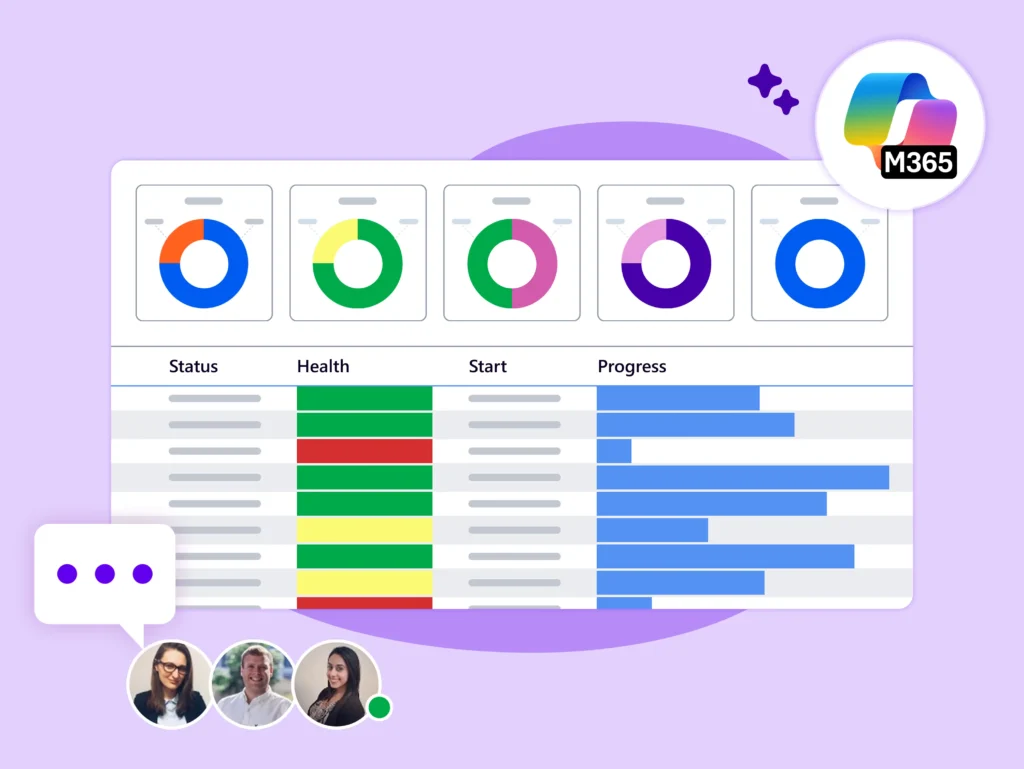
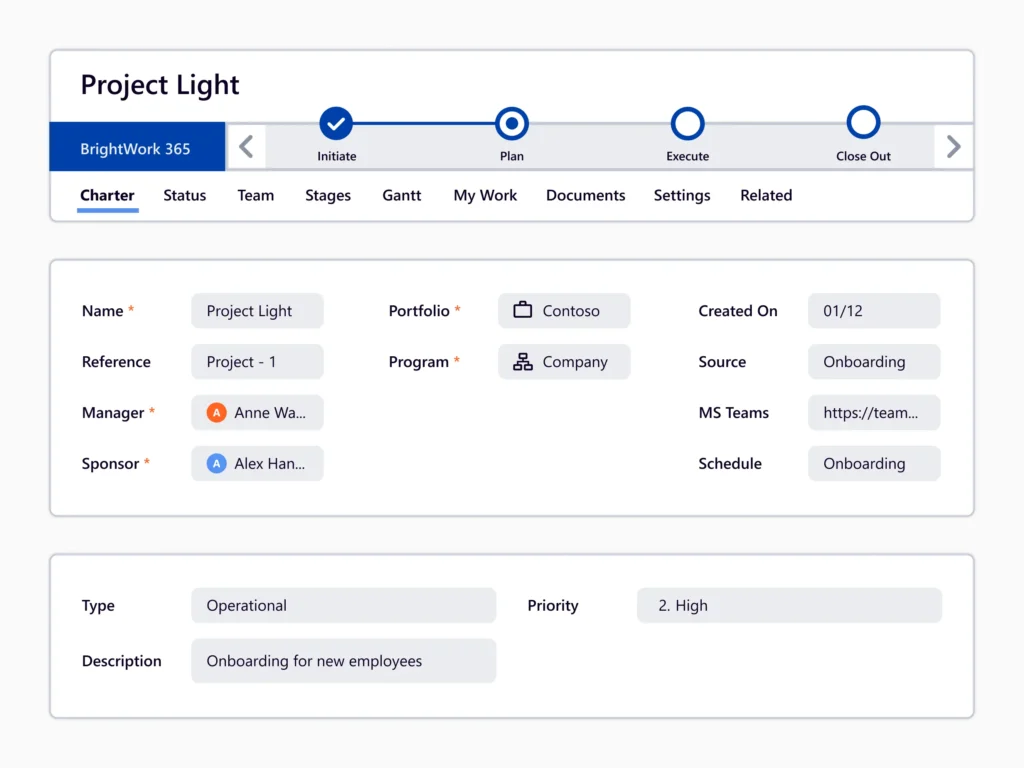
Use tabs such as Charter, Stages, Gantt charts, My Work, Status, Issues, Risks, and Project Settings to keep a close view and update information on your projects.
-
Adjust or re-plan the project based on progress and actionable insights.
-
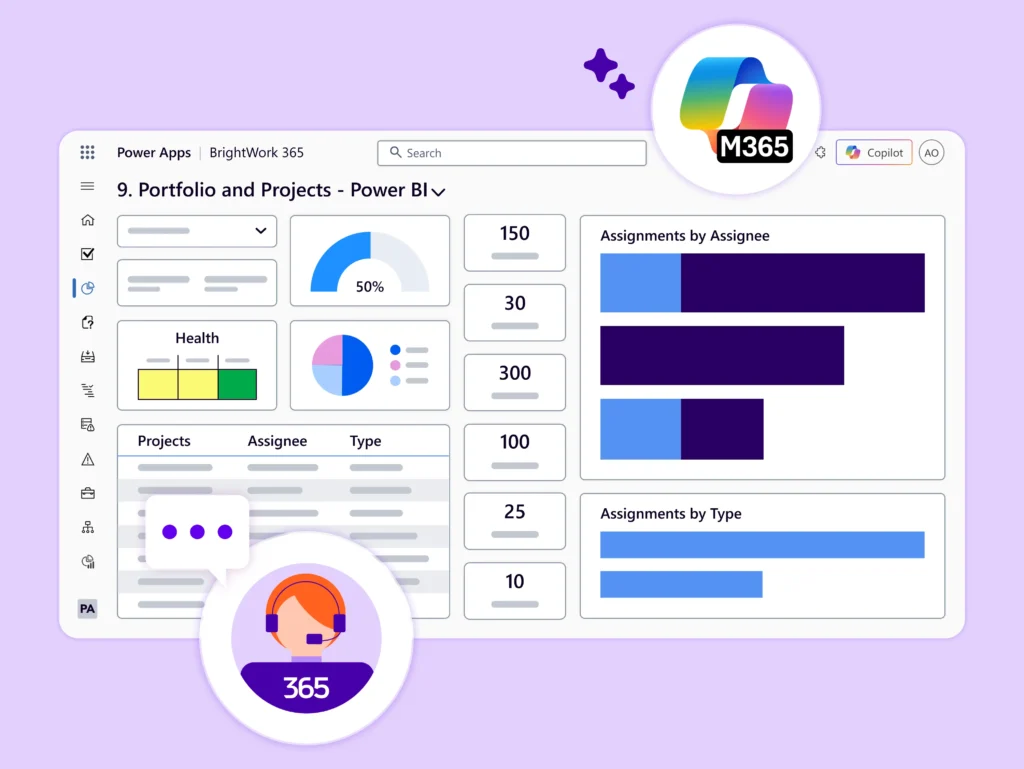
Create and share interactive reports, using Power BI and Power Apps to make data-backed recommendations to stakeholders.
Microsoft 365 Templates
-
Standardize PPM processes with configurable templates.
-
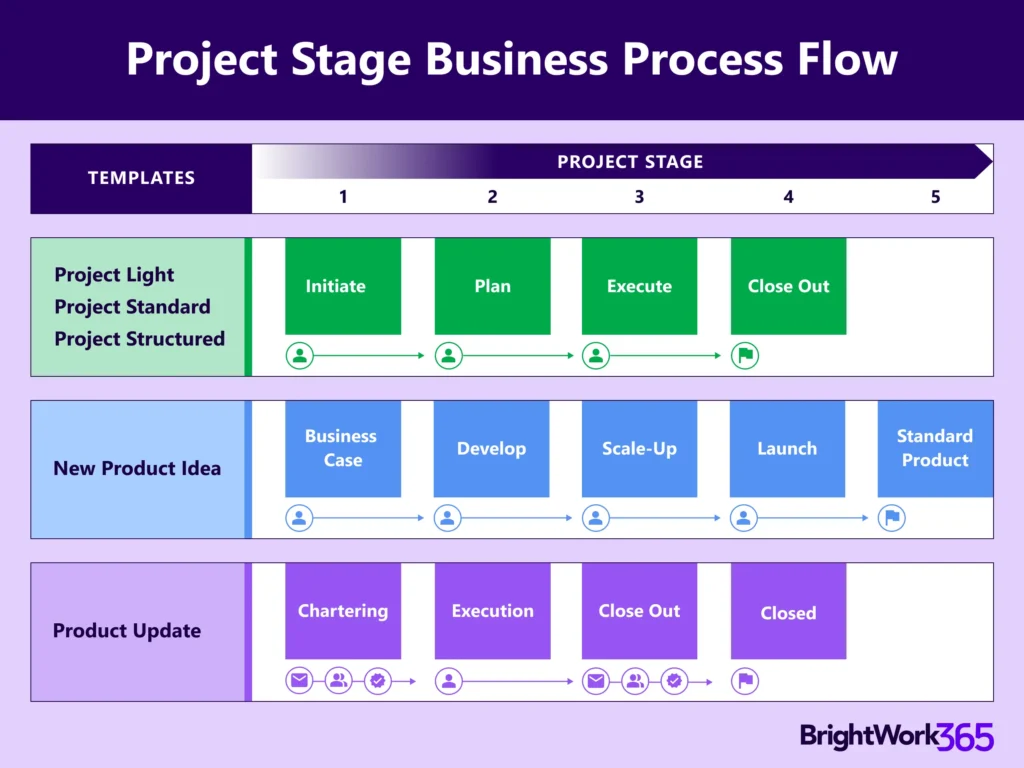
BrightWork 365 comes with five starter project management templates to help you get started managing projects quickly. Configure them to suit projects that require more complex processes.
-
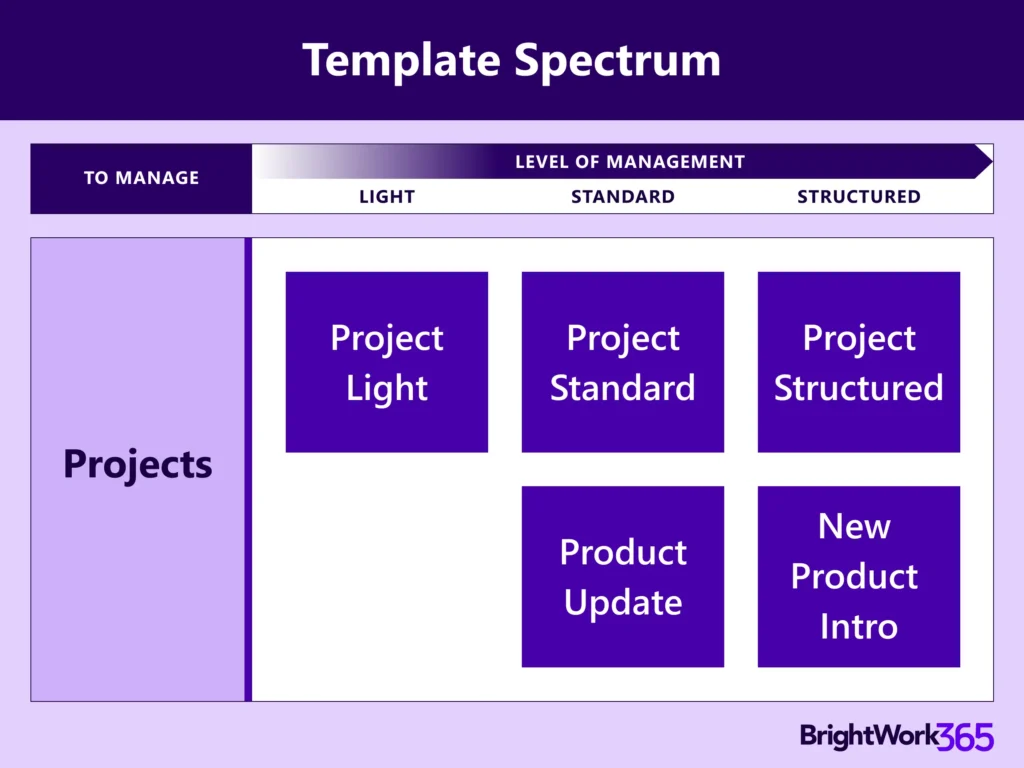
Choose from the five built-in Microsoft 365 templates based on the maturity stage of your projects: Project Light, Project Standard, Project Structured, New Product Introduction, and Product Update.
Microsoft 365 Templates
Standardize processes with configurable, best practice project management templates.
Project Light
Ideal for PMOs and teams that want to implement just the right level of structure, to ensure tasks are tracked, deadlines are met, and project objectives are achieved, without the overhead of more complex project management frameworks.
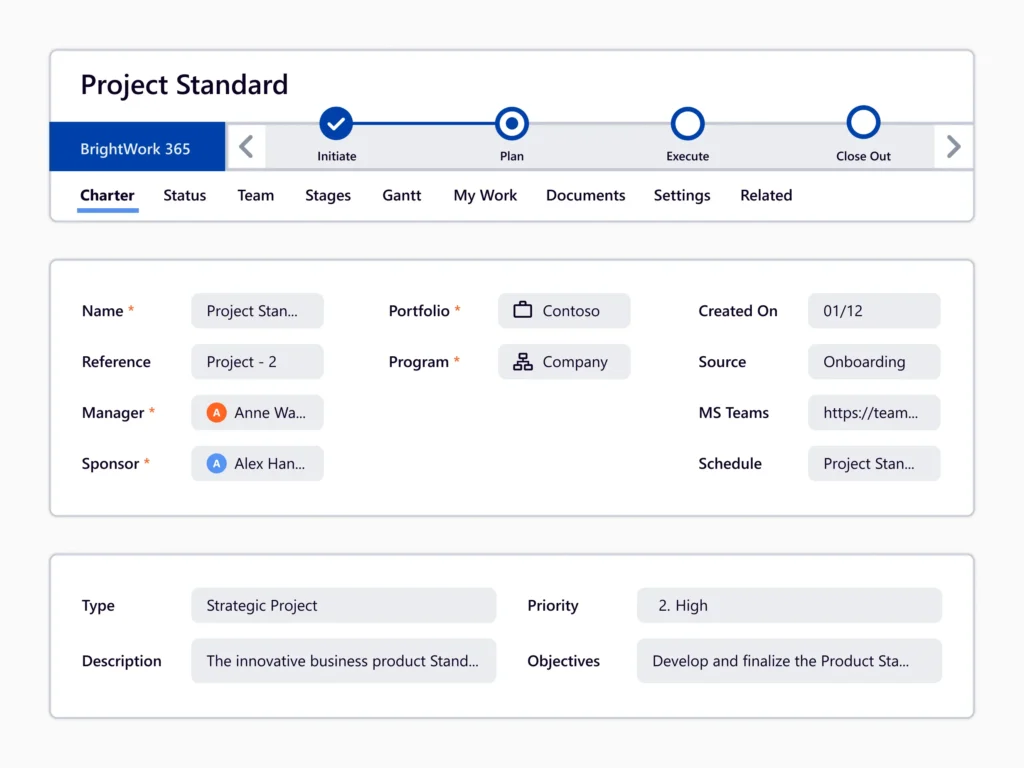
Project Standard
This makes it an ideal choice for teams across departments such as sales, marketing, engineering, finance, and more.
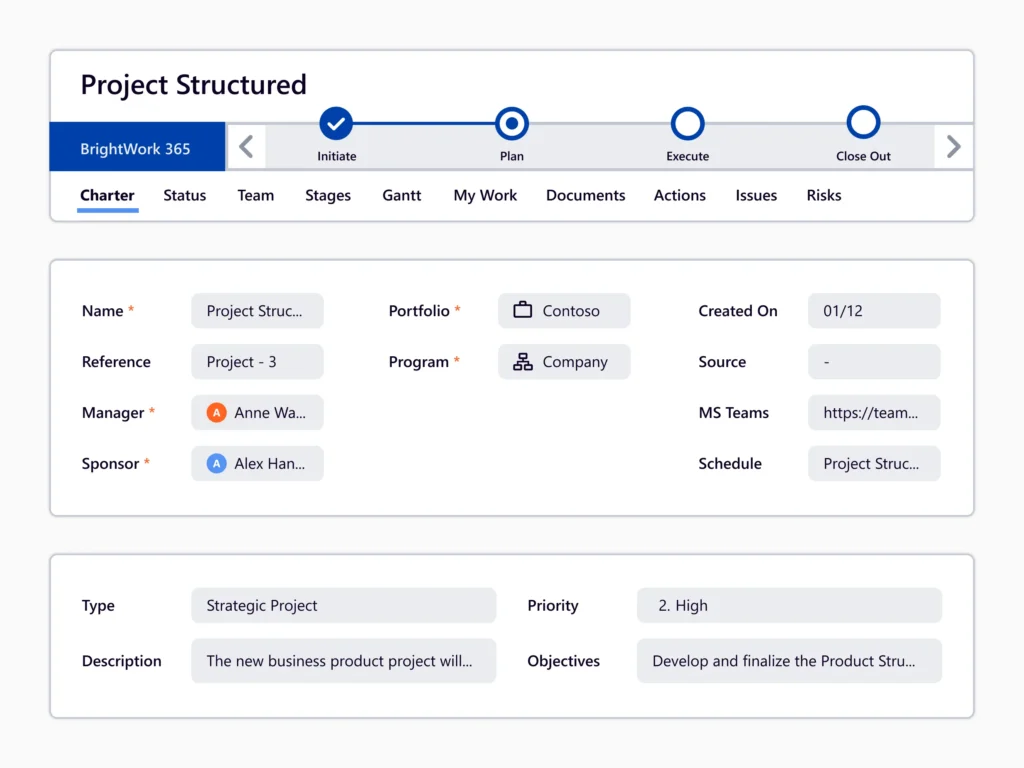
Project Structured
This makes it an excellent fit for high-complexity projects in areas such as product development, operations, engineering, or enterprise transformation.
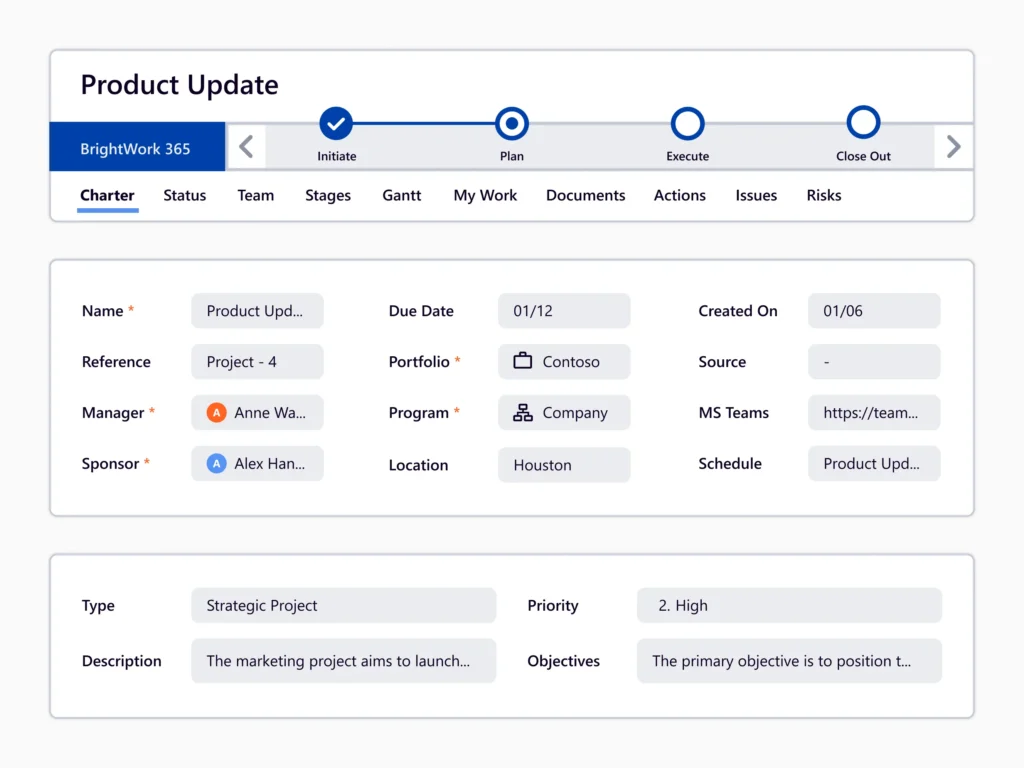
Product Update
It is ideal for any group responsible for improving or maintaining a product like product management, engineering, R&D, IT, customer support, and operations.
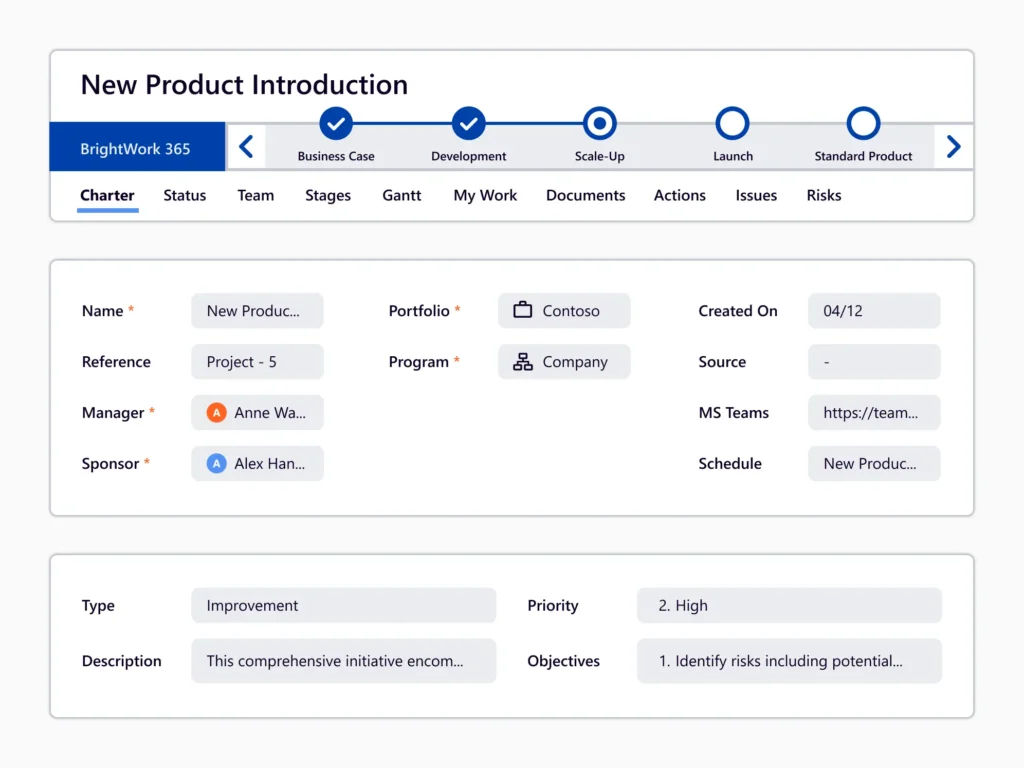
New Product Introduction
It helps departments such as product management, marketing, engineering, and operations collaborate effectively and bring about new products in a structured and efficient way.
BrightWork 365 Template Spectrum
-
The BrightWork 365 Solution includes templates for projects, portfolios, day-to-day work management, and collaboration.
-
The templates support varying levels of project complexity and processes – from Light to Structured based our Start-Evolve Approach.