Manage Your PMO In One Centralized Tool
A complete Project Management Solution with personalized Services for the Microsoft 365 platform.
*Applies to the Americas, Australia, and Africa *Applies to Europe, Middle East, and Asia
Free
Unlimited Users
User/month, Free Forever
Key Features:
- Starter Plan
- Project Charter
- Tracking Essentials
- Sample Projects
- Audit History
Teams
20 – 50 Users
User/month, billed annually
Key Features:
- Configurable Templates
- Project Intake
- Reporting Dashboards
- Gantt
- Issues & Risks
- Resource Utilization
- Portfolio Management
- Deployment Support
- Dedicated Consultation
- Customization
Groups
51 – 100 Users
User/month, billed annually
Key Features:
- Configurable Templates
- Project Intake
- Reporting Dashboards
- Gantt
- Issues & Risks
- Resource Utilization
- Portfolio Management
- Deployment Support
- Dedicated Consultation
- Customization
Departments
101 – 250 Users
User/month, billed annually
Key Features:
- Configurable Templates
- Project Intake
- Reporting Dashboards
- Gantt
- Issues & Risks
- Resource Utilization
- Portfolio Management
- Deployment Support
- Dedicated Consultation
- Customization
Divisions
251 – 500 Users
User/month, billed annually
Key Features:
- Configurable Templates
- Project Intake
- Reporting Dashboards
- Gantt
- Issues & Risks
- Resource Utilization
- Portfolio Management
- Deployment Support
- Dedicated Consultation
- Customization
Trusted by industry leaders
Compare All Features
Your All-in-One Solution
Manage Projects, Control Portfolios, & Improve Process Flows inside Microsoft 365.
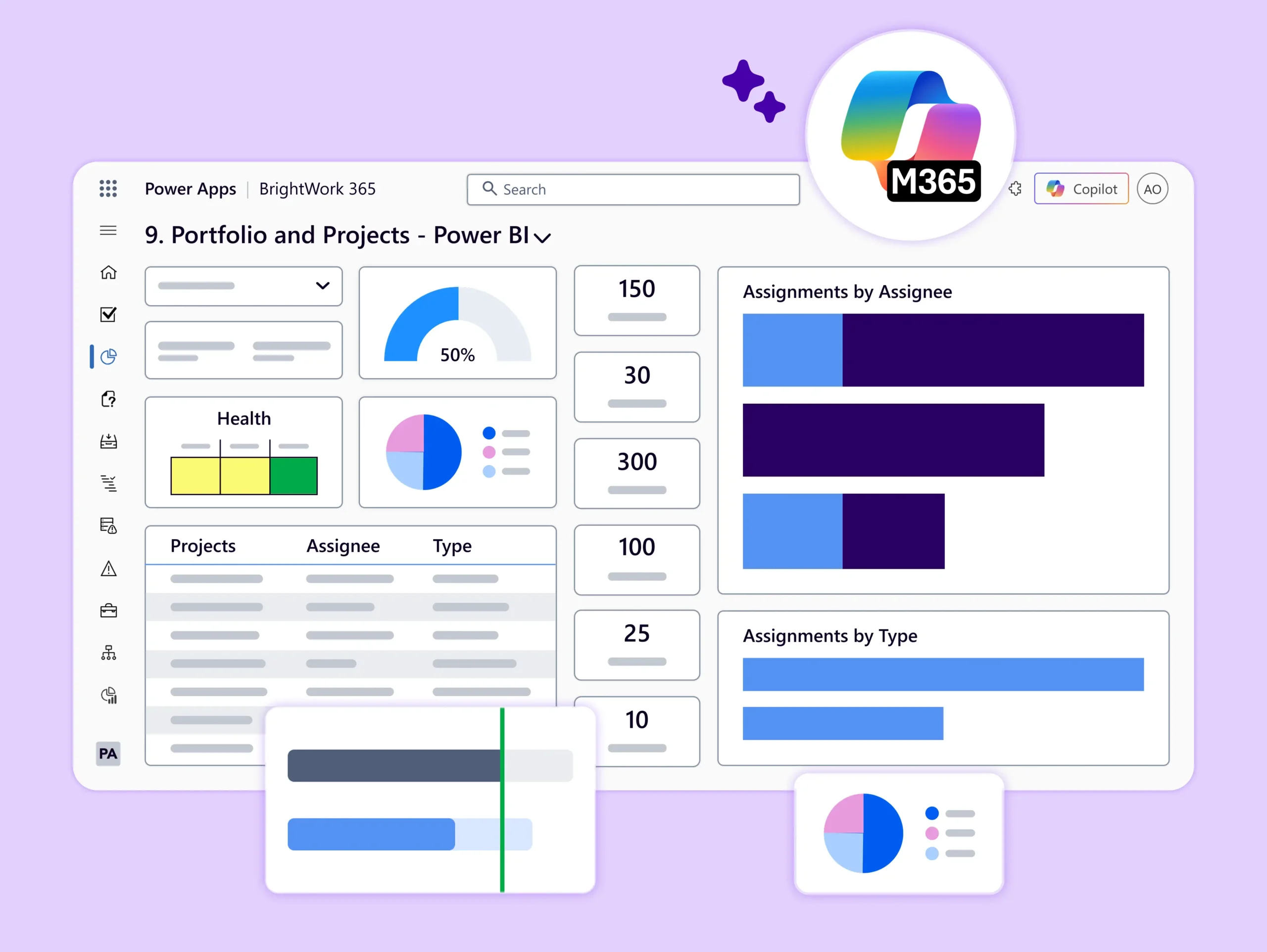
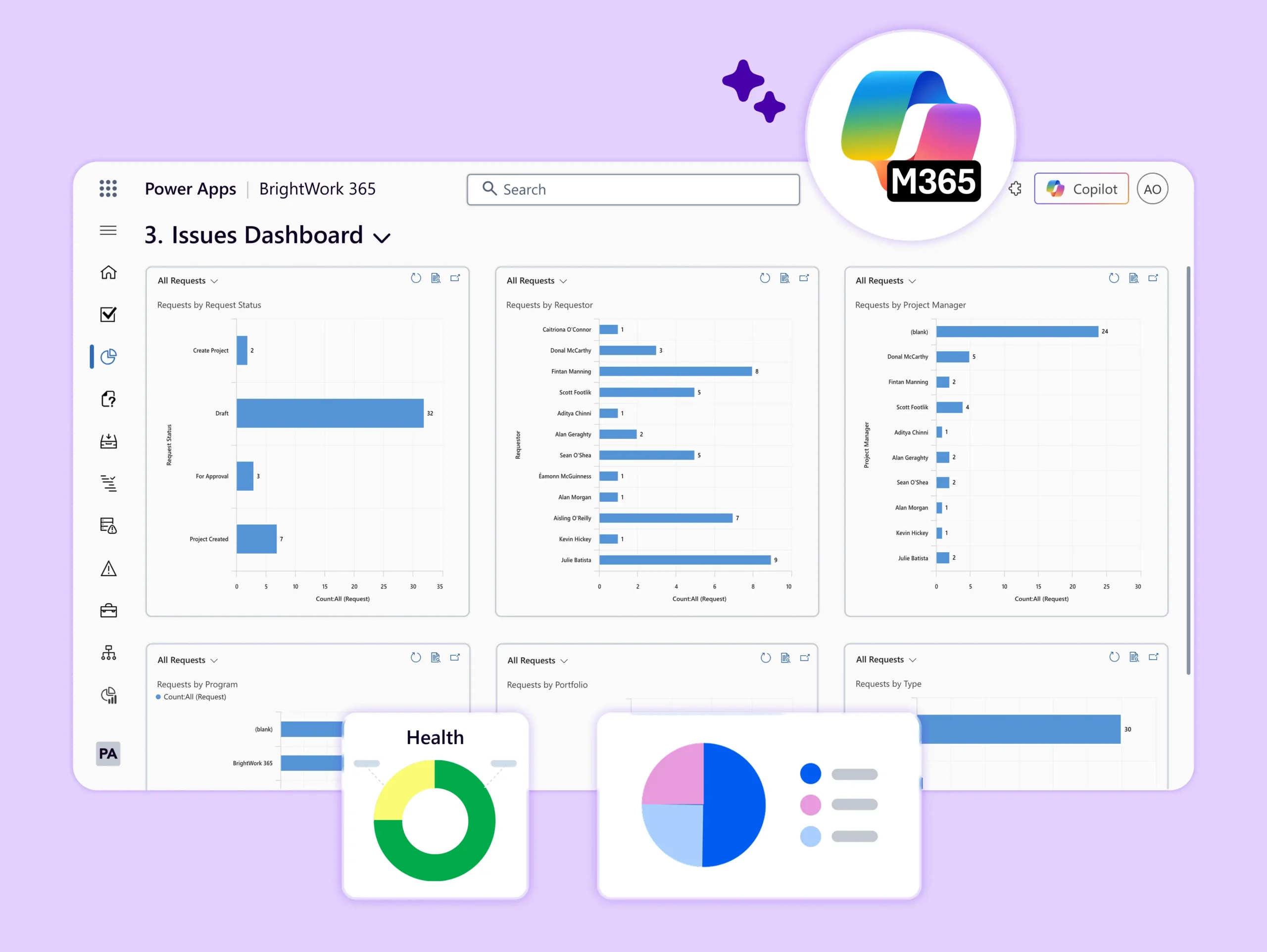

Trusted Microsoft ISV Partner
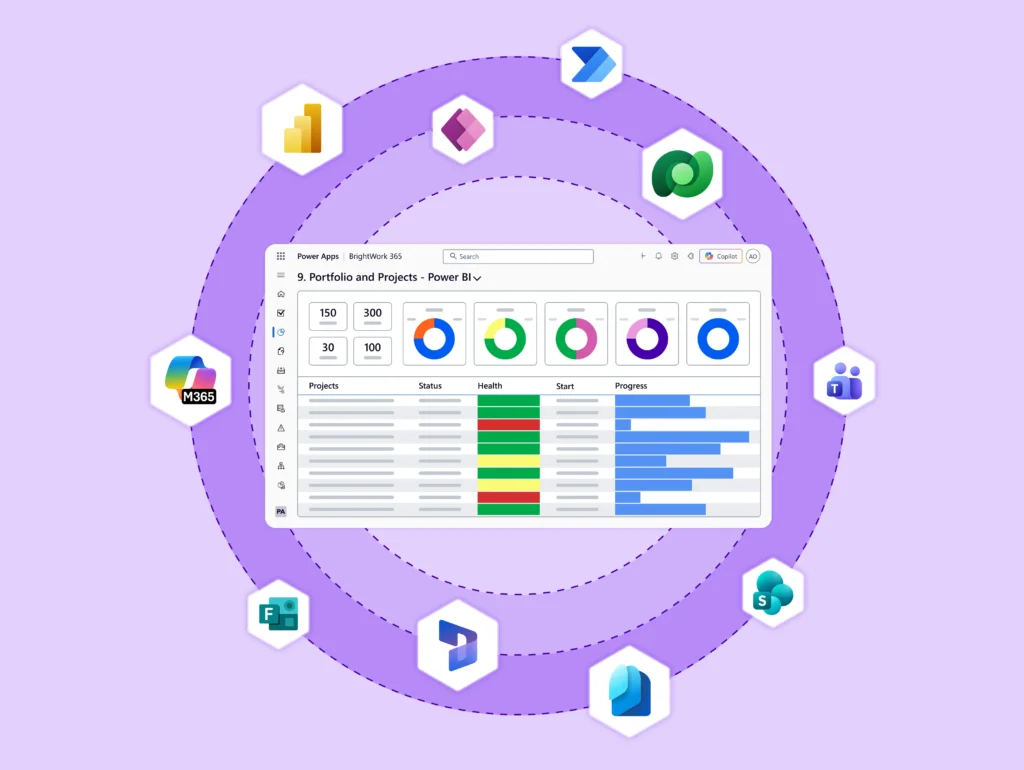
BrightWork 365, built on the Microsoft 365 Power Platform, helps teams plan, manage, and report on projects with familiar apps like Teams, SharePoint, Power BI, and Power Automate.
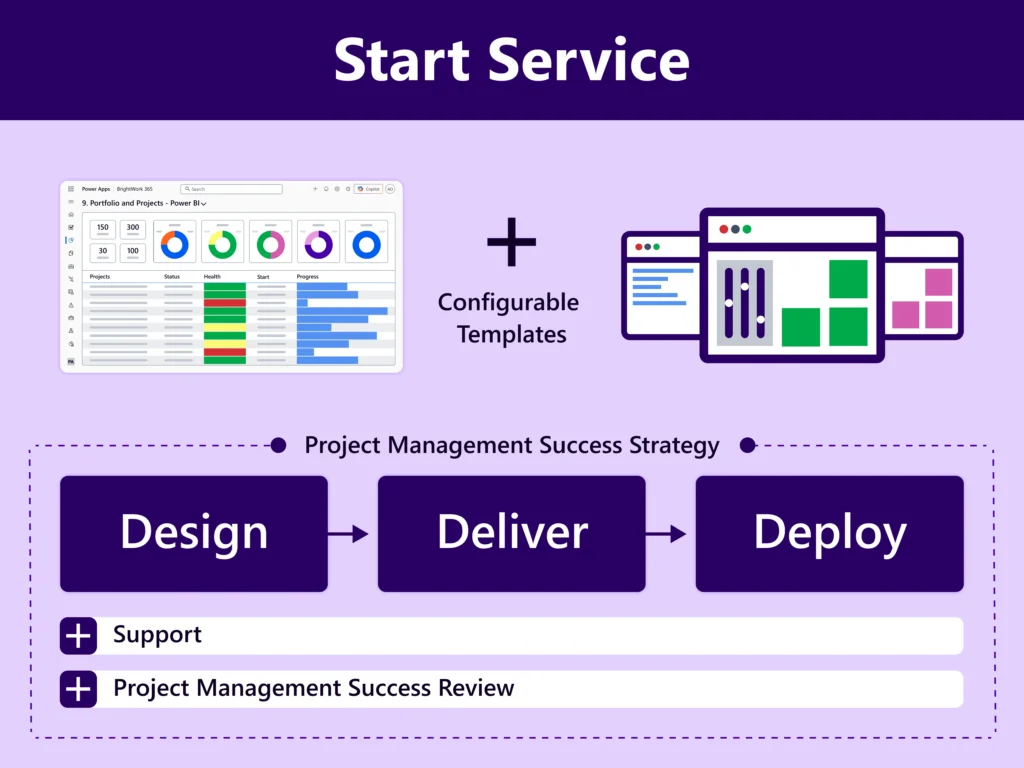
Our unique Start-Evolve approach, guided by dedicated Customer Success Partners, ensures quick adoption of standardized, scalable project management across your organization.
Onboarding Services
Our onboarding services are a must-buy as they ensure that you have a quick and efficient start of your project management journey with BrightWork 365 and leverage your Microsoft 365 platform in the best way.
The BrightWork Start Service combines our built-in, configurable templates and a proven ‘Start-Evolve’ approach to accelerate your success. A typical Start Service includes 40 hours of service delivery over flexible 30, 60, or 90 day deployments and costs $8,750 or €6,500.
Customer Success Stories

Configurable and custom templates ensure consistent project planning and delivery.”


Furthermore, the tool's ability to adapt to our specific needs through customization using Power Apps has been a game-changer!


Our PMO stands for ''Simplicity & Transparency'' and BrightWork365 gave us the tools.

Brightwork allowed us to provide visibility into the individual projects and to save the key deliverables where all can see.’’


We’ve been using the Brightwork 365 platform for about two years, and it fully meets our needs. It’s intuitive, integrates seamlessly with the Microsoft suite, especially Teams, and greatly facilitates collaboration."

Frequently Asked Questions
Our pricing is based on the number of named users accessing BrightWork 365. The cost of the subscription is based on a per user per month fee that is billed annually. The subscription payment is made in one upfront installment (so if you purchase a user plan for one year, you will pay for one year upfront). Onboarding services are priced separately.
A named user is counted as any team member who needs to actively use BrightWork 365, for example, to create a project, portfolio, or program; to create and update tasks; to create and work on project documents, and so on.
No, a user who is only entering project requests into the system (with no additional interaction with the BrightWork 365 app) will be provided with a free BrightWork 365 license.
Yes, you can add more users at any time. Please contact our sales team to discuss your additional user needs and pricing.
Users who only need to log a Project Request in BrightWork 365 can be assigned a free BrightWork 365 license. Any users who need to view and/or update Project, Program, and Portfolio details require a BrightWork 365 license. Work items, such as tasks, issues, risks, and the review or approvals of project requests, can be assigned to any user in your Active Directory. A user does not require a BrightWork 365 license to view a Microsoft Power BI dashboard.
The user installing BrightWork 365 needs to have a Power Apps per User license. They must also be a Power Platform Admin (global) or a System Administrator in the environment into which they are installing BrightWork 365.
All BrightWork 365 users need a Microsoft Power Apps License that has full Dataverse access (i.e., a ‘’Power Apps per User”, “Power Apps per App”, or “Power Apps pay-as-you-go”). Anyone who wishes to view or use a Microsoft Power BI Dashboards will need a Power BI Pro license (minimum). Note – Power BI is included in the E5 License. Access to BrightWork 365 will be managed by your IT administrator. Permissions can be managed by your IT administrator or delegated to a member of the Project Management or PMO team.
See here for further details on licensing and installation requirements for BrightWork 365.
BrightWork 365 installs into a Dataverse-enabled environment in a Microsoft Power Platform tenant. We recommend using a dedicated environment and not installing BrightWork 365 into the default environment. Organizations require at least one Power Apps per User license, and 1GB of Dataverse database and file space each to install BrightWork 365.
See here for further details on licensing and installation requirements for BrightWork 365.
Yes, we offer a 10% discount (on BrightWork 365 software licenses) for qualified non-profits and charity organizations.
No, BrightWork 365 is billed on an annual or multi-year subscription basis only.
All new BrightWork 365 customers need to buy onboarding services to get started on the right foot with your project and portfolio management.
For example, the BrightWork 365 Start Service includes 40 hours of service delivery over 6 to 9 weeks and costs $8,750 or €6,500.
Contact our sales team to discuss getting started with BrightWork 365 onboarding services.
BrightWork 365 is priced in US Dollar (USD) and Euro (EUR). USD pricing applies to customers in the Americas, Australia, and Africa. EUR pricing applies to customers in Europe, the Middle East, and Asia.
Your pricing proposal will include the subscription software license fee for the duration of your subscription, as well as the cost of your professional services package. A travel cost estimate will be included where on-site services are required.
Yes, BrightWork is a project and portfolio management solution for SharePoint On-Premises (Server versions of SharePoint 2013, 2016, or 2019). For more details, see BrightWork Product Overview.
To use the booking widget, please allow Functional cookies.