BrightWork 365 Start Service
We help you successfully deploy and adopt the solution so you gain immediate visibility & control over your entire project portfolio.
Trusted by industry leaders
Overview
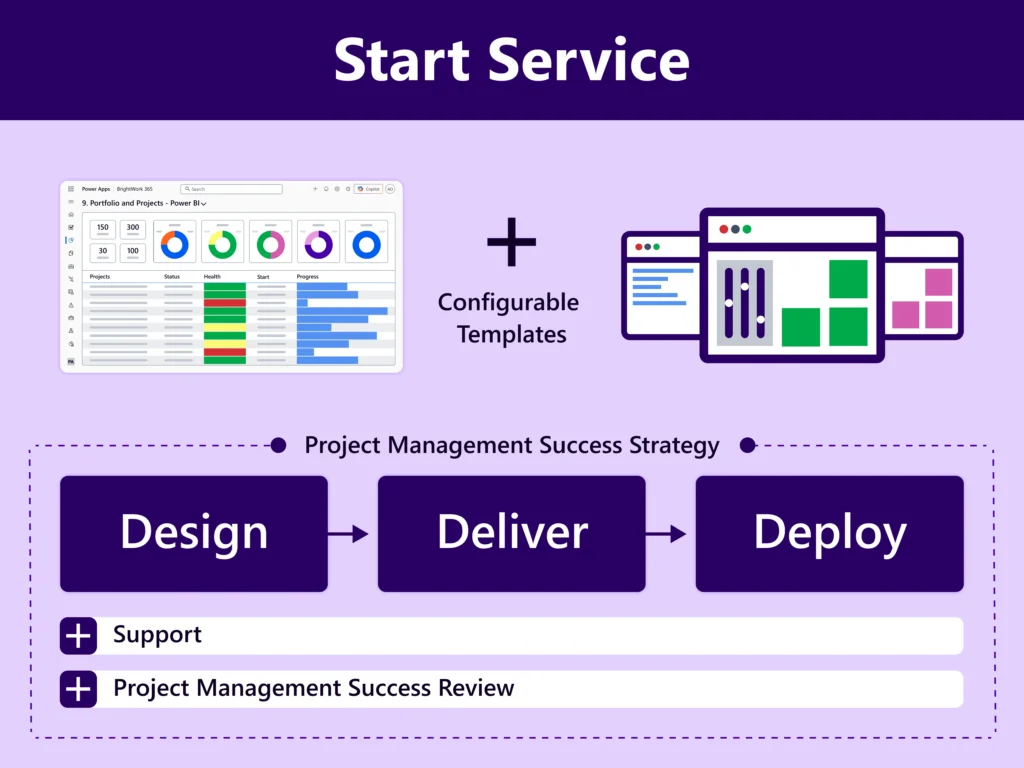
Accelerate initial deployment by adopting a sufficient amount of project management with configurable best-practice templates that will enable the standardization of your project management processes and tracking of all your projects in one place.
This will give Senior Management the immediate visibility to exercise control over your entire project portfolio.
Key Challenges
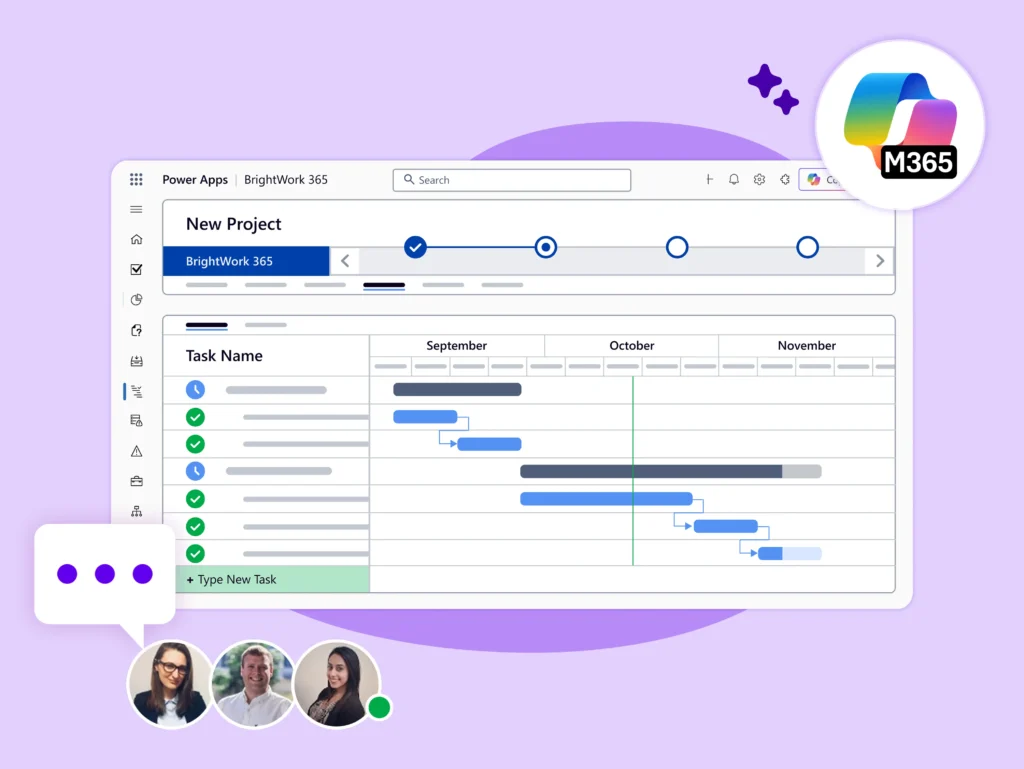
Your organization has invested in the Microsoft 365 platform and now wishes to leverage this platform to manage new project requests, projects, and portfolios in a standardized manner aligned with Project Management best practices.
In addition to start deploying quickly and getting immediate visibility and control of your Project Portfolios, you wish to have key people in your group trained in the smooth operation of Project Portfolio Management on the Microsoft 365 platform.

Our Deliverables
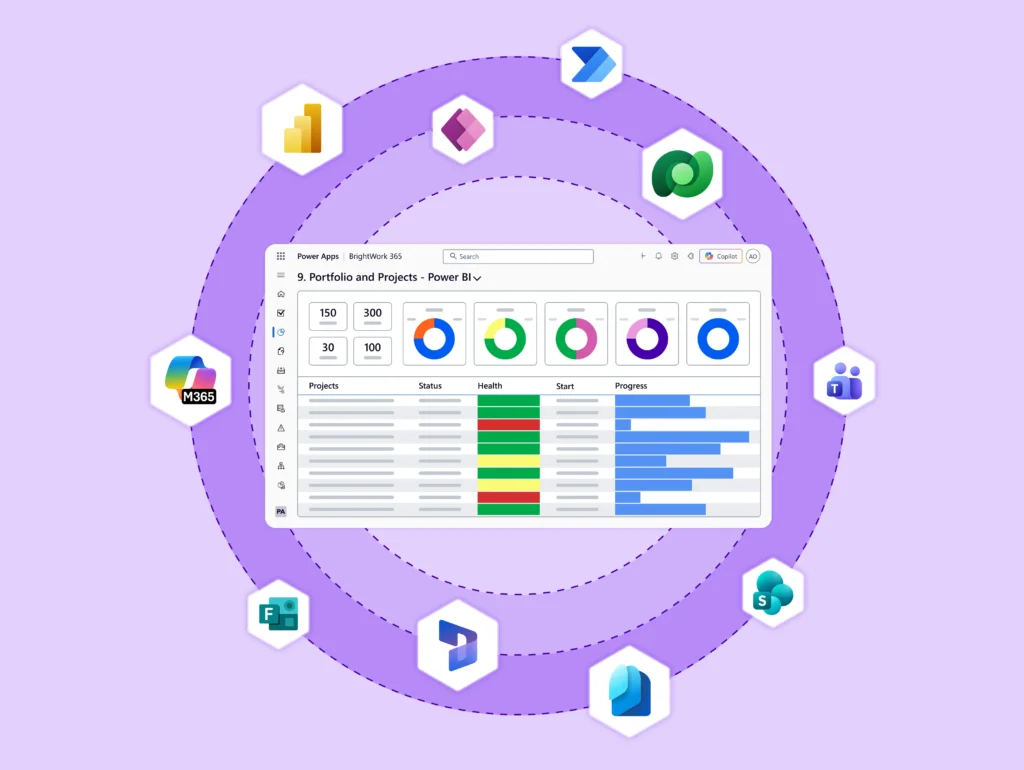
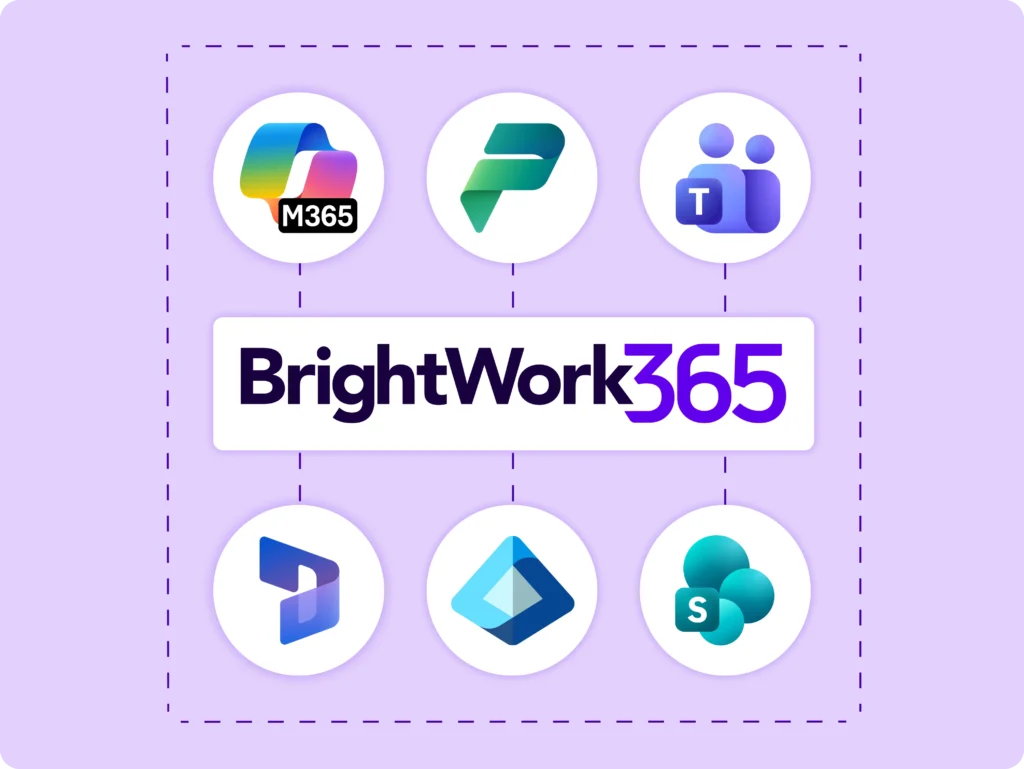
During the Start Service, your dedicated BrightWork 365 Customer Success Partner will collaborate with your team to Design, Deliver, and Deploy a solution for Project Portfolio Management on the Microsoft 365 platform (including Power Apps, Power BI, Teams, SharePoint Online, Word) using BrightWork 365.
The Start Service will also deliver the first version of your Project Portfolio Management Success Strategy.
Our 3D Approach
Successfully deploy BrightWork 365 solution, working with your dedicated Customer Success Partner.
-
Your Customer Success Partner works with you to define your short and long-term project management vision.
-
Together, you draft your first Project Management Success Strategy for clear execution.
-
Apply out-of-the-box project and portfolio templates for immediate visibility.

-
Set up real projects in the solution with support from the BrightWork team.
-
Have key stakeholders agree the templates to ensure it meets your current project needs.
-
Create an Evolve plan with us for any feedback on further customization

-
Deliver role-based training with your Customer Success Partner so your team can start using the solution quickly.
-
Gather feedback after initial use on what to adjust now and what goes into the Evolve Plan.
-
Review and update your Project Management Success Strategy to stay on path.
-
Receive a check-in after a few months, with ongoing support available as needed.

We Work with You
Your BrightWork Customer Success Partner will work with a Project Management Champion from your group as the main point of contact.
This individual will liaise with us and your internal stakeholders as needed through this process.

Effort and Duration
A typical Start Service includes 40 hours of service delivery over flexible 30, 60, or 90 day deployments.
This timeframe is dependent on the availability of your team and how quickly we can make decisions as we work collaboratively on the deployment of your project management solution.
Your BrightWork Customer Success Partner will work with you to define a realistic timeframe to complete the initial deployment.

Do More With BrightWork 365
-
Customize – Easily configure your BrightWork 365 solution to customize your project workflows and processes.
-
Integrate – Use Microsoft apps and the Power Platform to expand your project management capabilities.
-
Collaborate – Work with your dedicated Customer Success Partner to securely deploy, adopt, and evolve your BrightWork 365 solution.
Next Steps
Once the Start Service concludes and you are using BrightWork 365, you can engage with your BrightWork Customer Success Partner to plan the next phase of your project management journey.
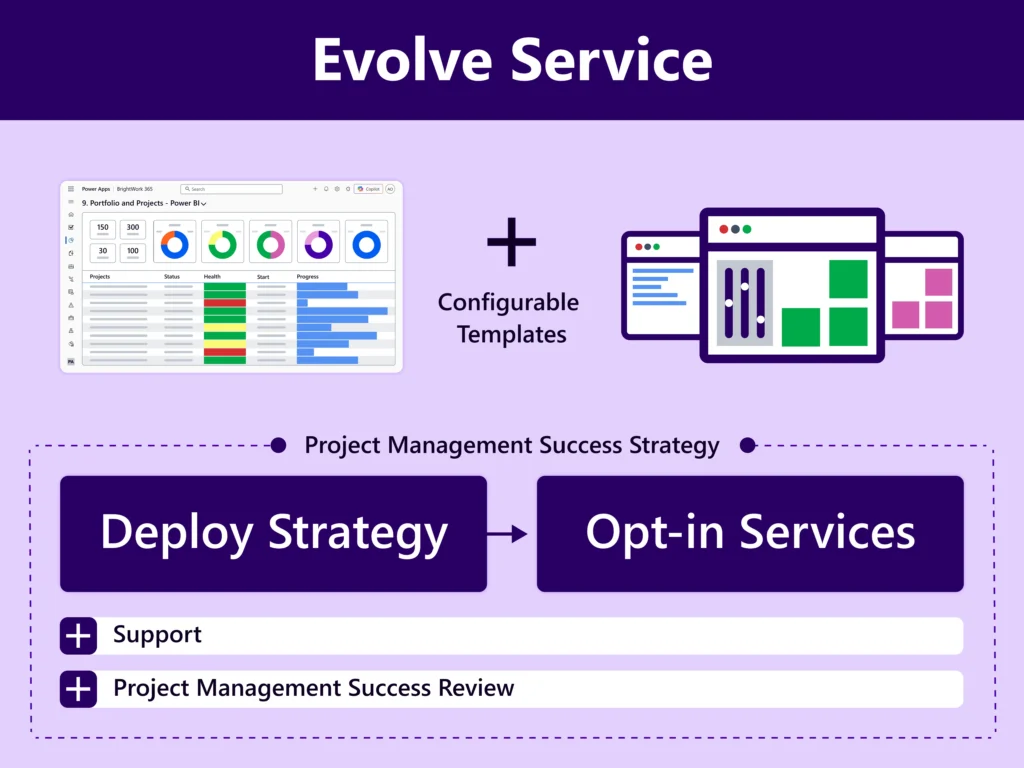
The Evolve Service typically follows the Start Service to support continuous improvement.
Contact Us to Explore our Personalized Services
To use the booking widget, please allow Functional cookies.