BrightWork 365 and Power Automate
Automate tasks and processes. Make project teams work smarter.
Trusted by industry leaders
Smarter Work. Higher Efficiency.
-
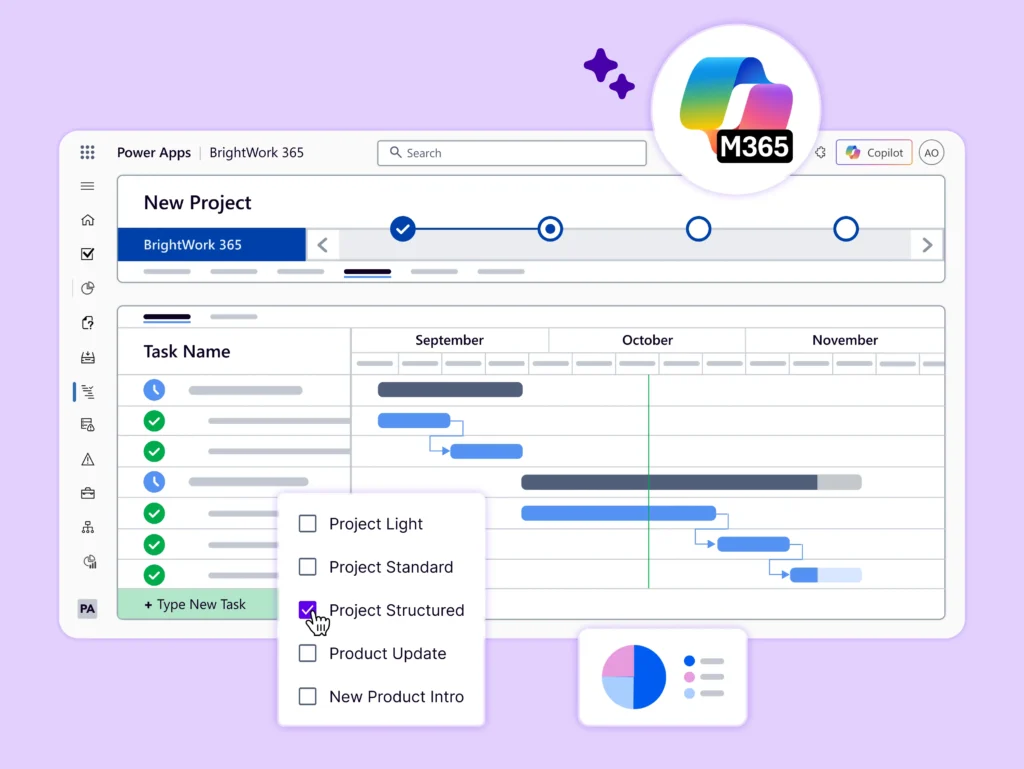
BrightWork 365 leverages Microsoft Power Automate flows to automate essential project tasks and streamline business processes.
-
By automating routine work, teams can save time, reduce errors, and make processes more transparent – so they can focus on high-value, high-impact items.
Explore Key Features
Improve efficiency with Microsoft Power Automate and BrightWork 365.
-
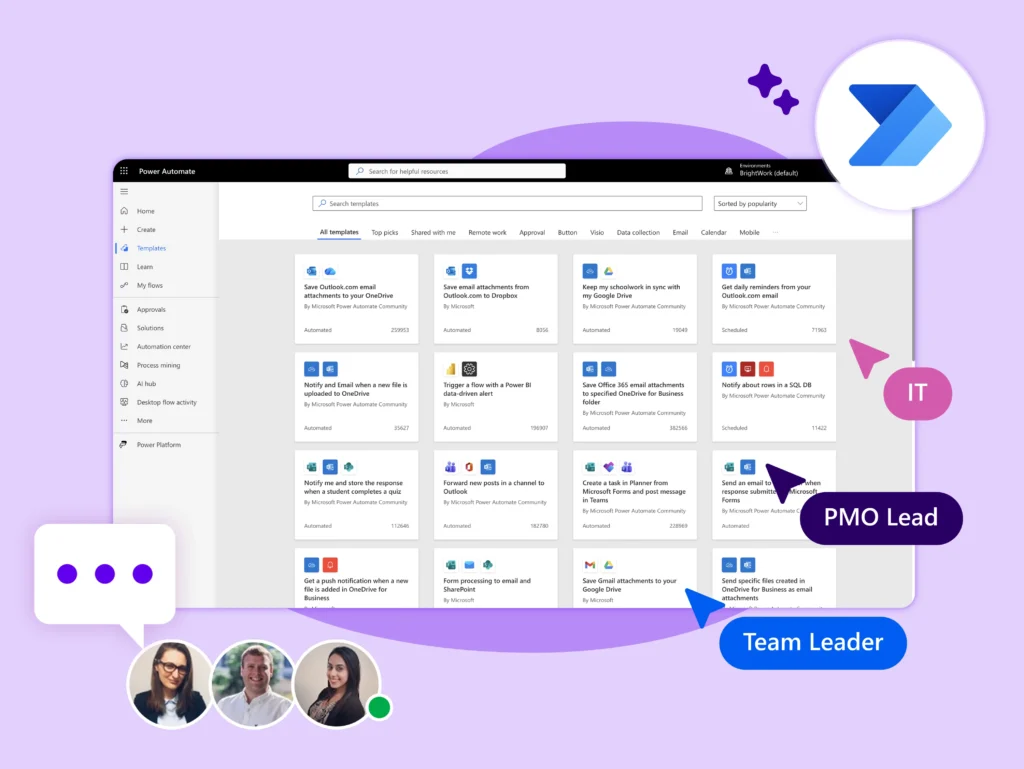
Start quickly with pre-built flows for requests, tasks, status reports, and dashboards.
-
Customize flows to match your processes with no IT support needed.
-
Build and add custom flows to phases, deliverables, tasks, and documents.
-
Ensure quality and consistency with triggers and conditions that control workflows.
-
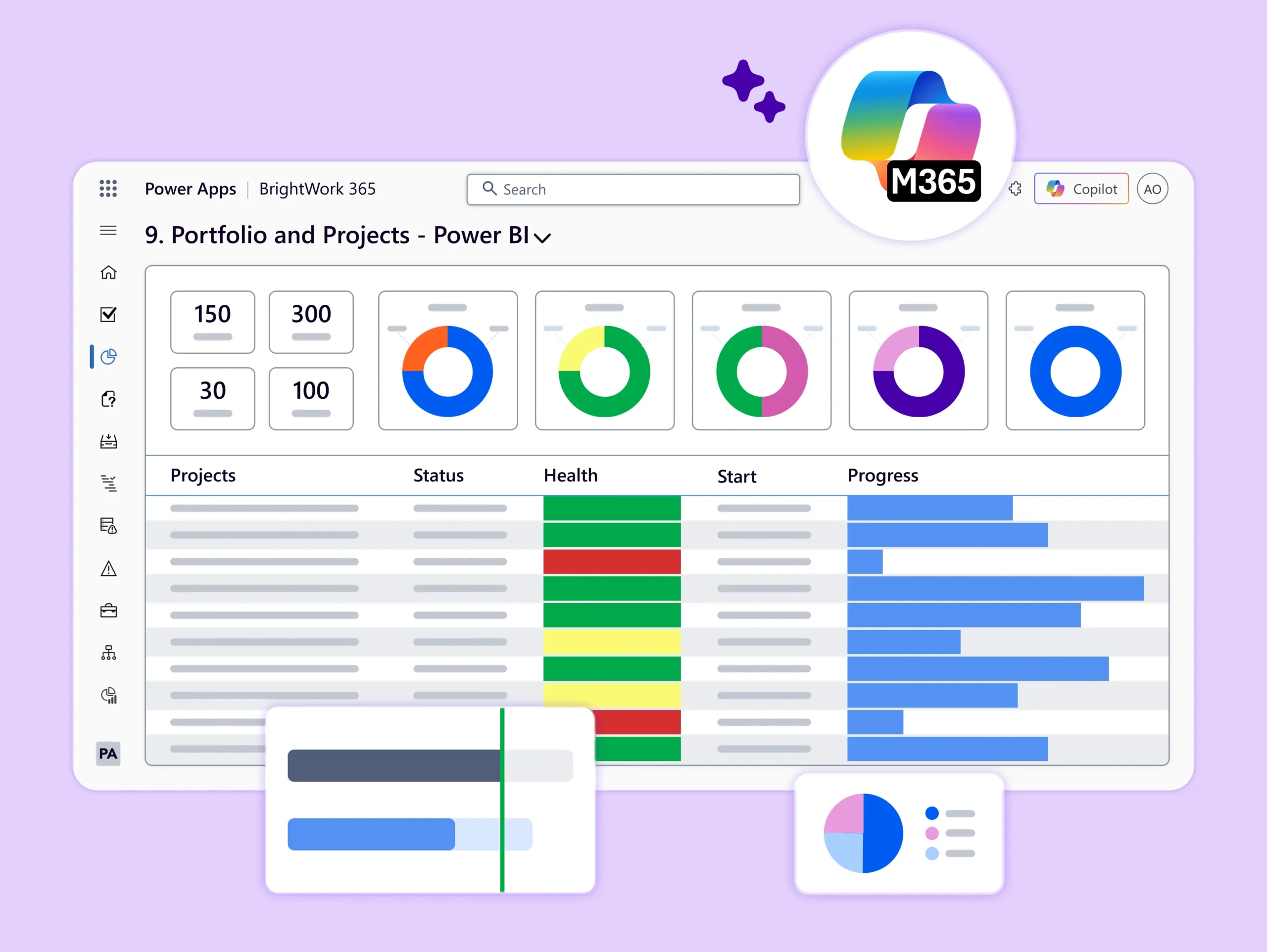
Build better reports by pulling data from Microsoft 365 and third-party apps into BrightWork 365.
-
Streamline collaboration by connecting Power Automate flows with Power BI and Microsoft Teams.
-
Easily track and optimize flow performance.
-
Manage approvals for documents, business travel, and vacation requests.
-
Ensure all project documents are stored in the right SharePoint Online library.
-
Copy flagged emails to OneNote.
Do More with BrightWork 365
-
Customize – Easily configure your BrightWork 365 solution to customize your project workflows and processes.
-
Integrate – Use Microsoft apps and the Power Platform to expand your project management capabilities.
-
Collaborate – Work with your dedicated Customer Success Partner to securely deploy, adopt, and evolve your BrightWork 365 solution.