Microsoft Teams for Projects in Manufacturing
BrightWork 365 brings factory floor and front office together in Microsoft Teams for seamless manufacturing project collaboration.
Trusted by industry leaders
Centralized Updates & Reports
Bring structured project management into Microsoft Teams to create a single source of truth for every manufacturing project.
-
Create Teams and channels for each project or initiative.
-
Organize chats, files, and tasks in project channels.
-
Share real-time status updates and Power BI dashboards directly in Teams.
-
Maintain a complete, searchable history of all project communication and decisions.
Collaborate Better in Project Channels
BrightWork 365 uses Teams to provide a dedicated workspace for each project, making it easy to access the right information and keep everyone up to date.
-
Start chats and video meetings instantly to resolve issues.
-
Access project history for complete context and fast onboarding.
-
Use enhanced meeting tools like recordings and whiteboards.
-
Align all stakeholders, on-site and remote, in one place.
Standardize and Scale Processes
Adopt best-practice templates, automate repetitive work, and maintain control as your manufacturing project portfolio grows.
-
Standardize project delivery with ready-to-use templates.
-
Automate tasks to increase efficiency.
-
Gain complete portfolio control with clear governance.
Integrated with Microsoft 365
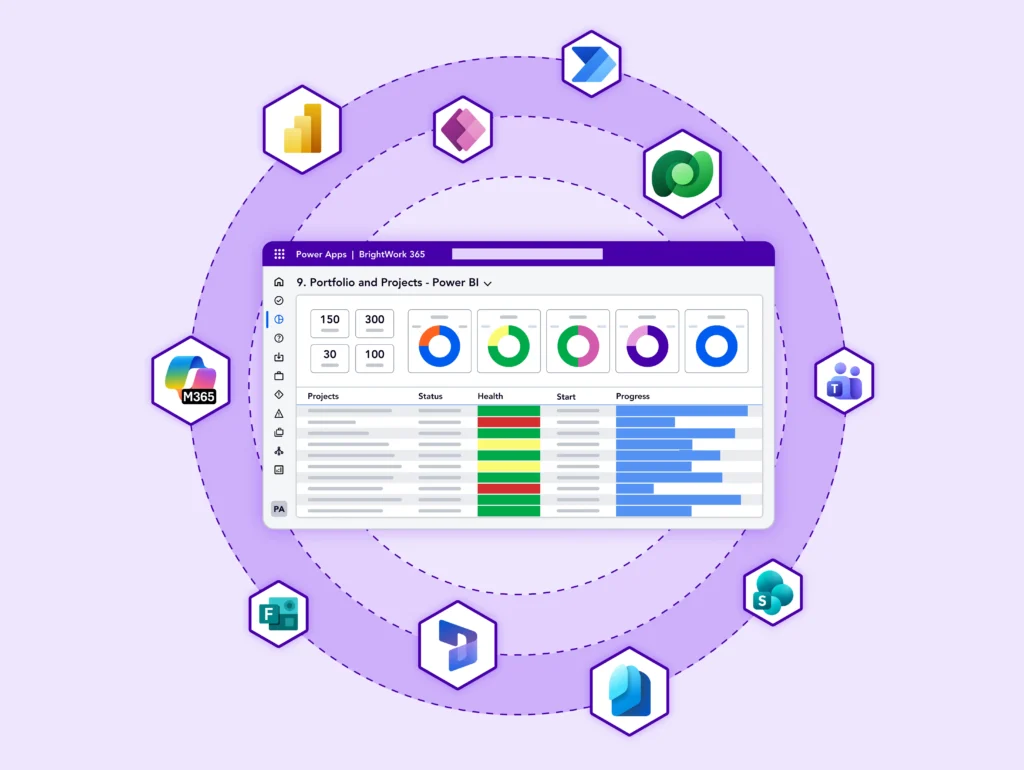
BrightWork 365 connects with Microsoft 365 apps, enhancing team collaboration and project management.
-
Collaborate in Microsoft Teams.
-
Store documents in SharePoint Online.
-
Build and update project data with Power Apps.
-
Automate approvals with Power Automate.
-
Ensure secure access with Azure Active Directory.
Customer Success Stories






Let's Talk
Want to see how BrightWork 365 can streamline all your manufacturing projects?