Project Management Templates for SharePoint
Manage tasks, report on progress, and increase collaboration in one tool.
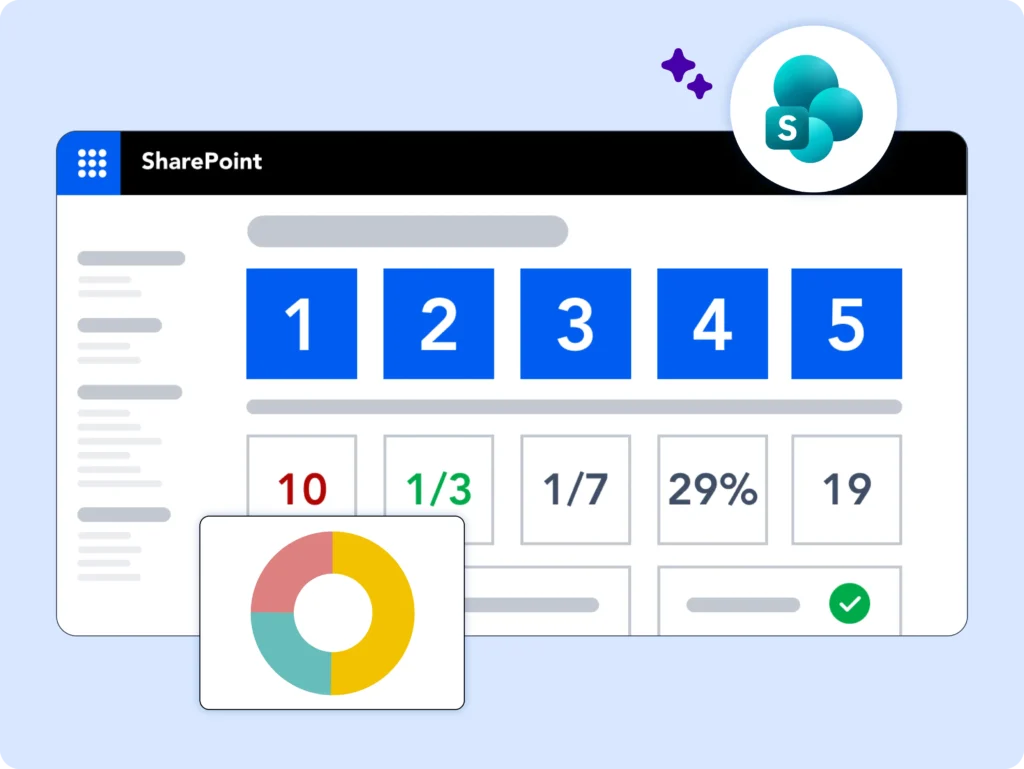
Choose the Right Project Template
Free Template
Packed with lists, web parts, and reports to help you manage and re-plan your projects using SharePoint On-Premises.
Projects & Work Tracker
Track high-level details across multiple projects in one place. Best for simple work with minimal process.
Project Lite
Manage a single project with lightweight processes. Ideal for teams new to project management.
Project Standard
Manage a single project with moderate structure. Works well for sales, marketing, engineering, or finance teams.
Phase Gate
Add structured phases, reviews, and checkpoints to Project Standard for stronger governance.
Project Structured
Run complex projects with rigorous, end-to-end project management processes. Built for experienced teams.
Looking for templates on Microsoft 365?
BrightWork 365 lets you plan, manage, and collaborate in Microsoft 365.
Free Template
Everything you need to plan, track, and report on your project.
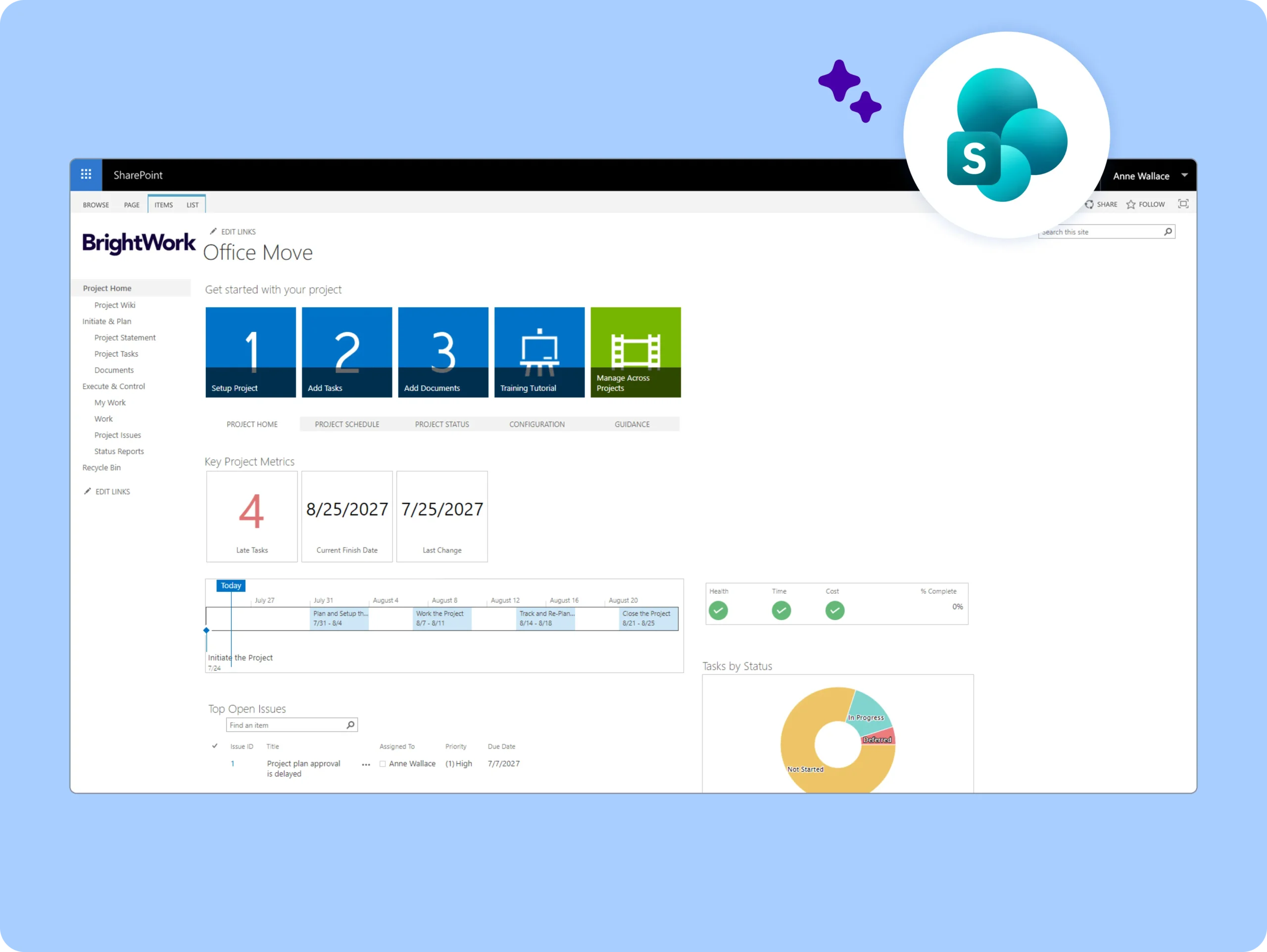
The free SharePoint project management template is packed with lists, web parts, and reports to help you manage and re-plan your projects using SharePoint On-Premises.
The template is ideal for teams using SharePoint On-Premises who want to quickly plan, track, and report on projects. It works well for teams new to project management or those looking for a structured, ready-to-use project setup without coding. It’s also useful for organizations that need standardized project sites, dashboards, and reports across multiple projects.
-
Quick Project Setup
-
Dashboards & Reports
-
Customizable Project Sites
-
Multi-Project Management
-
Proven Project Management Process
-
Automated Stakeholder Communication
Projects and Work Tracker
Track the high-level details of multiple projects in one site.
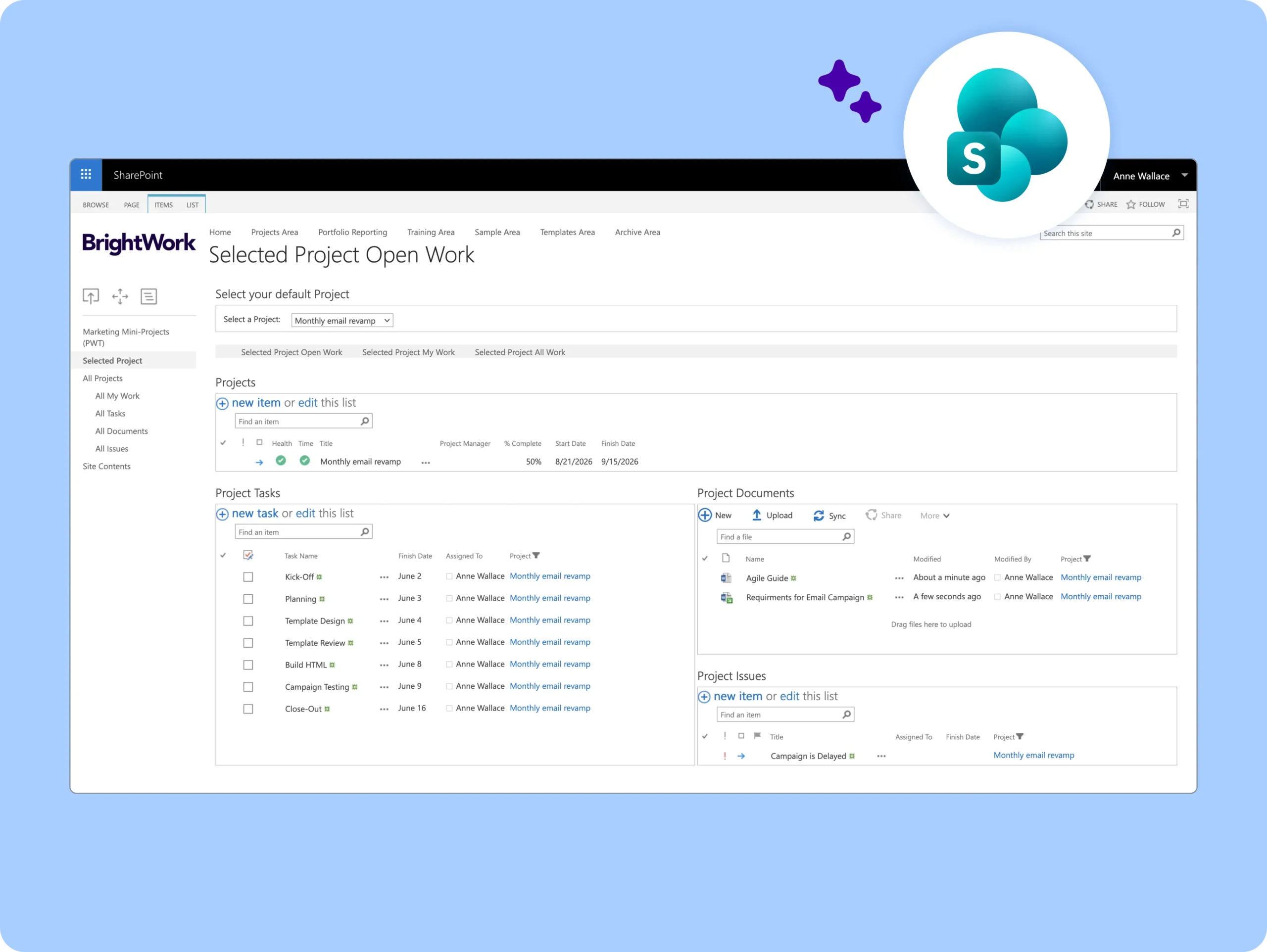
The Projects and Work Tracker is a single SharePoint project site for tracking the high-level details of multiple projects, including tasks, issues, and documents.
The template is ideal for simple projects that don’t need too much process and for teams that are new to project management.
-
Project Statement / Charter
-
Project Tasks
-
Project Deliverables / Documents
-
Project Issues
-
Reports & Dashboards (Work Reports, Configurable Project Reports/Dashboards)
-
Automated Stakeholder Reporting (Auto-email reports to stakeholders)
Project Lite
Track one project with a light amount of project management processes.
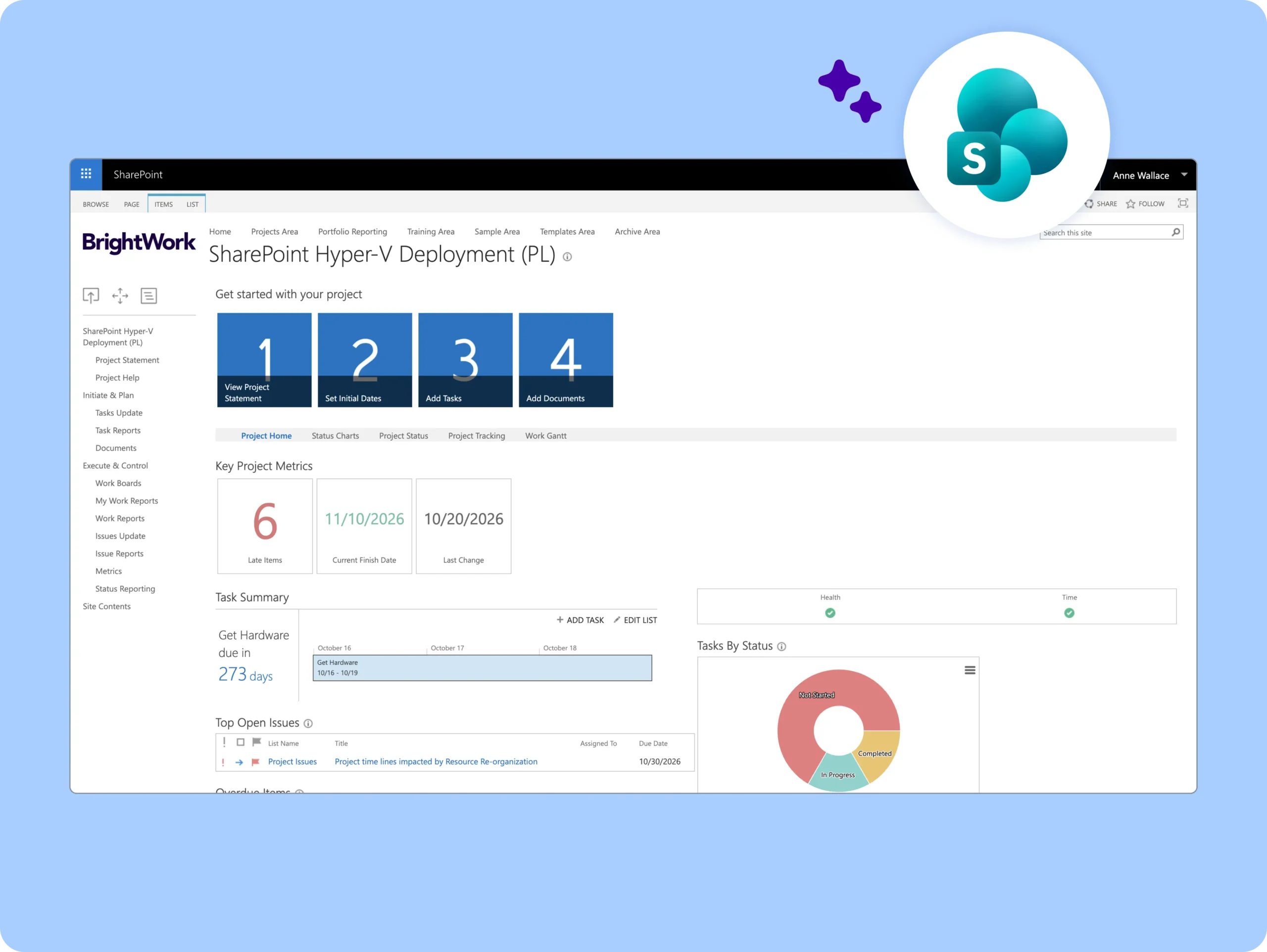
The Project Lite template is a single SharePoint project site for tracking one project with a light amount of project management.
The template is ideal for projects that need light project processes and for teams that are new to project management.
-
Project Planning & Definition – Project Statement / Charter, Project Goals
-
Tasks & Work Management – Project Tasks, Kanban Boards
-
Deliverables & Documentation – Project Deliverables / Documents
-
Issues & Risk Tracking – Project Issues, Project Risks
-
Reporting & Dashboards – Project Reports, Work Reports, Configurable Dashboards, Project Status Reports
-
Automated Stakeholder Communication – Auto-email reports to stakeholders
Project Standard
Track one project with a medium amount of project management processes.
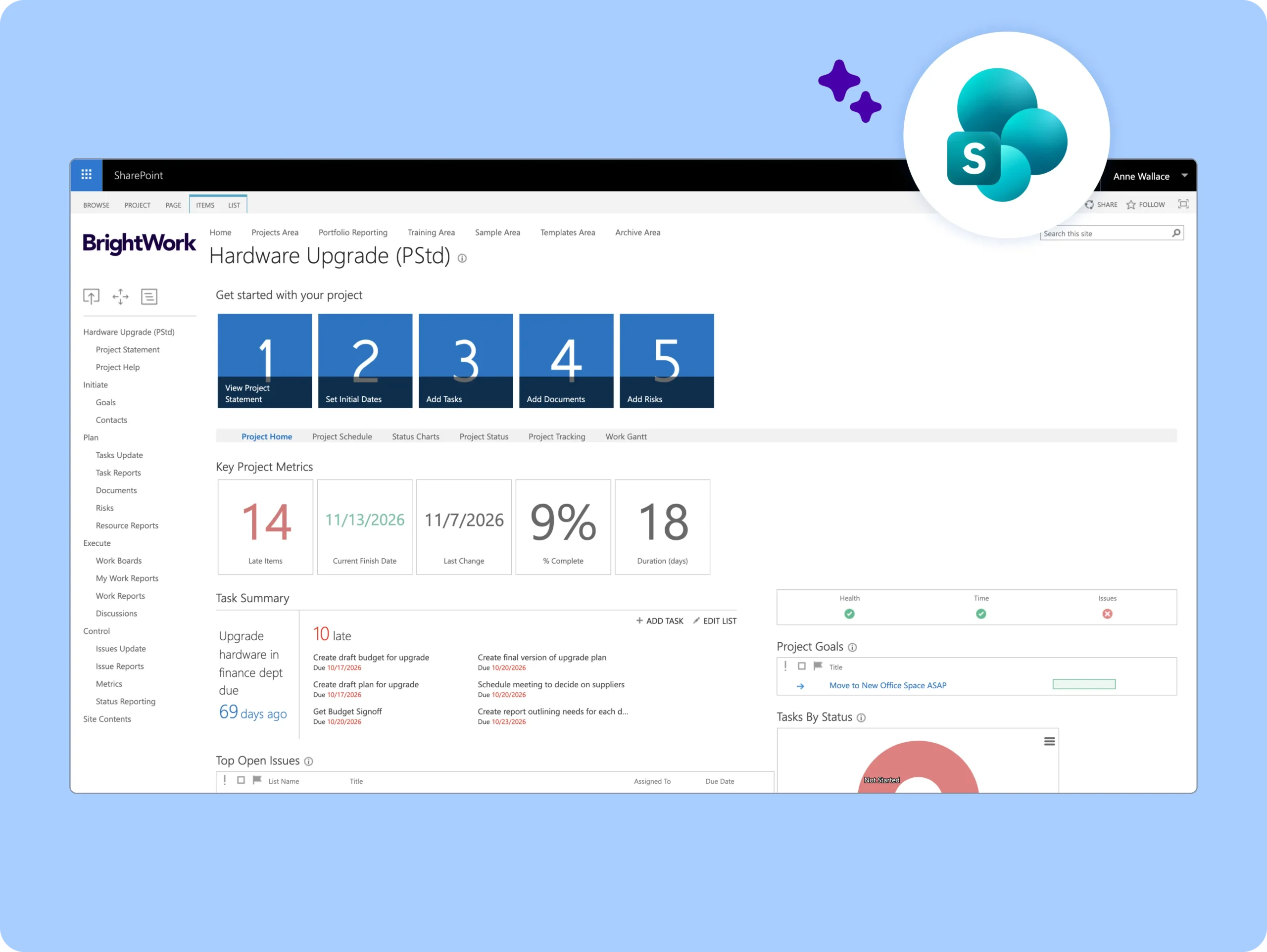
The Project Standard template is a single SharePoint project site for tracking one project with a medium amount of project management.
BrightWork customers use this template to manage projects in various business departments including sales, marketing, engineering, and finance.
-
Planning & Governance – Project Statement / Charter, Project Goals, Project Deliverables / Documents
-
Task & Workflow Management – In-Browser Task Scheduling, Project Tasks, Kanban Boards
-
Risk & Issue Management – Project Risks, Project Issues
-
Reporting & Dashboards – Work Reports / Dashboards, Configurable Project Reports / Dashboards, Project Status Reports, Auto-email reports to stakeholders
-
Performance & Metrics – Project Metrics, Project Resource Reporting
-
Collaboration & Oversight – (Cross-project visibility and stakeholder alignment enabled through reports and dashboards)
Phase Gate
A template for phased approaches to project management, configurable as needed.
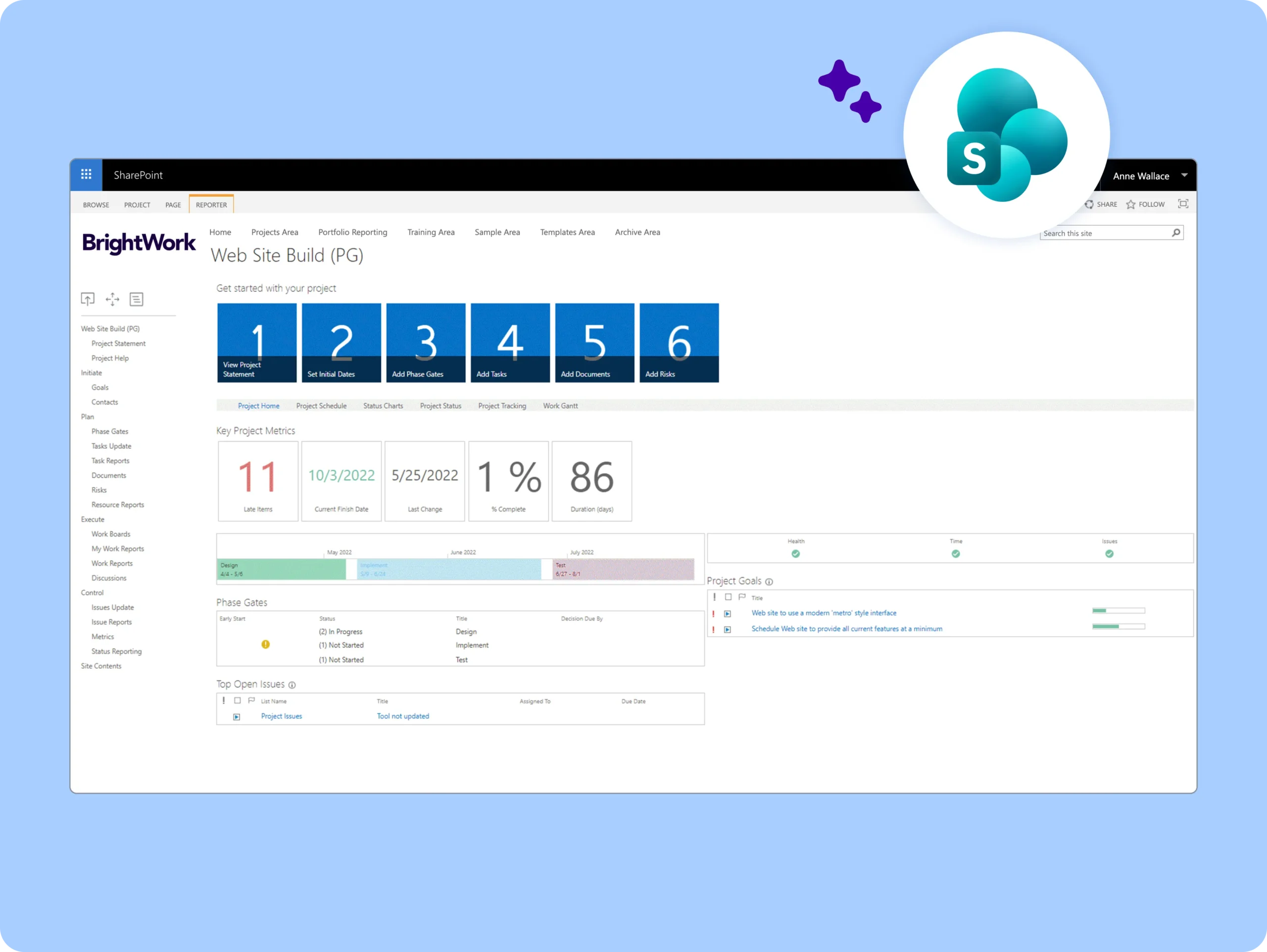
The Phase Gate template is based on the Project Standard Template and includes three pre-configured project phases: Plan, Initiate, and Execute. These phases are set up in the project site by default and can be adjusted to suit specific project requirements.
The template is used by teams who want to add formal reviews and checks of the project at pre-designated phases and gates.
-
Project Planning – Project Statement / Charter, Project Goals, Project Deliverables / Documents
-
Task & Workflow Management – In-Browser Task Scheduling, Project Tasks, Kanban Boards
-
Risk & Issue Management – Project Risks, Project Issues
-
Reporting & Dashboards – Work Reports / Dashboards, Configurable Project Reports / Dashboards, Project Status Reports, Auto-email reports to stakeholders
-
Resources & Performance – Project Resource Reporting, Project Metrics
-
Project Oversight – Overall project visibility and progress tracking through integrated tools
Project Structured
Manage complex projects, including the use of Microsoft Project Professional.
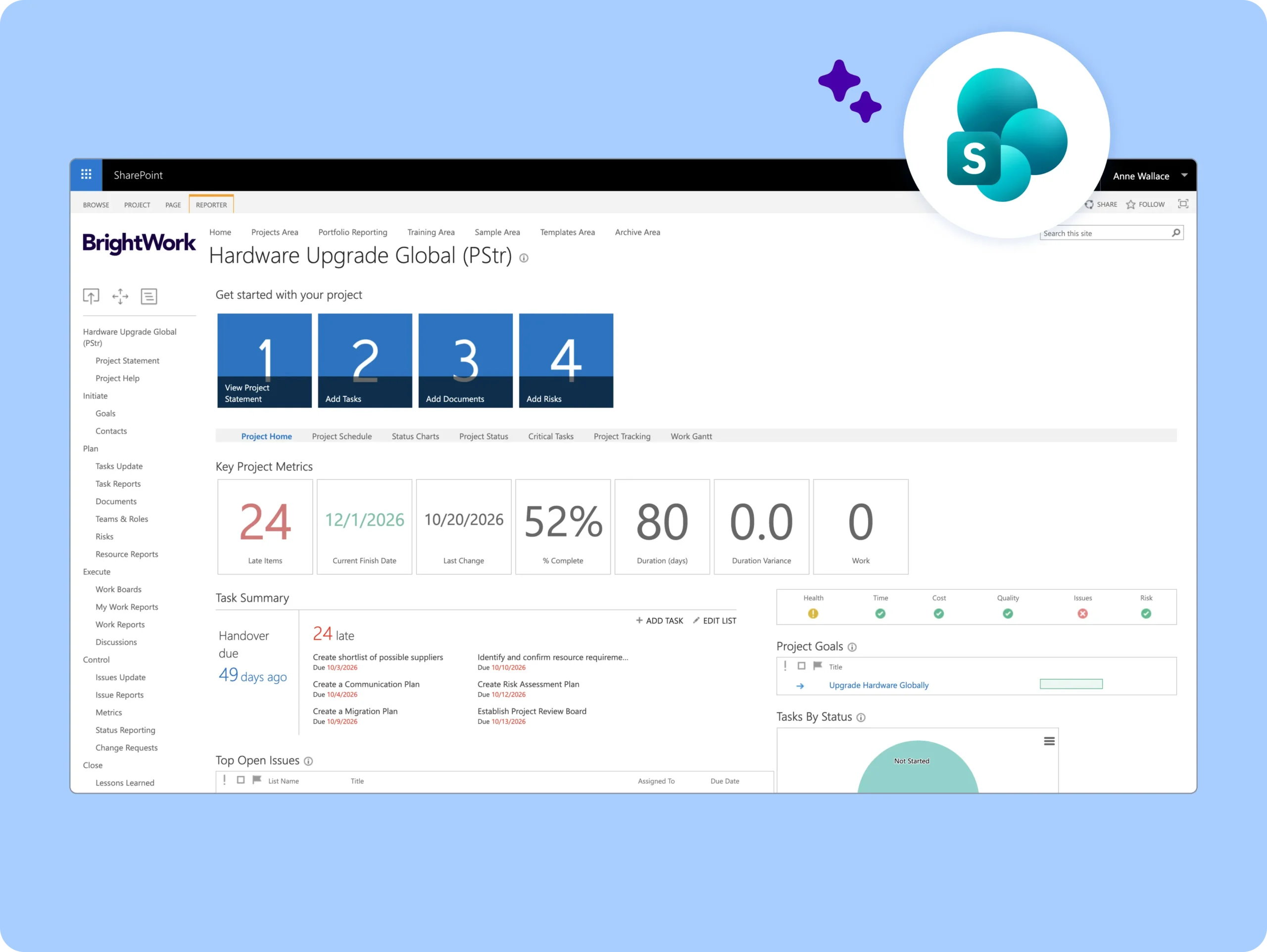
The Project Structured template provides a fully structured project site for managing complex projects. It extends the Project Standard Template with team and role definitions, change requests, and lessons learned, and includes enhanced integration with Microsoft Project Professional, syncing additional data such as baselines, costs, and planned work.
This template is designed for managing more complex projects and is commonly used by experienced project managers who rely on Microsoft Project Professional to manage both their projects and project teams.
-
Project Definition & Planning – Project Statement / Charter, Project Goals, Project Deliverables / Documents
-
Task & Workflow Management – In-Browser Task Scheduling, Project Tasks, Kanban Boards
-
Risk & Issue Management – Project Risks, Project Issues
-
Reporting & Dashboards – Work Reports / Dashboards, Configurable Project Reports / Dashboards, Project Status Reports, Auto-email reports to stakeholders
-
Resources & Performance Tracking – Project Resource Reporting, Project Metrics
-
Project Visibility & Control – Centralised oversight through integrated tasks, metrics, and reporting tools
Customer Success Stories

“Using the BrightWork templates, we now have a much better understanding of all projects underway, as well as a system to review and manage new project requests. We have greater visibility into what is on track and what is falling behind.”
– John Dunphy | Head of SharePoint Team, Siemens Healthineers
“BrightWork is the single source of the truth for Triumph Group when deciding whether to make an investment in a project. Providing the visibility required to prioritize and therefore making decisions to fund projects easier.”
– Dennis Conley and Nicole Taylor | IT PMO, Triumph Group
“BrightWork is a simple project management tool that can be used effectively by the whole project team without specialized or extensive training and knowledge.”
– Ben Stephenson | Executive Manager, Technology and Data, Police Credit Union
“The ability to track status reports week to week, especially as projects get distracted or deferred, was huge for us.”
– Doug Waram | Supervisor of Application Services, County of Wellington
“With BrightWork, we can have multiple projects that all roll up to one status report or dashboard, that can be used by senior executives and project sponsors to see exactly where the project is.”
– Doug Kennedy | Senior Director, Project Management, AmSurg
Looking for templates on Microsoft 365?
BrightWork 365 lets you plan, manage, and collaborate in Microsoft 365.