Standardize Projects with Templates for SharePoint
BrightWork templates for SharePoint are suited to every type of project, team, and industry.
Trusted by industry leaders
Leverage SharePoint On-Premises
Enable project management in SharePoint.
Start Quickly
Deploy fast with guided implementation, ongoing support, and a dedicated Customer Success Partner to keep you on track from day one.
Built-in Templates
Use ready-made project, portfolio, and site templates with built-in design sync so everything stays consistent as you scale.
Collaborate Together
Bring teams into a single system that eliminates Shadow IT, boosts adoption, and supports growth without breaking your workflows.
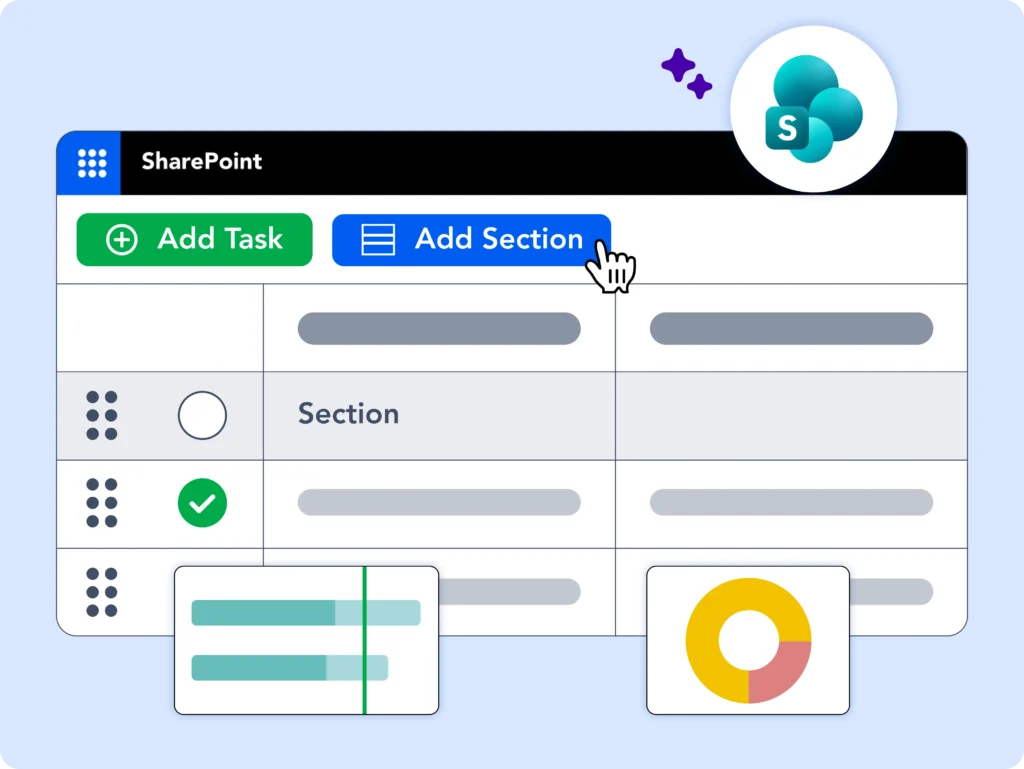
Project Management Templates for SharePoint
Manage tasks, report on progress, and increase collaboration in one tool.
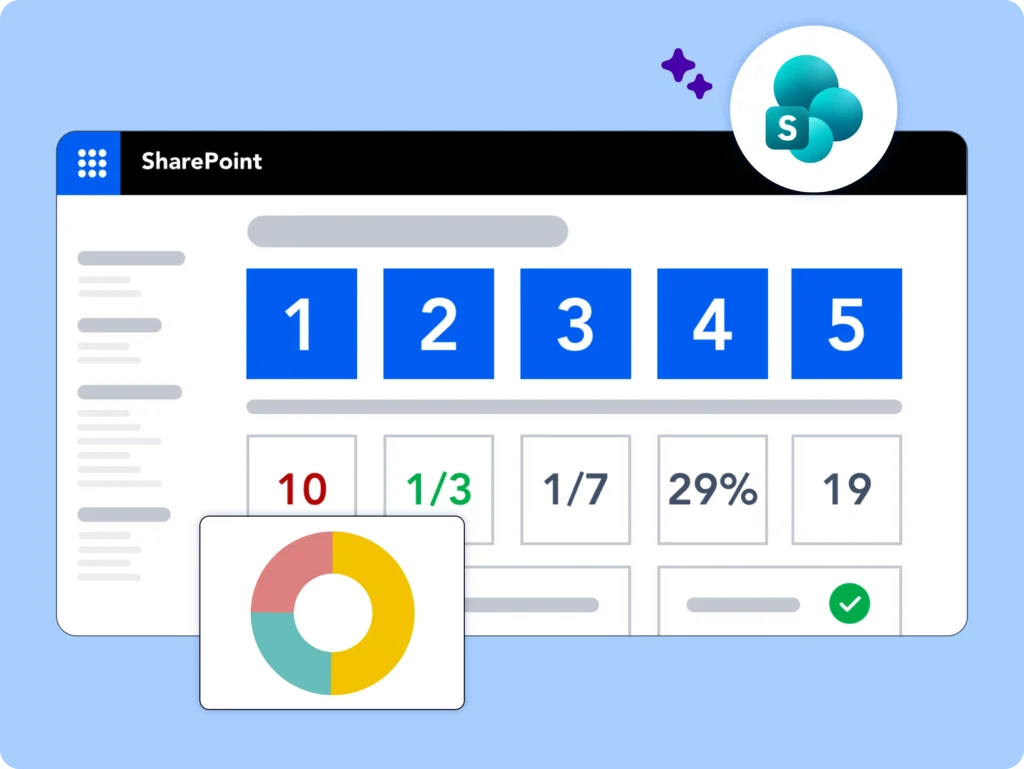
Portfolio Management Templates for SharePoint
Manage tasks, report on progress, and increase collaboration in one tool.
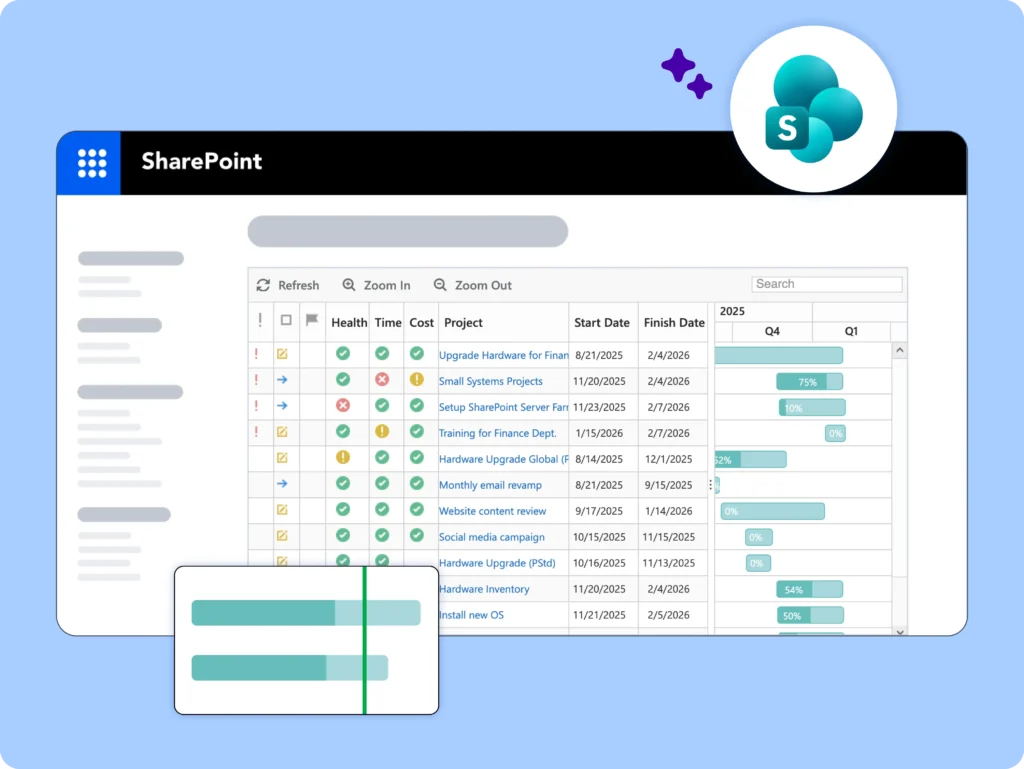
Manage Projects
BrightWork SharePoint Project Management Solution: Work Together From Anywhere
-
Hit the ground running with Standardized project management templates
-
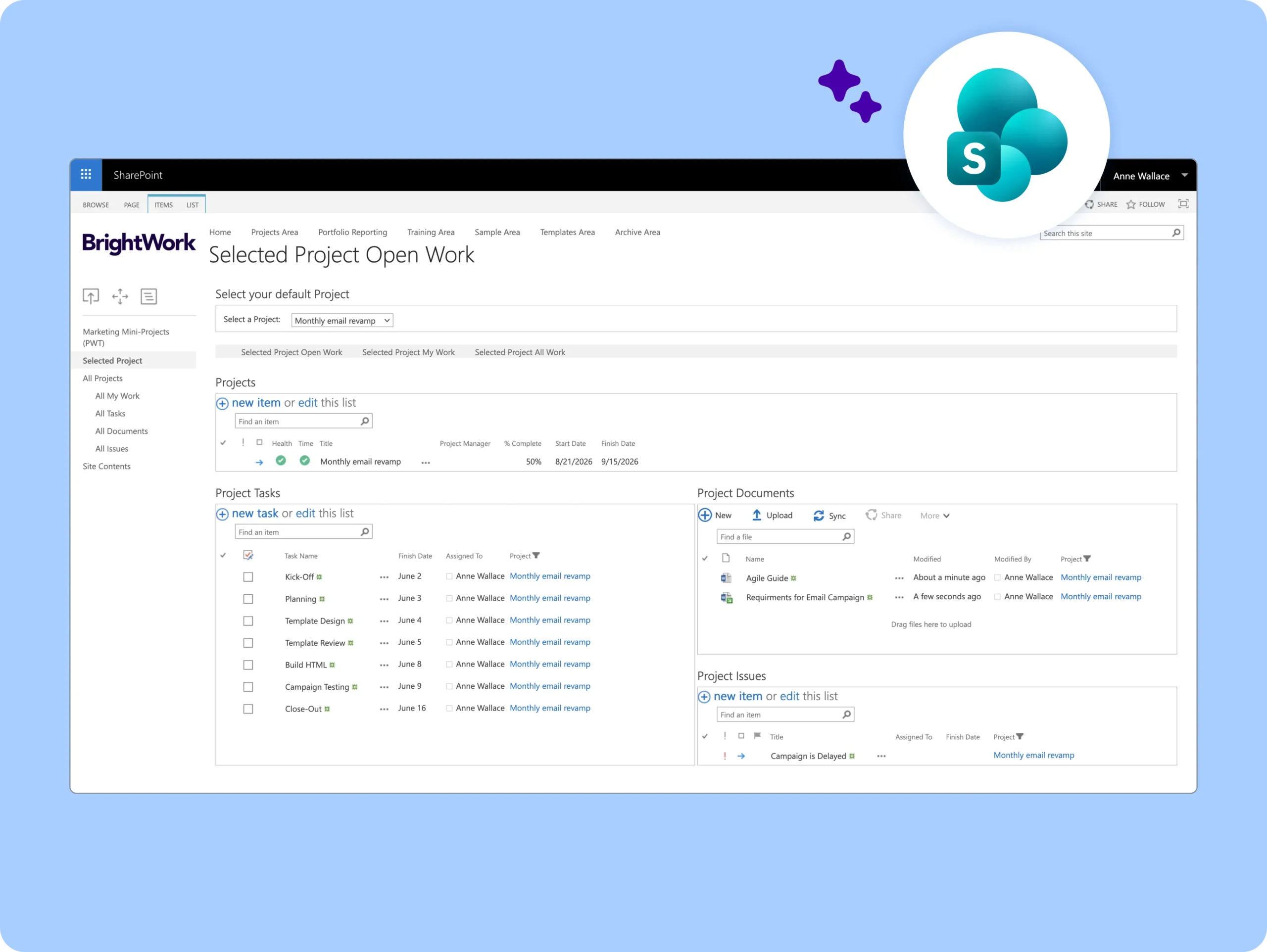
Simplify task management with Agile Boards and Work Reports.
-
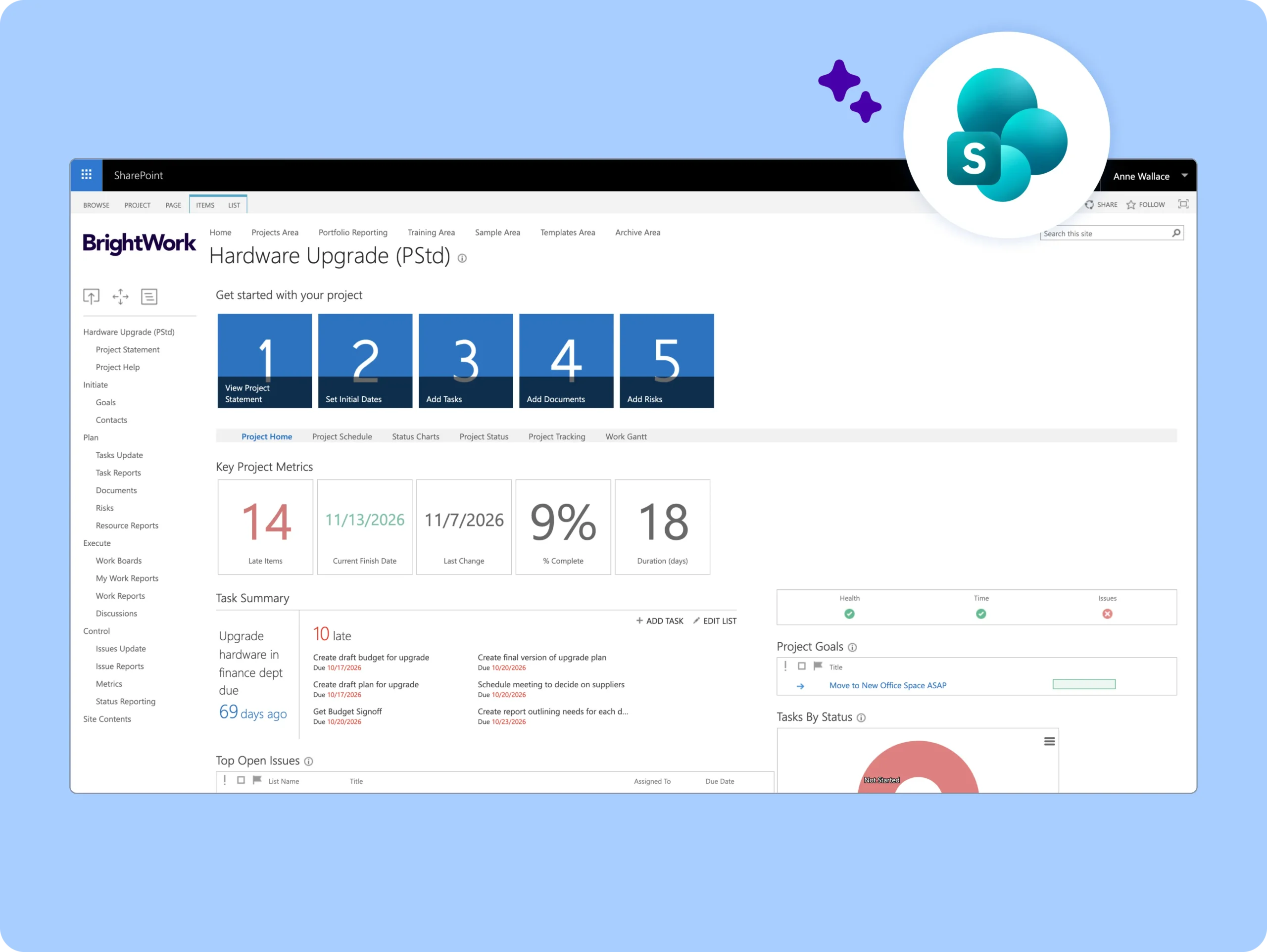
Manage deadlines with interactive Gantt charts and simple yet powerful scheduling.
-
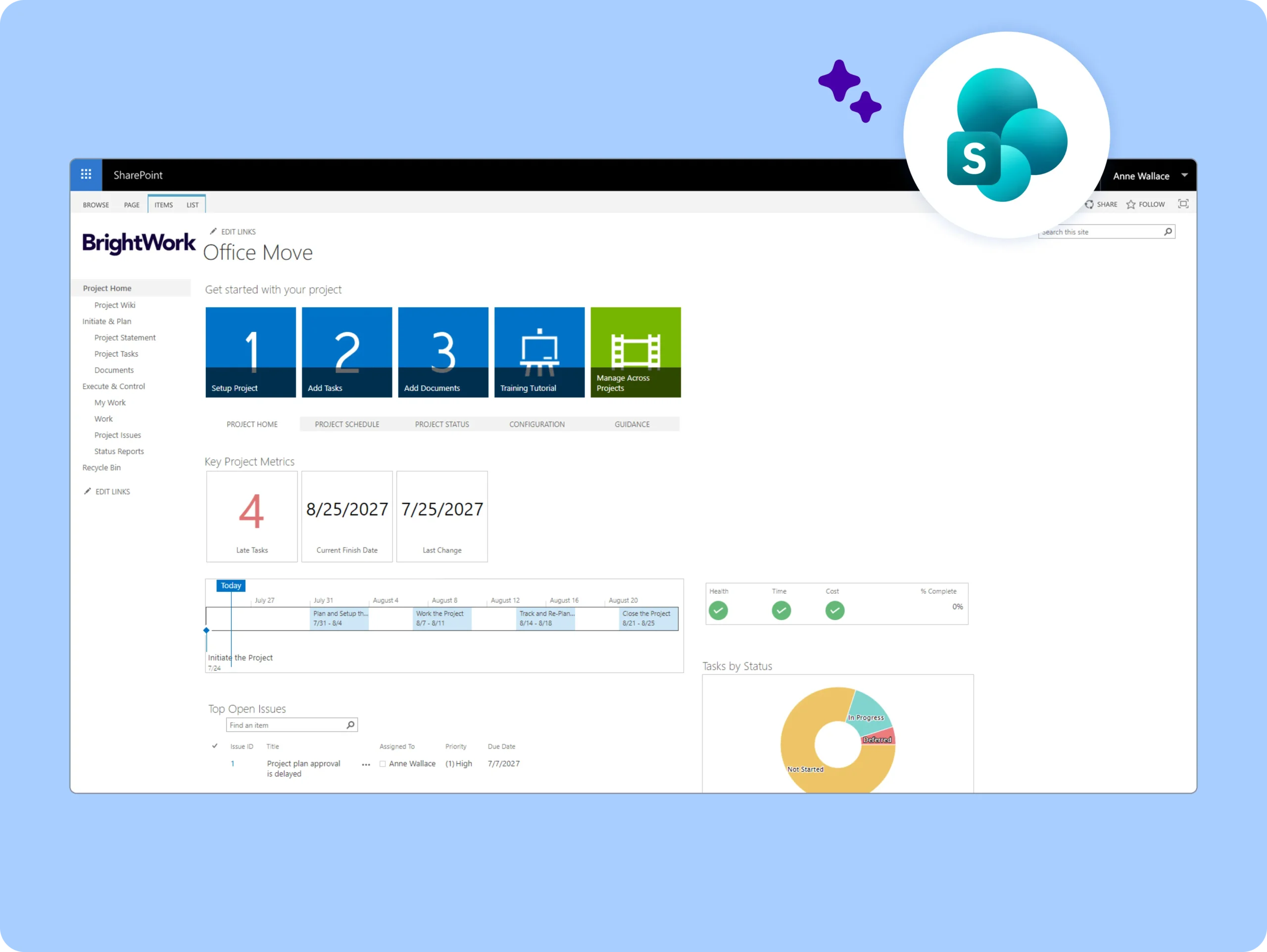
Share Progress With Automated Project Reporting.
-
Understand progress with status reports, KPIs, and dashboards.
-
Easily track and re-plan tasks to move work forward.
-
Quickly engage stakeholders with automated email sharing.
-
Collaborate With a Team Focused Project Site.
-
Make it easy for your team to find, do, and update work.
-
Collaborate on documents and deliverables in one secure place.
-
Use automated reminders to keep the team focused on the big picture.
Control Portfolios
Deliver initiatives with confidence.
-
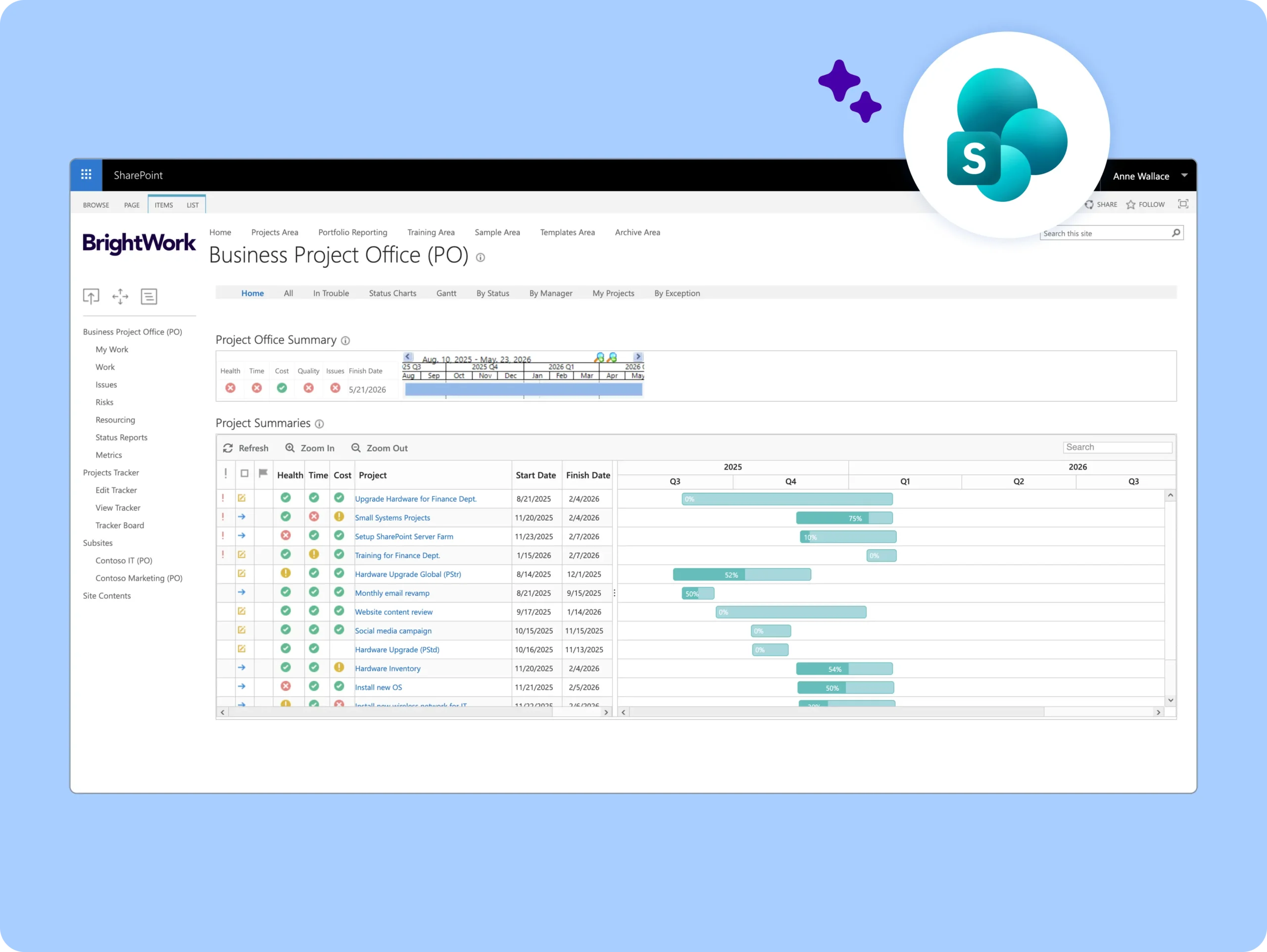
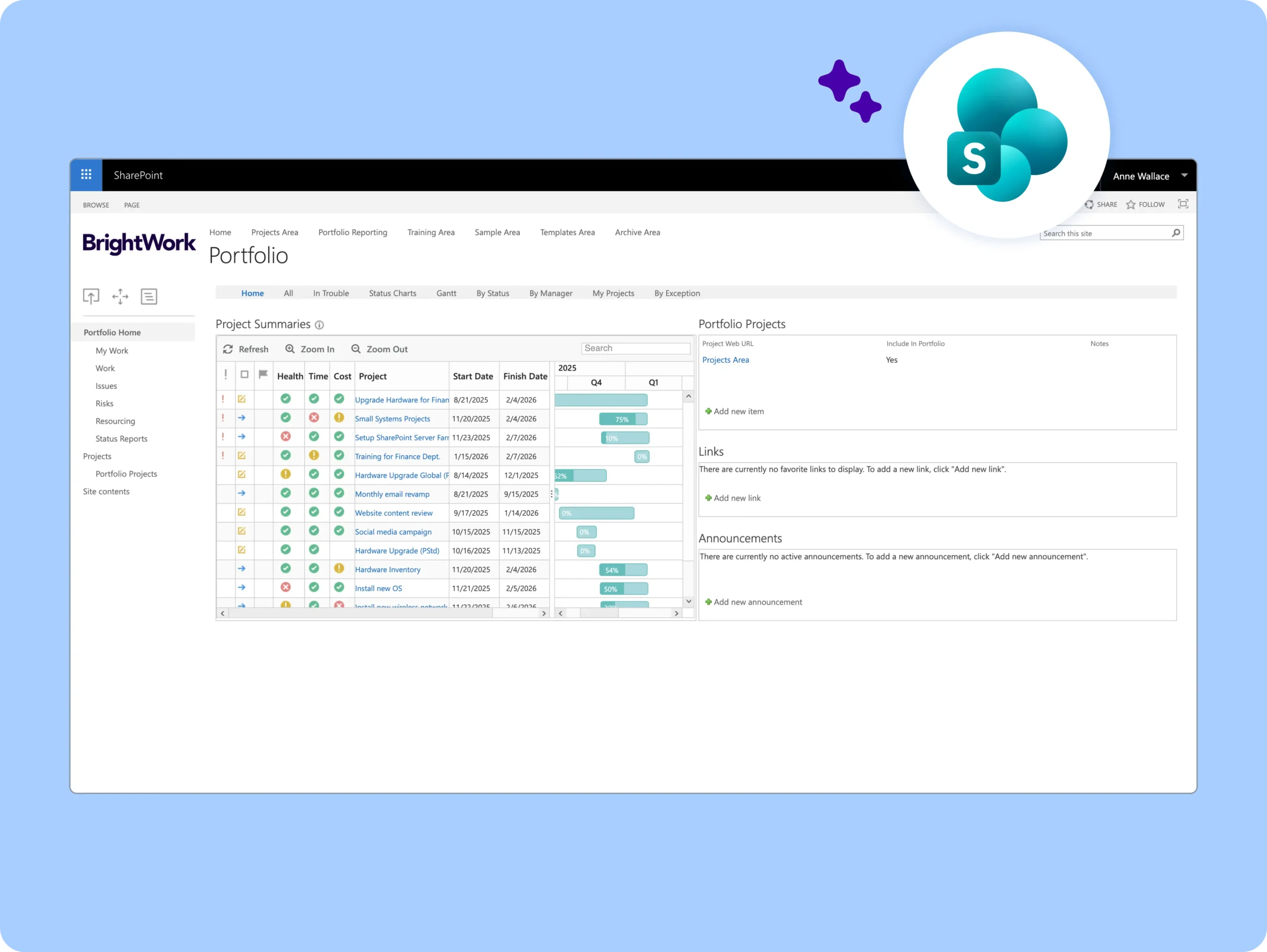
Report across projects with a Project Office Template and custom dashboards.
-
Understand the details with drill-down reports.
-
Use Microsoft Power BI dashboards to drive project decisions.
-
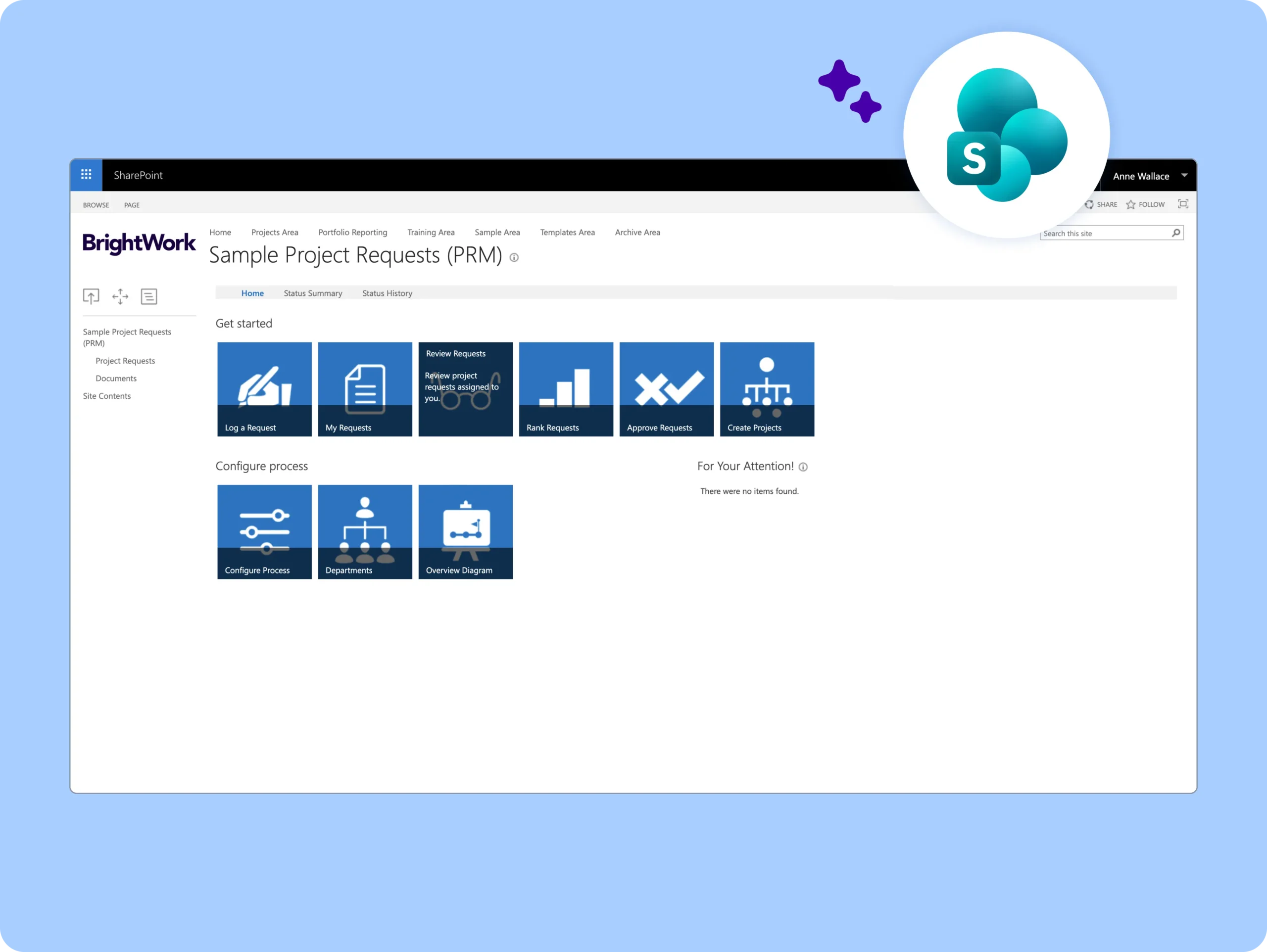
Move from idea to execution with a Project Request Managementtemplate.
-
Understand resource requirements for proposed projects.
-
Create project sites based on approved requests.
-
Assign the right people to the right project at the right time.
-
Avoid bottlenecks with work distribution reports.
-
Track non-people resources.
BrightWork Deployment Approach
Leverage our proven approach Start-Evolve to design your project management journey.
Start
Evolve
Keep Evolving
Start
Start
Start quickly to get immediate standardization and visibility for your projects so that you can easily control your project portfolio.
Evolve
Evolve
Evolve by adding and maturing your project management processes and practices to achieve more timely and predictable outcomes.
Keep Evolving
Keep Evolving
Keep evolving with advanced customizations and integrations, and enhanced practices for sustained growth with improved outcomes.
Customer Success Stories

“Using the BrightWork templates, we now have a much better understanding of all projects underway, as well as a system to review and manage new project requests. We have greater visibility into what is on track and what is falling behind.”
– John Dunphy | Head of SharePoint Team, Siemens Healthineers


“BrightWork is the single source of the truth for Triumph Group when deciding whether to make an investment in a project. Providing the visibility required to prioritize and therefore making decisions to fund projects easier.”
– Dennis Conley and Nicole Taylor | IT PMO, Triumph Group

“BrightWork is a simple project management tool that can be used effectively by the whole project team without specialized or extensive training and knowledge.”
– Ben Stephenson | Executive Manager, Technology and Data, Police Credit Union


“The ability to track status reports week to week, especially as projects get distracted or deferred, was huge for us.”
– Doug Waram | Supervisor of Application Services, County of Wellington


“With BrightWork, we can have multiple projects that all roll up to one status report or dashboard, that can be used by senior executives and project sponsors to see exactly where the project is.”
– Doug Kennedy | Senior Director, Project Management, AmSurg

Looking for templates on Microsoft 365?
BrightWork 365 lets you plan, manage, and collaborate in Microsoft 365.