Power Your PMO with Automation
Standardize Approvals, Speed Up Project Intake, and Reduce Admin Burden Across Manufacturing Projects with Power Automate
Trusted by industry leaders
PMO Automated Workflows
Manual tracking, missed approvals, and inconsistent project requests slow manufacturing teams down.
BrightWork 365 Workflows, powered by Microsoft Power Automate, connect your processes, data, and people – keeping every project on track from idea to delivery!
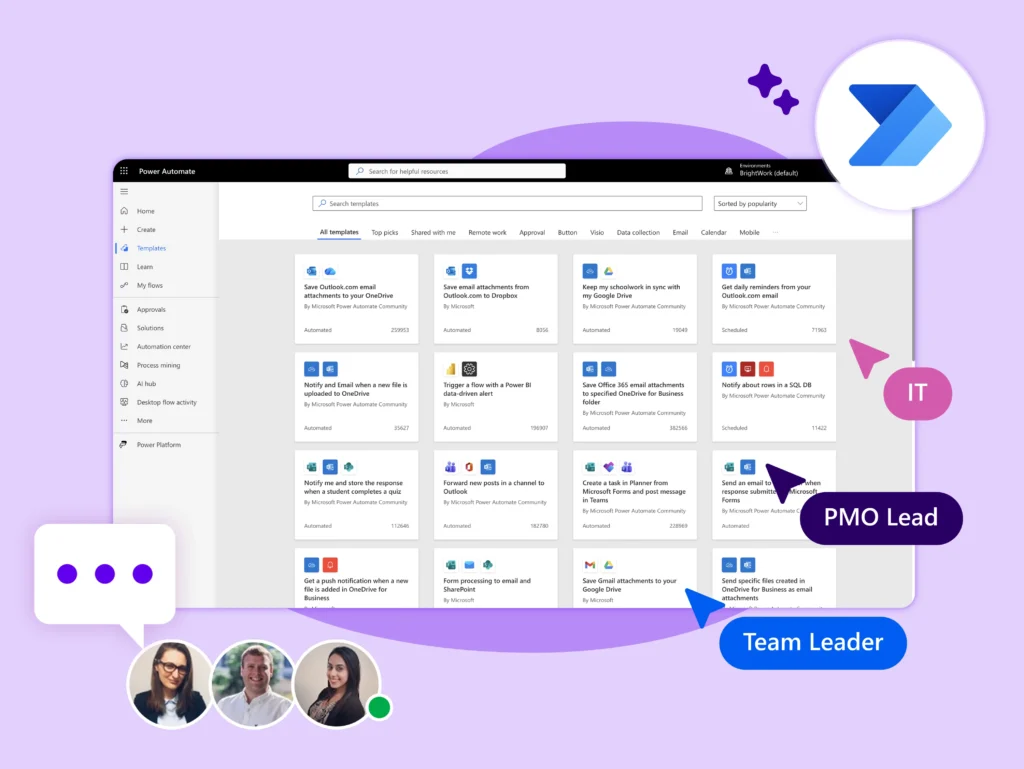
BrightWork 365 Key Workflows
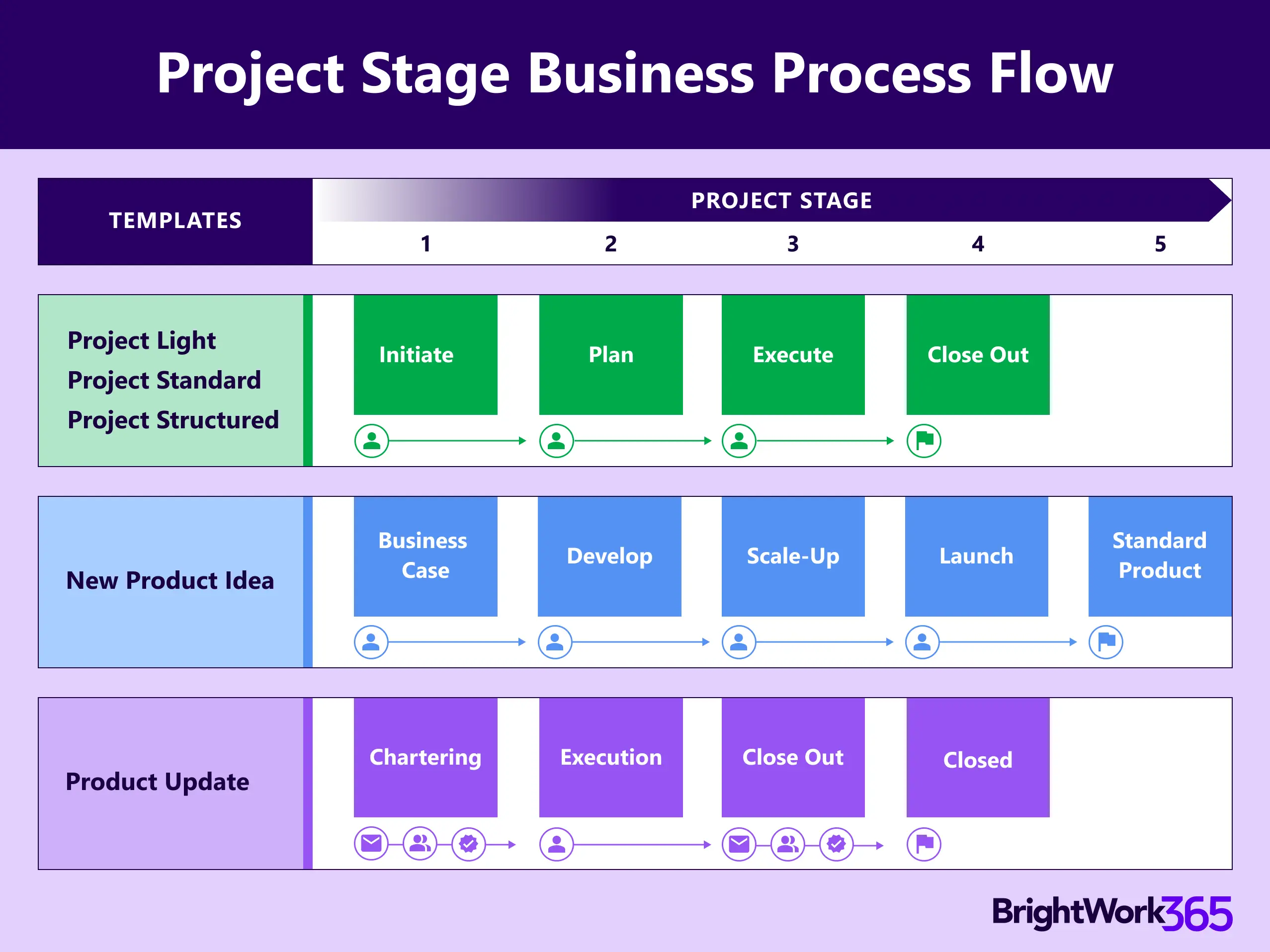
Project Stages – Guide Teams Through the Right Stages:
-
Apply out-of-the-box ‘Project Stage Approval’ process for every stage of your project.
-
Customize stage-gates to ensure deliverables are approved before moving forward.
-
Enforce consistent quality and compliance across R&D, plant maintenance, and capital projects.
-
Reduce risk by catching issues early.
Automated Request Workflows
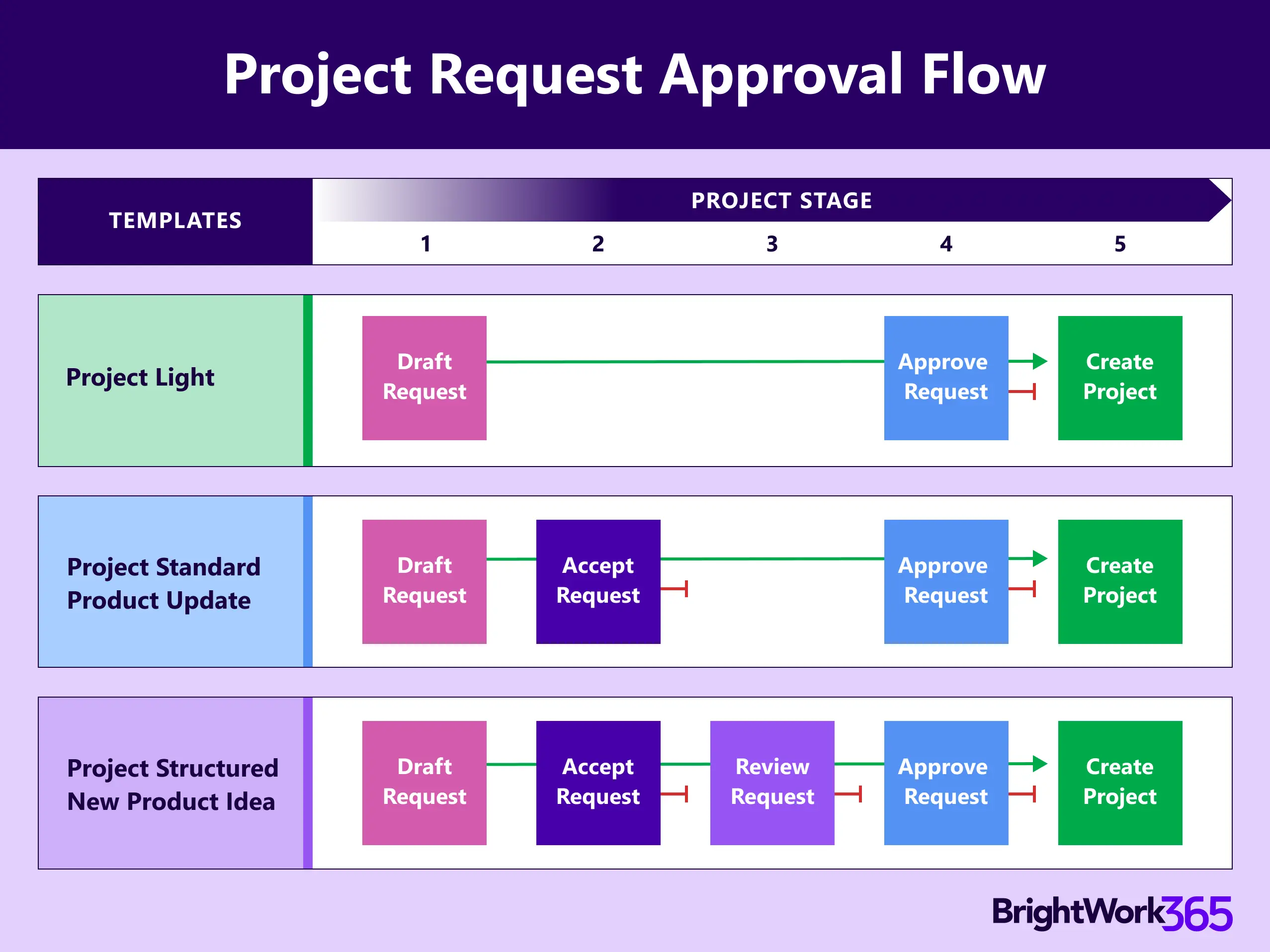
Streamline project intake with Automated Request Workflows:
-
Eliminate scattered requests via email, phone, or hallway conversations.
-
Centralize intake form for all project requests across multiple sites.
-
Automate routing for each review and approval to prioritize the right projects.
-
Auto-create projects from approved templates.
Powered by Power Automate
BrightWork 365 Workflows leverage Microsoft Power Automate to connect your processes with the tools your teams already use in Microsoft 365 – like Teams, SharePoint, and Outlook.
-
Secure and compliant with Microsoft security standards.
-
Fully configurable to match your manufacturing processes.
-
Scales easily as your PMO matures & project volume grows.
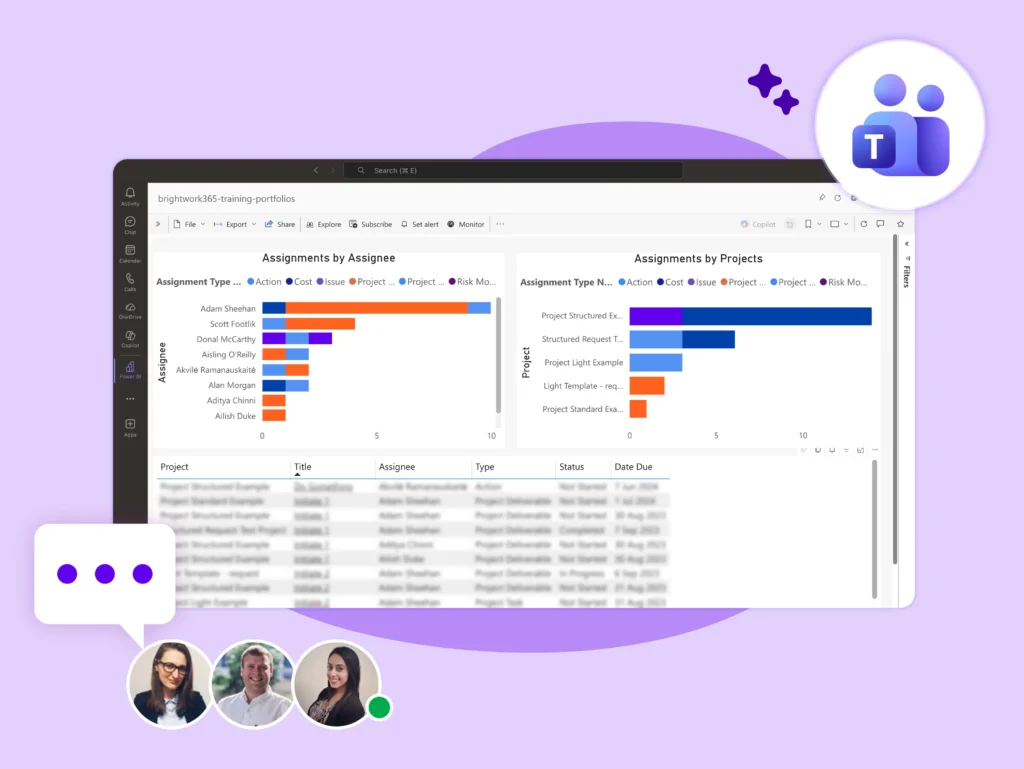
Automated Request Workflows
-
Save Time – Reduce manual admin for plant managers, engineers, and R&D staff.
-
Boost Consistency – Ensure all projects follow the same approval and intake process.
-
Improve Visibility – Track status and progress in real-time for executives and PMOs.
-
Enhance Collaboration – Keep cross-functional teams aligned with clear stage-gate checkpoints.
-
Minimize Risk – Catch compliance and budget issues early with structured approvals.
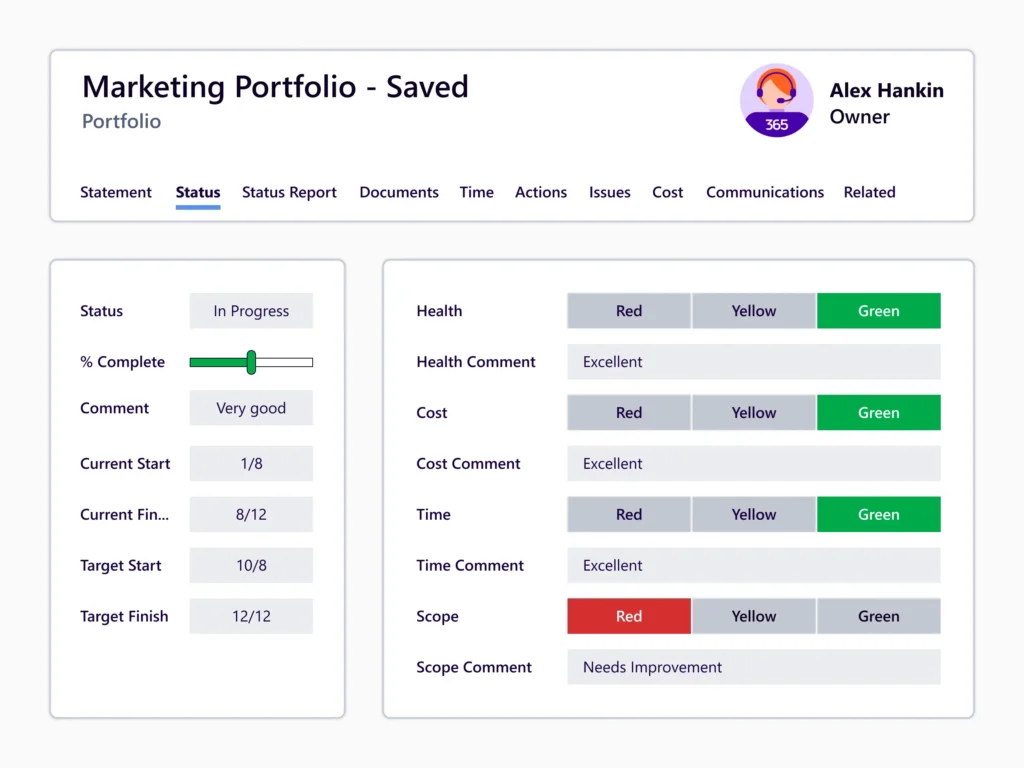
BrightWork Deployment Approach
Begin with simple, high-impact workflows and expand into more automation, governance, and portfolio management as your needs grow.
Start
Evolve
Keep Evolving
Start
Start
Start quickly to get immediate standardization and visibility for your projects so that you can easily control your project portfolio.
Evolve
Evolve
Evolve by adding and maturing your project management processes and practices to achieve more timely and predictable outcomes.
Keep Evolving
Keep evolving
Keep evolving with advanced customizations and integrations, and enhanced practices for sustained growth with improved outcomes.
Customer Success Stories
“BrightWork 365 provides an integrated Project Request and Portfolio Management system that improves visibility into project status, issues, and progress.
Configurable and custom templates ensure consistent project planning and delivery.”
– Director of Innovia
“With BrightWork 365 being a Microsoft 365 solution, reporting became easier along with increased visibility in all aspects of our projects.
The familiar interface as well as utilization of SharePoint Online and Microsoft Teams enabled us for quicker adoption.”
– Director of Silver Bay Seafoods
“We wanted to establish a good project delivery model and guide project managers to get even better at managing projects day to day.
Our PMO has the saying – Simplicity & Transparency – BrightWork365 gave us the tools to do that.
– Director of H+H International
“We had over 200 requests in a pile with no organization.
Brightwork allowed us to provide visibility into the individual projects and to save the key deliverables where all can see.’’
– Director of Flow Control Group
“We were looking to implement a tool that was tightly integrated with the Microsoft ecosystem that we could automate and extract information between systems. Excellent integration capabilities combined with a business who is interested in improving the product is an outstanding outcome for us.”
– Director of Azured