Integrate Microsoft 365 Seamlessly

Unify Your Manufacturing Project Ecosystem with Microsoft 365 – Power Automate, Teams, Power BI, Dataverse & More.
Trusted by industry leaders

Connected PPM for Manufacturing

BrightWork 365 is built to integrate effortlessly with Microsoft 365 apps – empowering manufacturing PMOs, plant teams, engineering leads, and executives.


Integrations eliminate silos, enhance visibility, and streamline workflows across your organization.
BrightWork 365 + Microsoft 365

Manage projects, control portfolios, and improve organizational project management with integrations.

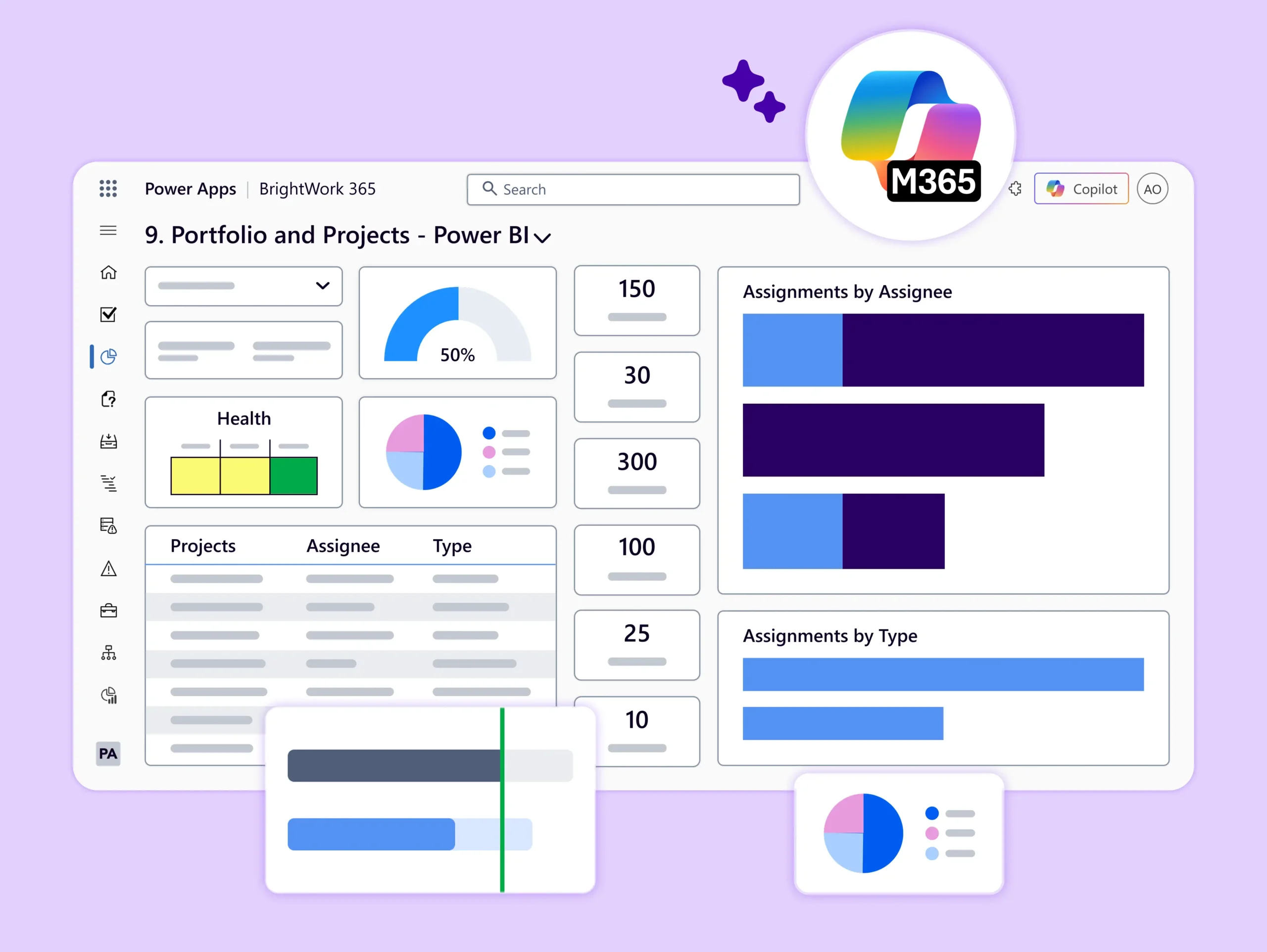
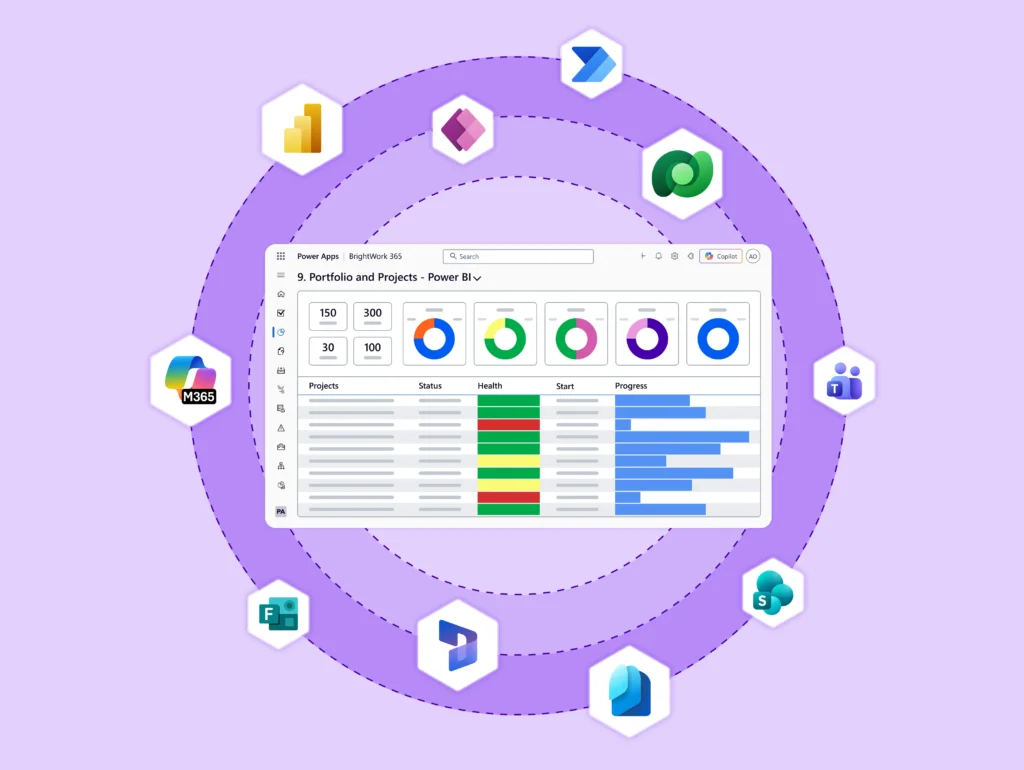
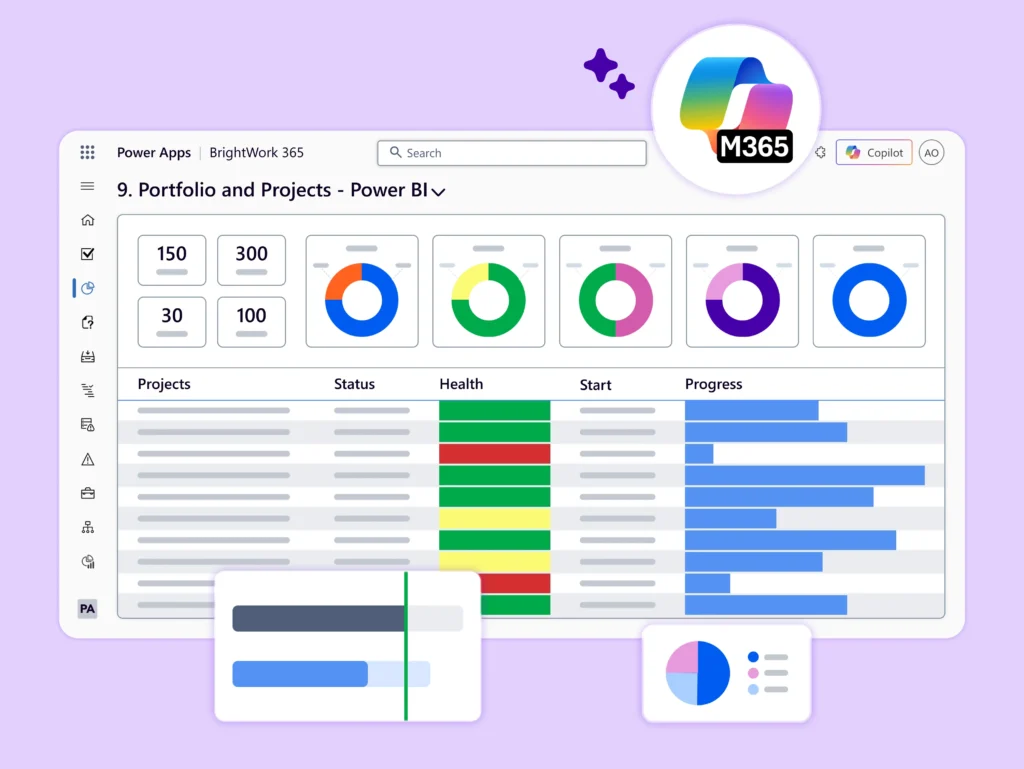
Get actionable insights with Power BI. BrightWork 365 uses Power Platform dashboards and reports to help executives and PMO leads easily access, analyze, and act on growing project data.
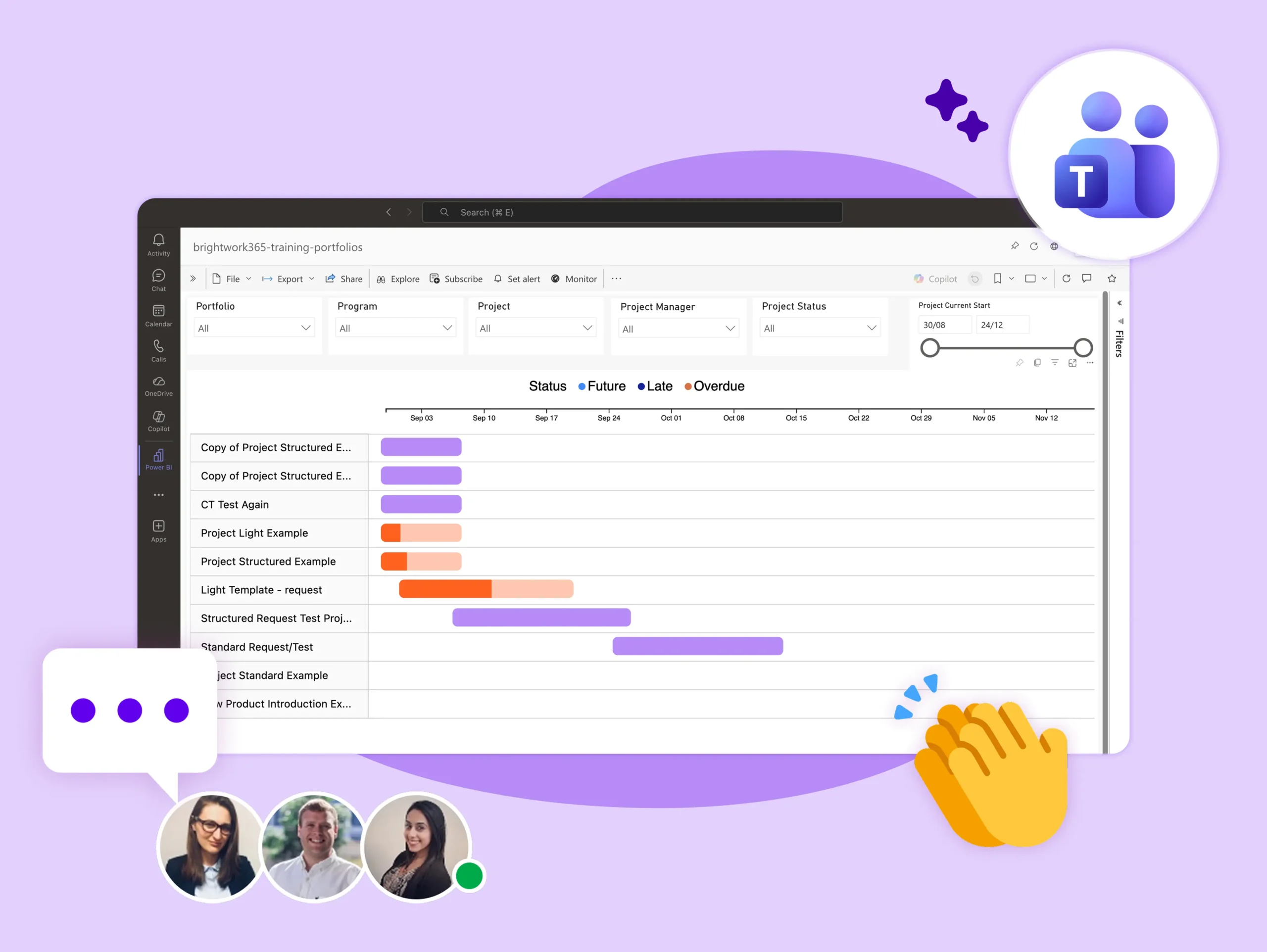
Improve collaboration with BrightWork 365 integration with Teams, bringing all project communication into a single, transparent hub. Work faster by keeping chats, meetings, and project data without switching apps.
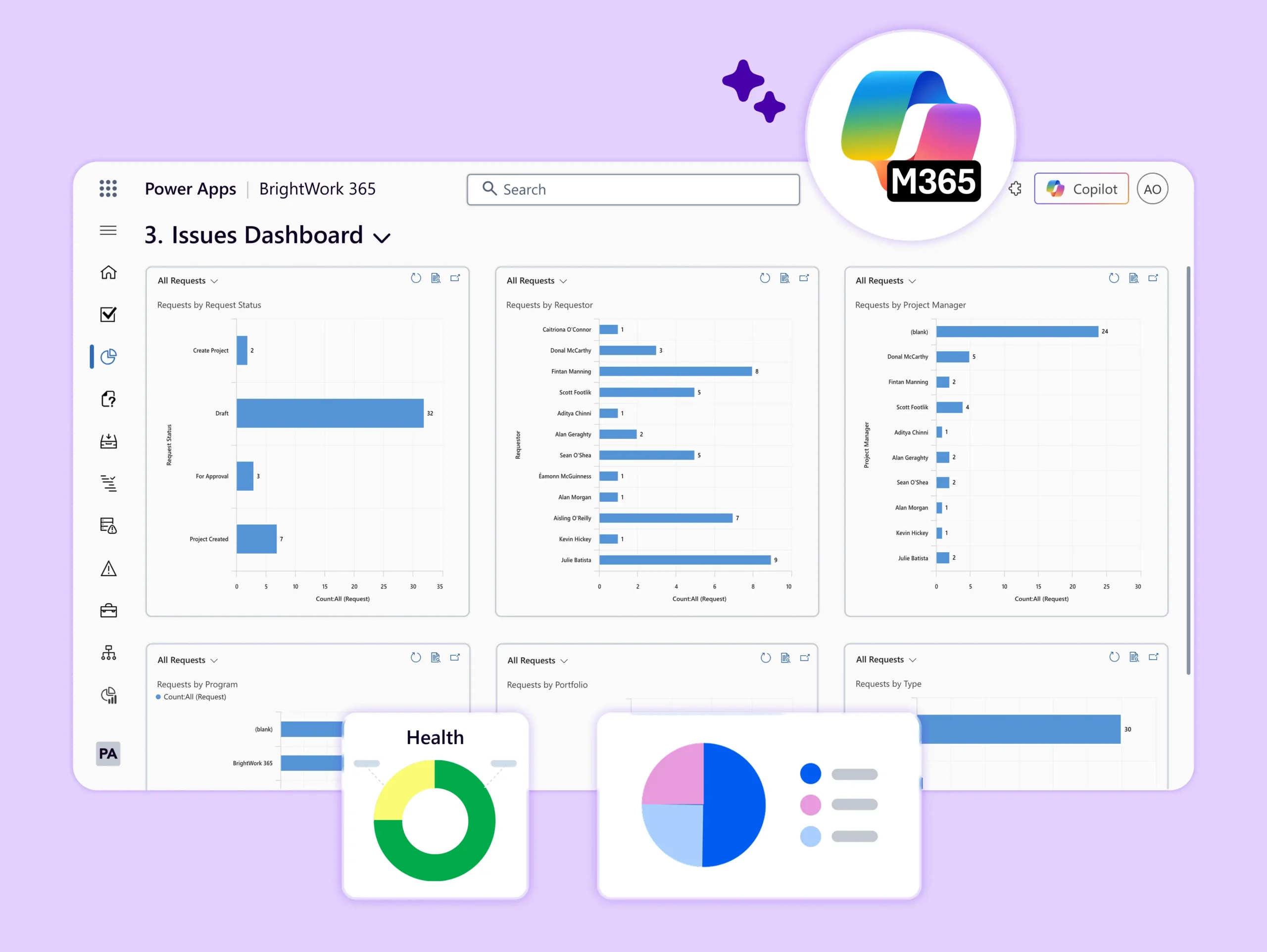
Build custom apps that fit your workflows. With BrightWork 365 and Power Apps, create and customize low-code apps that meet your project needs, reduce costs, and improve efficiency.
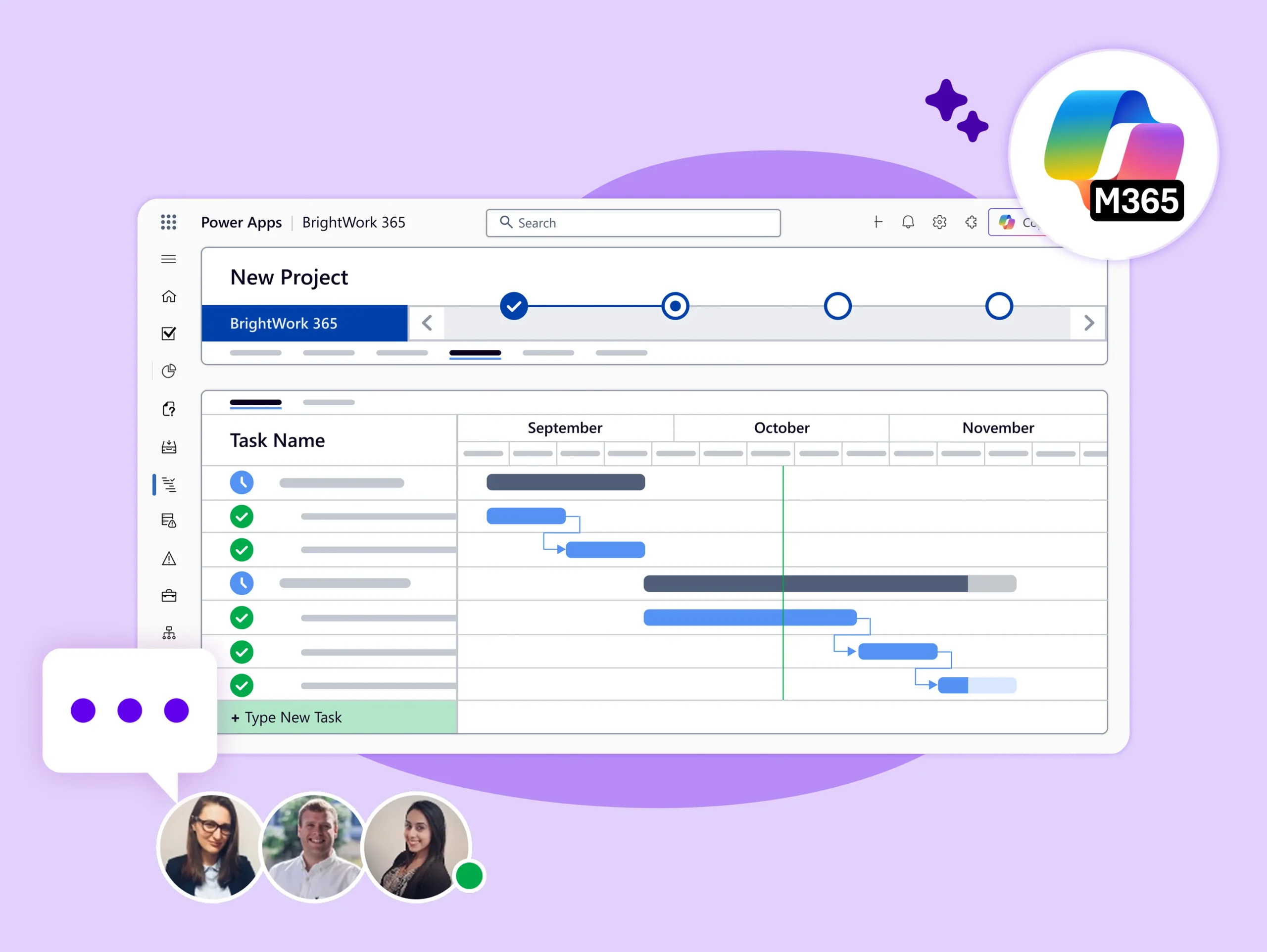
Work smarter with no-code automation. BrightWork 365 with Power Automate streamlines key project tasks and processes so you can save time, reduce errors, and focus on your top priorities.
It centralizes all project documents in one place. Collaborate on Word, Excel, PowerPoint, and OneNote files directly in your project site, and create, save, and share documents in whatever format your team prefers.

Secure & Optimize Projects

Streamline your processes and protect project data with BrightWork 365 and Microsoft 365.

  • Protect data and users with Microsoft security and compliance features.

  • Manage permissions via Microsoft 365 Admin Center or Entra (Azure AD) and Groups.

  • Use Microsoft Dataverse to streamline project and task management.

  • Securely record and share data with remote teams.
  • Get top-tier security and easy access to project data with Microsoft’s compliance capabilities.
  • Manage permissions through the Microsoft 365 admin center or Microsoft Entra.
  • Use Microsoft Dataverse to support project and task management processes.
  • Keep data secure while teams record and share information remotely.
Integration Benefits

  • End-to-End Visibility – R&D to leadership access updates, dashboards & docs consistently.
  • Reduced Admin & Faster Delivery – Automate requests, approvals & tracking to focus on production.
  • Role-Based Data Access – From engineers to PMOs to executives, everyone accesses what they need through Entra ID-backed access controls.
  • Scalable, IT-Light Flexibility – No heavy coding—use Power Platform tools to adapt and grow your PPM systems as your maturity evolves.

Use Cases in Manufacturing

  • R&D Requests & Project Intake – Power Automate routes requests to PMO, auto-creates approved project sites.
  • Multi-Plant Project Oversight – Power BI consolidates project data across plants into centralized dashboards.
  • ERP-Linked Cost Tracking – Pulls cost and budget updates from Dynamics 365 Finance into project dashboards.
  • Compliance-Driven Project Stages – Stage-gate approvals via Power Automate, Teams, and SharePoint.
  • Cross-Functional Team Updates – Teams channels share discussions, files & approvals for full visibility.

Customer Success Stories

“BrightWork 365 provides an integrated Project Request and Portfolio Management system that improves visibility into project status, issues, and progress.

Configurable and custom templates ensure consistent project planning and delivery.”
– Director of Innovia
“BrightWork 365 provides an integrated Project Request and Portfolio Management system that improves visibility into project status, issues, and progress. 

Configurable and custom templates ensure consistent project planning and delivery.”
“With BrightWork 365 being a Microsoft 365 solution, reporting became easier along with increased visibility in all aspects of our projects.

The familiar interface as well as utilization of SharePoint Online and Microsoft Teams enabled us for quicker adoption.”
– Director of Silver Bay Seafoods
“With BrightWork 365 being a Microsoft 365 solution, reporting became easier along with increased visibility in all aspects of our projects. 

The familiar interface as well as utilization of SharePoint Online and Microsoft Teams enabled us for quicker adoption.”
“We wanted to establish a good project delivery model and guide project managers to get even better at managing projects day to day.

Our PMO has the saying – Simplicity & Transparency – BrightWork365 gave us the tools to do that.
– Director of H+H International
“We wanted to establish a good project delivery model and guide project managers to get even better at managing projects day to day. 

Our PMO has the saying  – Simplicity & Transparency – BrightWork365 gave us the tools to do that.
“We had over 200 requests in a pile with no organization.

Brightwork allowed us to provide visibility into the individual projects and to save the key deliverables where all can see.’’
– Director of Flow Control Group
“We had over 200 requests in a pile with no organization.  

Brightwork allowed us to provide visibility into the individual projects and to save the key deliverables where all can see.’’
“We were looking to implement a tool that was tightly integrated with the Microsoft ecosystem that we could automate and extract information between systems. Excellent integration capabilities combined with a business who is interested in improving the product is an outstanding outcome for us.”
– Director of Azured
“We were looking to implement a tool that was tightly integrated with the Microsoft ecosystem that we could automate and extract information between systems. Excellent integration capabilities combined with a business who is interested in improving the product is an outstanding outcome for us.”

Let's Talk

Want to see how BrightWork 365 can work for your manufacturing business?

Live Demo