BrightWork 365 and Microsoft Teams
Collaborate on projects and tasks seamlessly in one place, fully integrated with Microsoft 365.

Trusted by industry leaders
Simplify Project Collaboration
-
BrightWork 365 integrates seamlessly with Microsoft Teams to improve collaboration for project teams across departments and locations.
-
Teams get a single shared workspace to coordinate work in real time, reduce silos, and avoid long email threads.
-
Members can chat, meet, share files, and review project updates directly within Teams – making communication transparent and decision-making efficient.
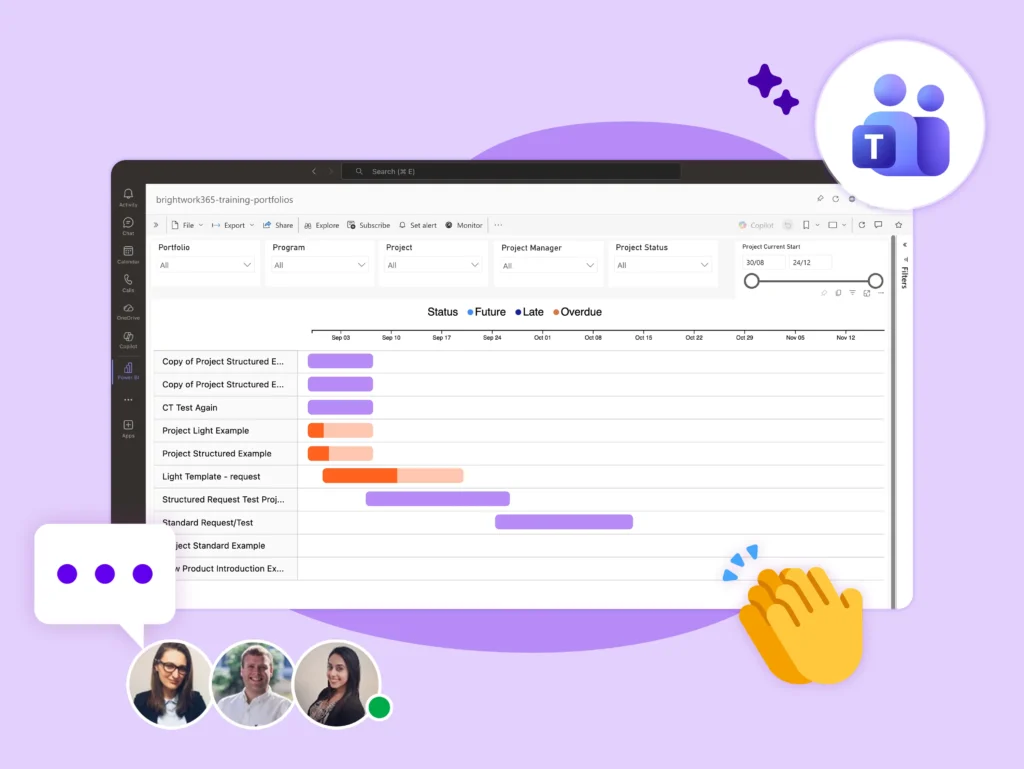
Work Better, Together
Centralize project work, communication, and approvals in Microsoft Teams with BrightWork 365.
-
Remove silos and eliminate long email threads with all communication in a single channel.
-
Make and track decisions with more transparency.
-
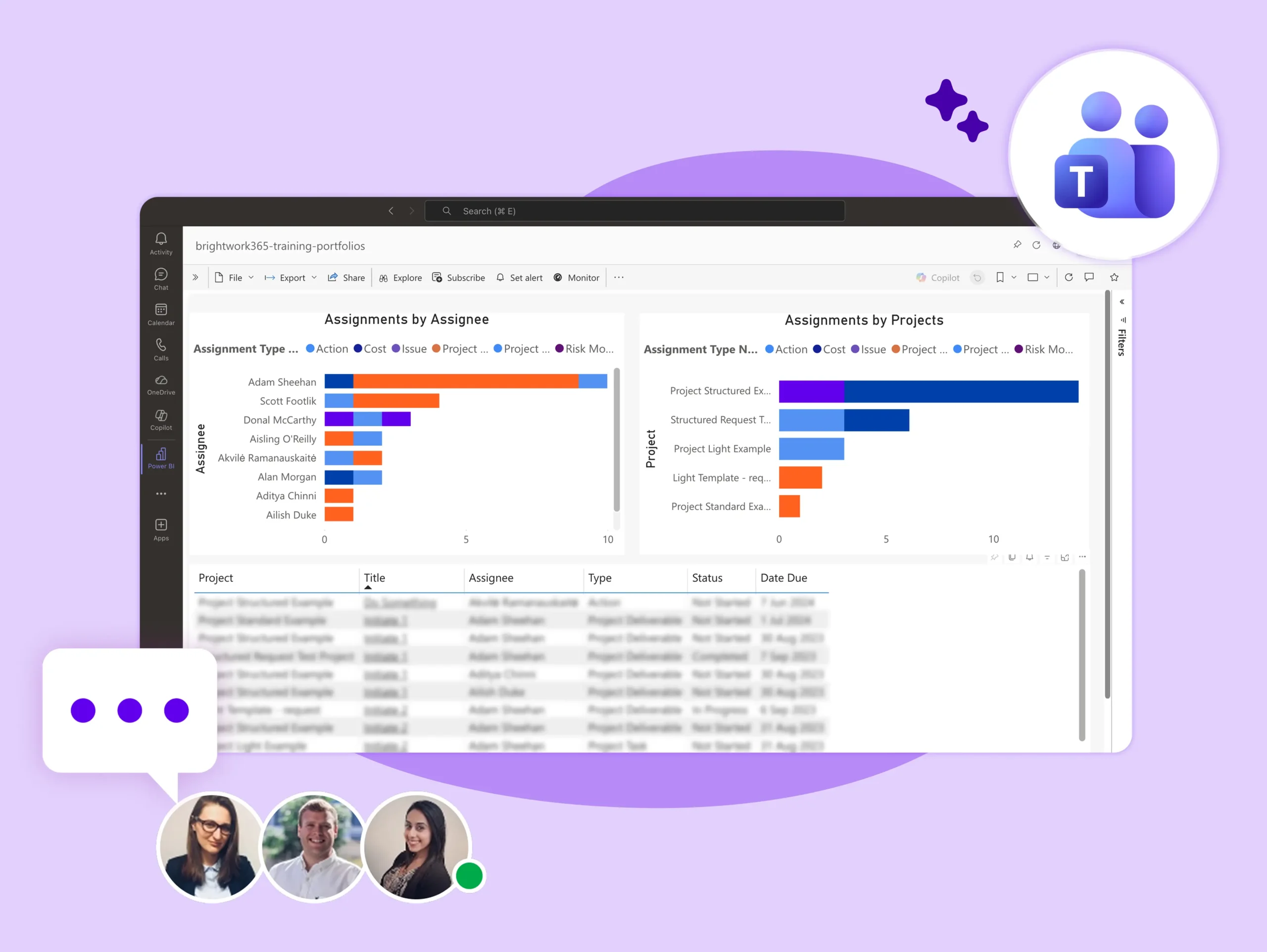
Use search and filters in Microsoft Teams to find information.
-
Save time by working on your project in Microsoft Teams instead of switching between multiple apps.
-
Connect and work together with features like instant chat and video meetings.
-
Help new team members get up to speed quicker with access to historical information and chats.
-
Rely on Microsoft Teams to keep your data secure and compliant.
-
Run better project meetings with recordings, whiteboards, breakout rooms, and PowerPoint Live.
-
Work on the project site in real-time during a call. Add new tasks and update work-in-progress.
-
Use bots and apps to run surveys, collect requirements, and get feedback on deliverables.
-
Install Microsoft Teams ‘Approvals’ to review and approve new project requests.
-
Easily create, manage, and share approvals from your project hub.
-
Get notified for new request submissions and approvals to take timely actions.
Do More with BrightWork 365
-
Customize – Easily configure your BrightWork 365 solution to customize your project workflows and processes.
-
Integrate – Use Microsoft apps and the Power Platform to expand your project management capabilities.
-
Collaborate – Work with your dedicated Customer Success Partner to securely deploy, adopt, and evolve your BrightWork 365 solution.