Track Projects with BrightWork 365 Free

Easy Project Tracking for Microsoft 365 Teams – Add unlimited projects and users. Free Forever!
Trusted by industry leaders

What is BrightWork 365 Free?

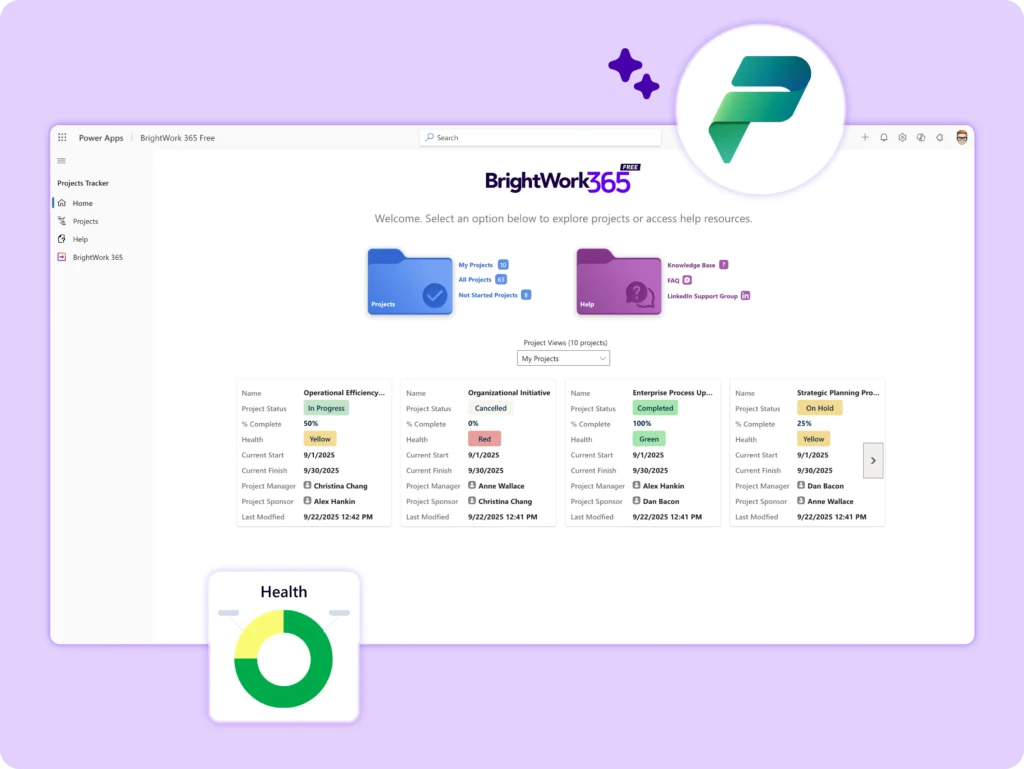
BrightWork 365 Free is a streamlined project tracking app built on Microsoft 365 and the Power Platform. Track unlimited projects with unlimited users, without the complexity of traditional project management tools.


It’s the fastest way to get started with project tracking in your Microsoft environment – free, simple, and ready to scale.
Who is it for?

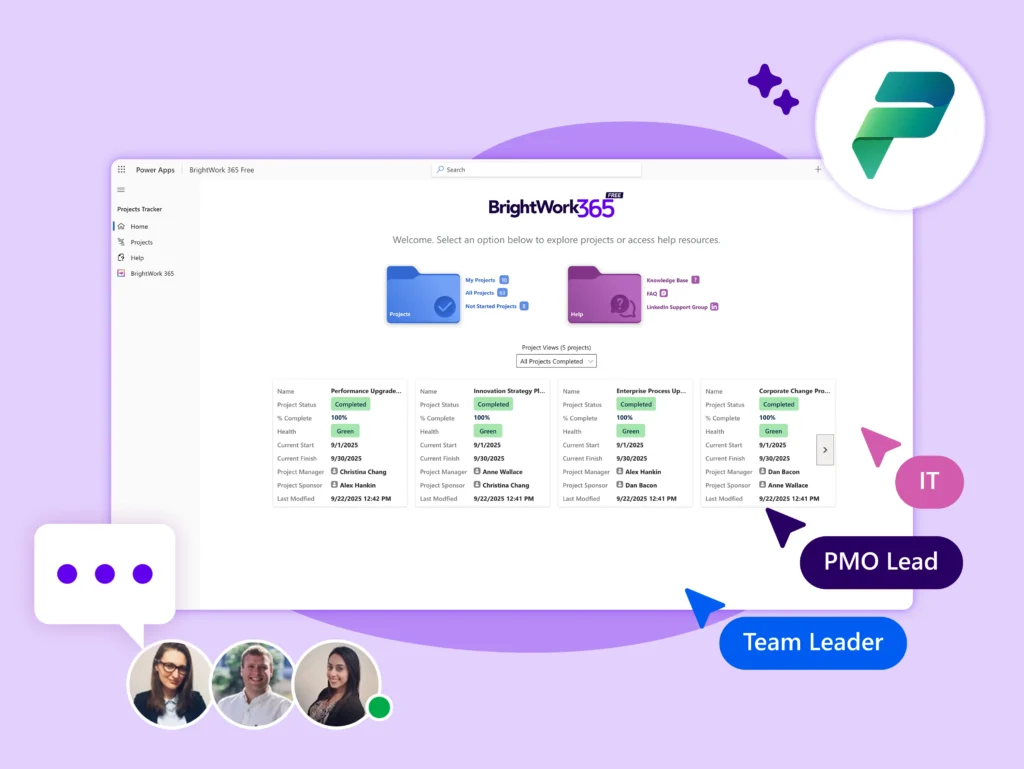
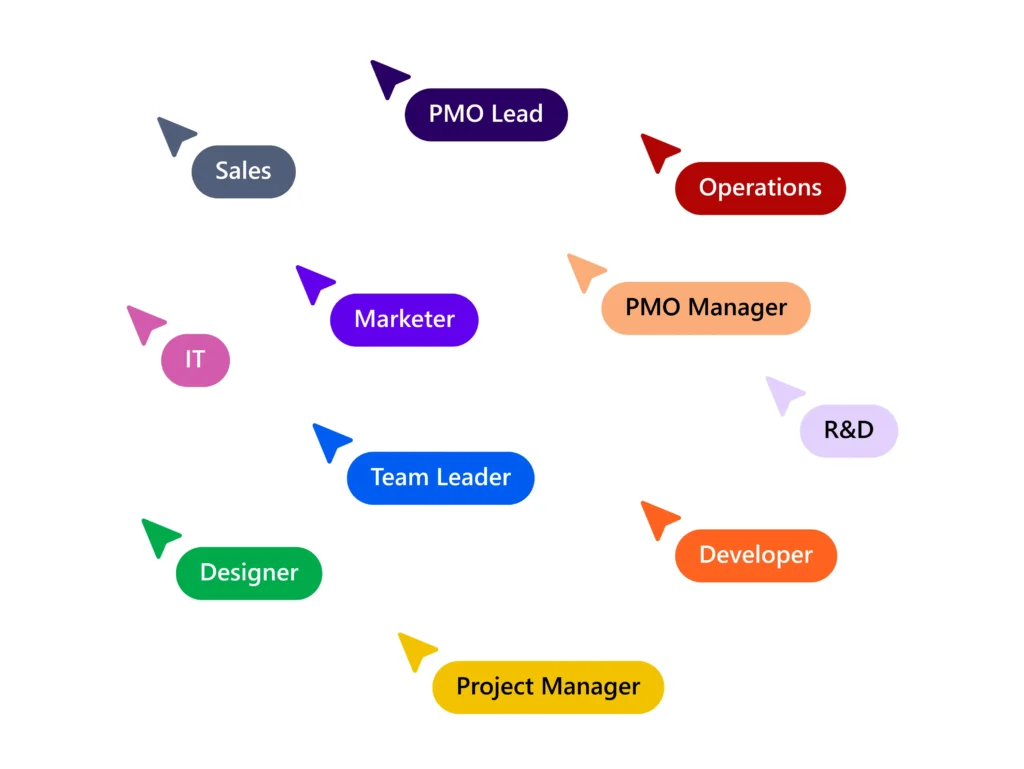
  • Project Managers & Teams – Start tracking projects quickly and securely, using Microsoft 365.

  • PMO Managers – Log project intent and status in one central place for better alignment and oversight.

  • PMO Leads / CTOs – Manage cross-functional, remote, and global projects, even with limited PM training.

  • Growing PMOs – Implement a free, intuitive tracker today with an easy path to scale tomorrow.
Why Choose it?

  • Get started in minutes – Install directly from Microsoft AppSource with just a few clicks.

  • Immediate visibility – Track progress, health, and key dates in a clean, unified interface.

  • Unlimited users & projects – Collaborate freely across teams and departments.

  • Free forever – No hidden costs, time limits, or extra licenses

  • Built for Microsoft 365 – Familiar tools, secure platform.

  • Ready to scale – Upgrade easily to the full BrightWork 365 solution when you need more advanced features.

Key Features

  • Home Page – Simplified navigation to all tracker areas.

  • Project Charter – Define project intent and key dates.

  • Completion Tracking – Monitor the percentage complete for each project.

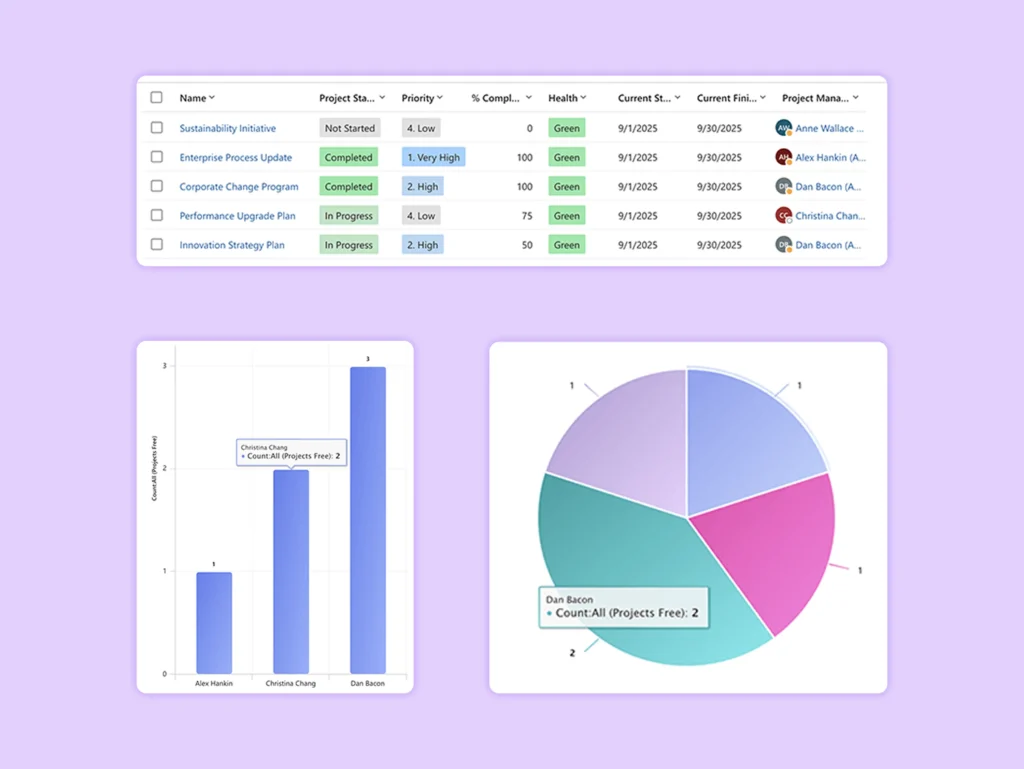
  • Project List View – Get a quick overview of all active and finished projects.

  • Project Status Tracking & Audit History – View start, end, and completion dates, with detailed logs of all changes.

  • Sample Projects – Preloaded examples to start quickly.
Upgrade to Full Solution

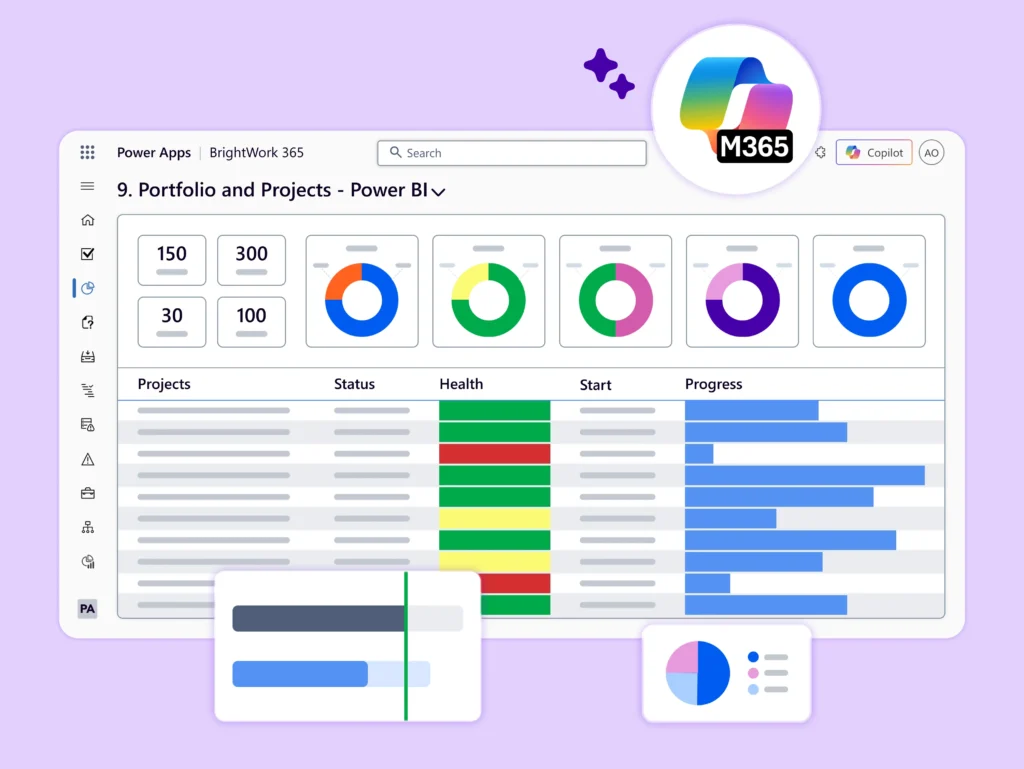
Start with easy project tracking and scale when needed. When you’re ready, unlock advanced features like: Resource planning, Portfolio dashboards, Risk and issue tracking, Program management, Microsoft Teams integration, and Custom project templates.
BrightWork 365 Free Support

Users will have access to:

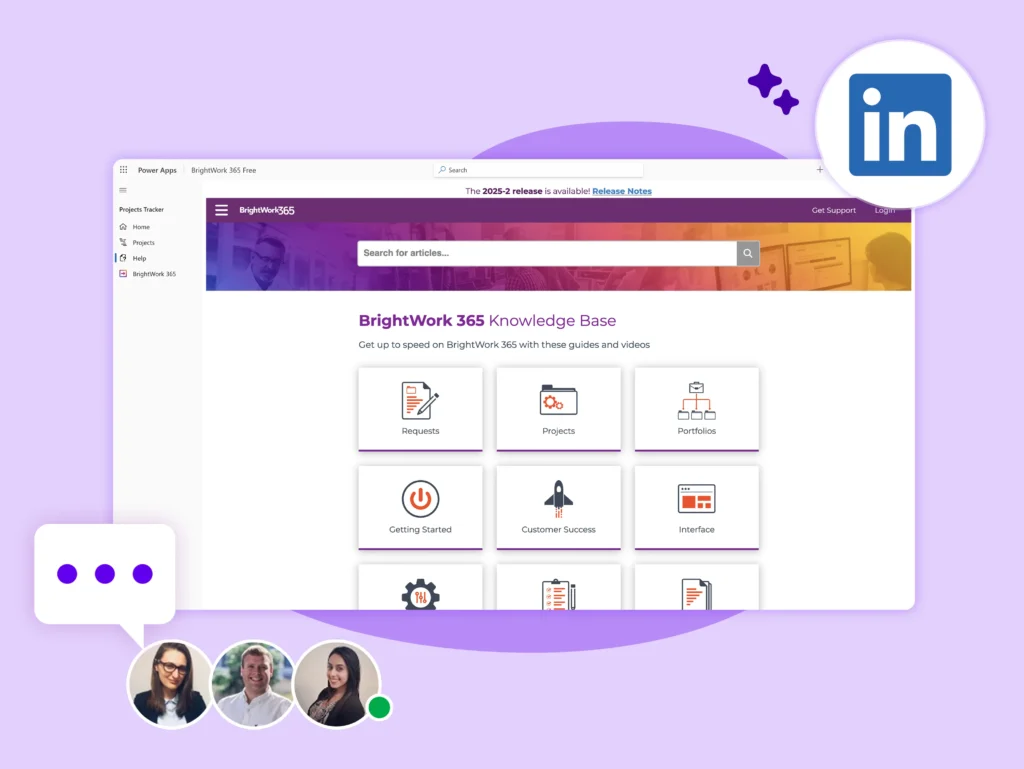
  • Knowledgebase – Step-by-step guides and walkthroughs.

  • A private LinkedIn Group – Connect with the user community and the BrightWork team.
Get BrightWork 365 Free

Free project tracker for all skill levels – Add unlimited projects and users.

Frequently Asked Questions

BrightWork 365 Free is a streamlined project tracking app built on Microsoft 365 and the Power Platform, designed to help organizations quickly get visibility and control over their projects without the complexity of traditional project management tools.

It’s ideal for:

  • PMO Managers who need a fast, secure way to launch a simple project tracker using their existing Microsoft 365 environment.

  • It helps ensure that senior executives can easily see which projects require attention and which are progressing smoothly.

  • Project Managers who want to log the intent and status of their projects in one central place, making it easier for teams and leadership to stay aligned.

  • Organizations dealing with a growing number of cross-functional, remote, and global projects often managed by individuals without formal project management training.

With BrightWork 365 Free, you can hit the ground running and start managing projects right away. No setup headaches or steep learning curves. It’s built to help you track the essentials: create project records, outline your project’s purpose with a basic charter, and keep tabs on progress, health, and key dates.

You’ll get a clean, simplified homepage and project view that makes it easy to stay organized and focused.

It’s a great starting point for teams who want quick visibility and control. And when you’re ready for more advanced features like resource planning, portfolio dashboards, or risk tracking, upgrading to the full BrightWork 365 solution is simple and your data comes with you.

Yes. We created BrightWork 365 Free to help project teams be more successful with project management using Microsoft 365. It’s free forever, and you can use the free app for as long as you need to.

Yes, absolutely. For organizations and users who would like to upgrade to the full version of BrightWork 365, there is an easy upgrade path.  

When the users are ready for more advanced features and capabilities like program and portfolio management, program and portfolio reporting, risks and issues tracking, costs and budgeting,  resource utilization, and more, or are looking to extend the solution with other Microsoft 365 integrations, BrightWork 365 Free can be easily upgraded to the full BrightWork 365 solution.  

BrightWork 365 Free is designed with a seamless upgrade path in mind, so the user’s project data can be easily migrated when you’re ready to move to the full version. This makes it easy for project teams to start simple and scale up when they need more advanced project and portfolio management features. 

You can migrate to the full BrightWork 365 product at any time. Contact our Sales team to get started!

You can add an unlimited number of project managers to BrightWork 365 Free. This means your entire team, department, or organization can collaborate on projects without worrying about user limits or licensing constraints.

BrightWork 365 Free allows you to track the high-level details of an unlimited number of projects. Whether you’re managing a handful of initiatives or scaling across dozens of teams, the free version gives you the flexibility to log and monitor as many projects as you need.

BrightWork 365 Free is a lightweight project tracking app designed to help teams quickly start managing projects using their existing Microsoft 365 environment. It focuses on essential functionality, making it ideal for organizations that need a fast, simple way to gain visibility and control over their projects.

Key features of the Free version include:

Unlimited projects and project managers Basic project records and charter definition High-level tracking of progress, health, and key dates Simplified homepage and project views Self-help knowledge base and access to a private LinkedIn Group for support Seamless upgrade path to the full version via shared schema and migration utility  

The Full version of BrightWork 365 builds on this foundation with a comprehensive suite of project and portfolio management capabilities, including:

Advanced project, program, and portfolio management Advanced projects, programs, and portfolios templates Power Automate Workflows Interactive Power BI dashboards for advanced reporting, views, and updates Automated project intake/request management Resource management and capacity planning Risk and issue tracking Microsoft Teams Integrations for Collaboration Change management Configurable and Customizable Capabilities   Enhanced support options and onboarding services  

In short, the Free version is perfect for getting started quickly, while the Full version is designed for organizations ready to scale and mature their project management practices. For more details, check out BrightWork 365.

Support for BrightWork 365 Free is designed to help users get started quickly and independently.  

Users have access to: A self-help knowledge base with step-by-step guides, feature walkthroughs, and troubleshooting tips.  

A private LinkedIn Support Group, where users can ask questions, share experiences, and connect with other BrightWork 365 Free users and the BrightWork team.