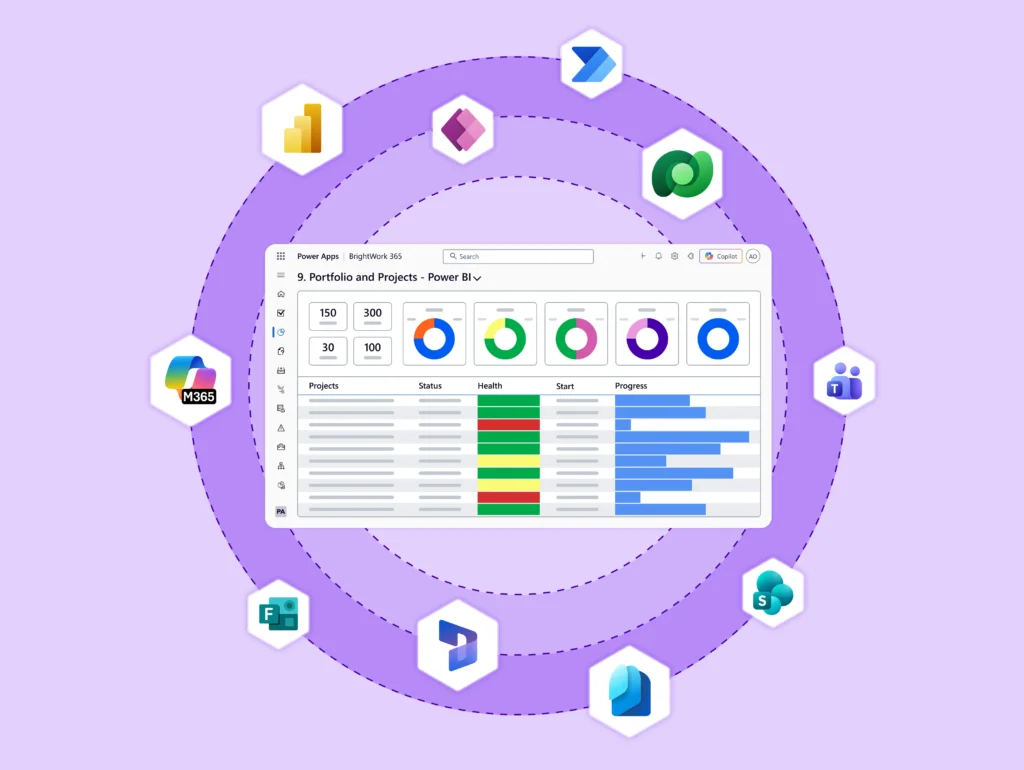
Book a Personalized BrightWork 365 Demo
Talk to a Solution Specialist about your project and portfolio management needs with Microsoft 365.
During your demo, you will get:
- An interactive walkthrough of BrightWork 365 tailored to your requirements.
- Product and pricing questions answered by a BrightWork 365 Solution Specialist.
- Guidance how to use Microsoft 365 and the Microsoft Power Platform for project management.
Custom demos can be scheduled in all time zones.
Get Your BrightWork 365 Demo
Oops! We could not locate your form.
Are you using SharePoint On-Premises?
The full BrightWork Project and Portfolio Management (PPM) solution can be installed on one of either (i) an on-premises versions of SharePoint 2016 and 2019, or (ii) a SharePoint environment on your organization’s servers or hosted in a private cloud of your choice (Microsoft Azure, AWS, or similar). BrightWork for SharePoint deployment options.
What Solution would you like to see?
Manage projects and portfolios with BrightWork 365 for Microsoft 365 or BrightWork for SharePoint Server.
For Microsoft 365, Power Platform, and Teams
For SharePoint 2016 and 2019
BrightWork 365
If you are thinking SharePoint Online and are looking for a solution for the Microsoft 365 cloud then our BrightWork 365 solution is a very exciting option to explore.
BrightWork for SharePoint
*The full BrightWork Project and Portfolio Management (PPM) solution can be installed on one of either (i) an on-premises versions of SharePoint 2016 and 2019, or (ii) a SharePoint environment on your organization’s servers or hosted in a private cloud of your choice (Microsoft Azure, AWS, or similar). BrightWork for SharePoint deployment options.